Accidental data sharing happens when employees send, upload, forward, or give access to business information by mistake. This can include sending files to the wrong person, sharing public links, using personal email, or giving broad folder access.
For small businesses, the best way to prevent accidental data sharing is to use clear rules, secure tools, employee training, and strong access controls.
Key Takeaways
- Accidental data sharing often happens through email, cloud storage, messaging apps, and shared drives.
- Businesses can reduce risk by limiting access, using secure file sharing tools, and training employees.
- Employees should only access the files and systems they need for their role.
- Multi-factor authentication, data loss prevention, and device management can help prevent mistakes.
- Managed IT services can help small businesses improve access control, cloud security, and data protection.
What Is Accidental Data Sharing?
Accidental data sharing is the unintentional exposure of business data. It is usually caused by simple mistakes rather than intentional misuse.
Common examples include:
- Sending an email to the wrong person
- Attaching the wrong file
- Sharing a public cloud link
- Giving edit access instead of view-only access
- Uploading files to a personal account
- Forgetting to remove former employee access
These mistakes can expose customer records, financial files, employee data, contracts, passwords, or internal business documents.
Why Accidental Data Sharing Is a Risk
Most businesses share files every day. Without clear rules, sensitive information can easily reach the wrong person.
Accidental data sharing can lead to:
- Data leaks
- Compliance issues
- Customer trust problems
- Financial loss
- Phishing or fraud risks
- Legal exposure
This is why businesses need strong data protection habits. Adivi’s guide on data protection best practices explains how access control, training, secure storage, and backups help protect business information.
Checklist to Prevent Accidental Data Sharing
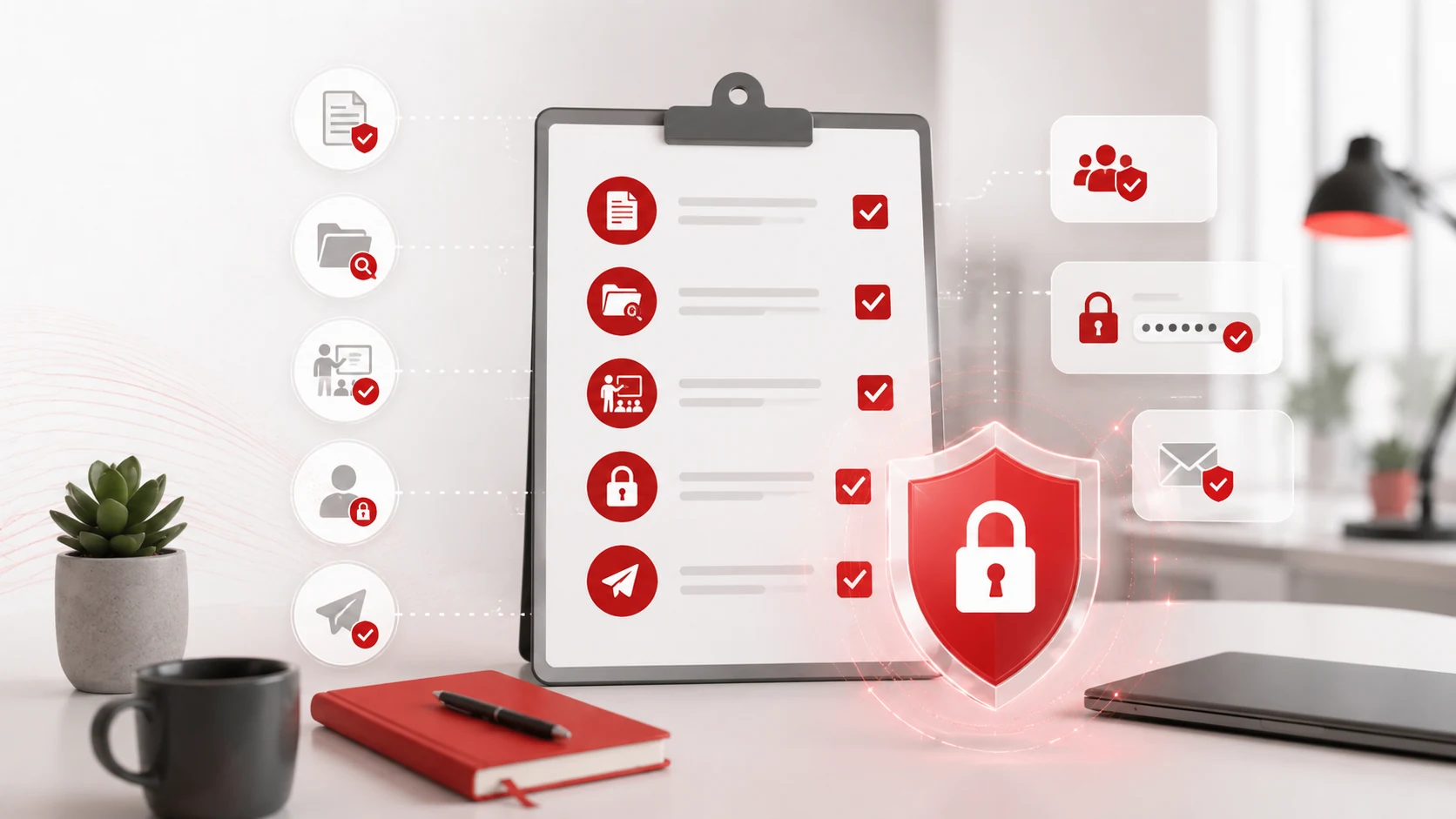
Use this checklist to reduce the risk of employees sharing sensitive data by mistake.
1. Create Clear Data Sharing Rules
Employees should know what data is sensitive, which tools to use, and when files can be shared outside the company.
Your policy should explain:
- What data must be protected
- Which file sharing tools are approved
- Who can approve external sharing
- When shared links should expire
- What to do if a mistake happens
Keep the policy simple so employees can follow it easily.
2. Limit Access by Role
Not every employee needs access to every file or system. Give employees access only to what they need for their job.
For example, a sales employee may need customer contact details but not payroll files. This reduces the risk of accidental exposure and limits damage if an account is compromised.
3. Use Secure File Sharing Tools
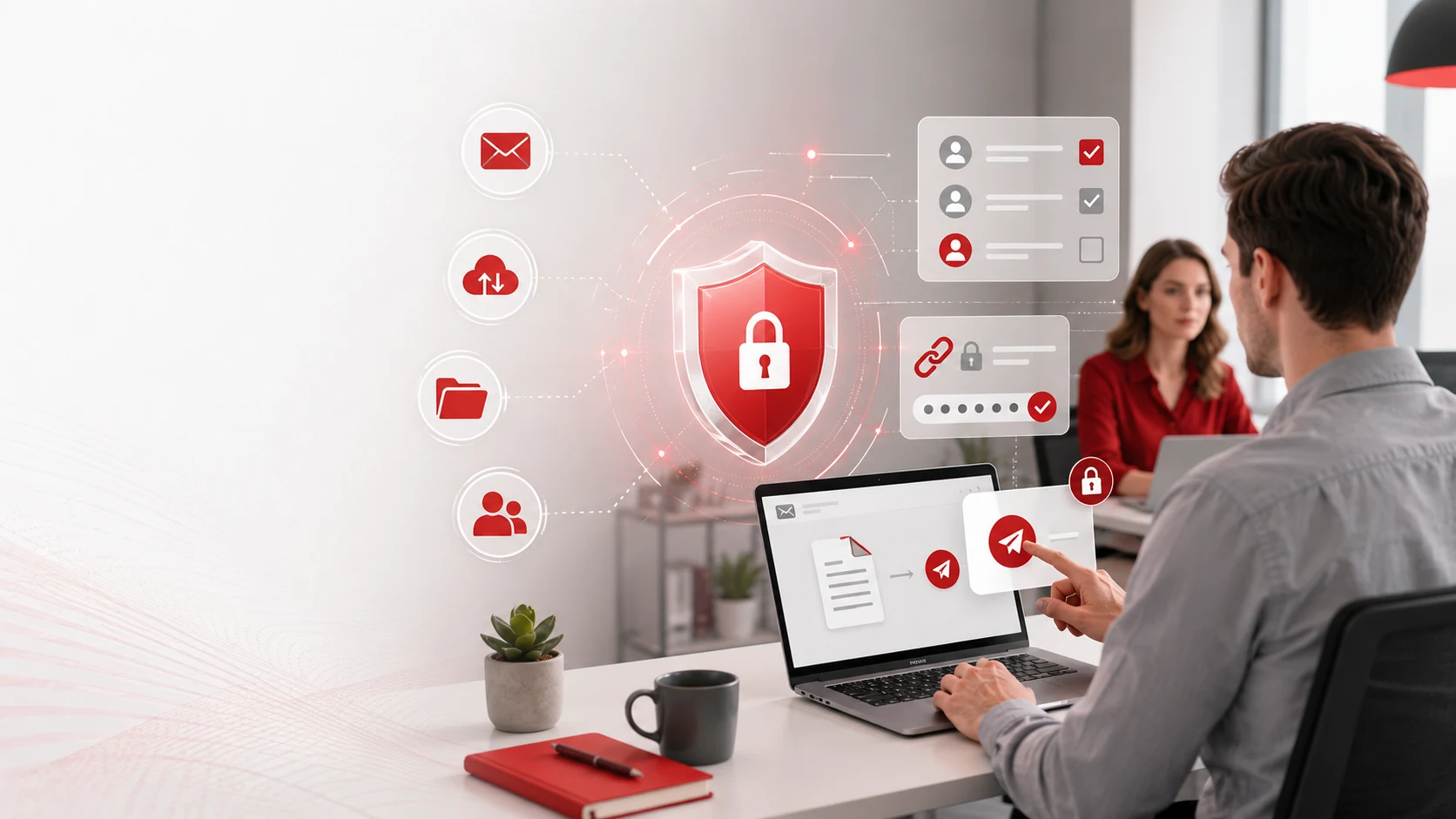
Avoid sending sensitive files through unsecured email or public links. Use secure file sharing tools that support:
- Password-protected links
- Expiring links
- View-only access
- Download restrictions
- Access logs
- External sharing controls
For more guidance, read Adivi’s guide on secure file sharing for businesses.
4. Review Cloud Sharing Permissions
Cloud tools are useful, but they can also increase sharing risks when permissions are not managed properly.
Review:
- Public links
- Shared folders
- External users
- Former employees
- Files shared with personal emails
- Folders with edit access
Businesses using cloud platforms can work with cloud computing services to manage storage, permissions, security settings, and remote access.
5. Use Data Loss Prevention Tools
Data loss prevention, or DLP, helps detect and stop sensitive data from being shared in risky ways.
DLP tools can help protect:
- Customer records
- Financial data
- Employee files
- Legal documents
- Passwords
- Confidential business files
Adivi’s guide on what data loss prevention is explains how DLP helps protect information across email, cloud storage, endpoints, and file sharing tools.
6. Train Employees on Safe Sharing
Employees should know how to share files safely before mistakes happen.
Training should cover:
- Checking email recipients
- Avoiding public file links
- Using approved sharing tools
- Handling customer data
- Reporting accidental sharing
- Spotting phishing emails
- Avoiding personal email for work files
Short, regular reminders are often more effective than one long training session.
7. Strengthen Email Security
Email is one of the most common ways data is shared by mistake.
To reduce email risks:
- Use external recipient warnings
- Enable multi-factor authentication
- Block forwarding to personal accounts
- Use secure links instead of attachments
- Review email groups regularly
- Train employees to check attachments before sending
Adivi’s guide on email security solutions explains how businesses can reduce email-based security risks.
8. Manage Company Devices
Employees may access business files from laptops, phones, tablets, or remote devices. These devices should be secured and managed.
Device management can help businesses:
- Require screen locks
- Enforce encryption
- Install updates
- Control app access
- Remove company data from lost devices
- Separate business and personal data
Businesses with remote or hybrid teams may benefit from mobile device management.
9. Keep Backups in Place
Backups help businesses recover if files are deleted, changed, overwritten, or affected by a security issue.
A backup plan should include:
- Regular backup schedules
- Secure backup storage
- Tested recovery steps
- Clear retention periods
- Protection for cloud files
A strong data backup and disaster recovery plan can help protect important data when mistakes happen.
10. Review Access Regularly
Employee access should be reviewed often, especially when people change roles or leave the company.
Check:
- Former employee accounts
- Old vendor accounts
- Shared folders
- Admin permissions
- External collaborators
- Email groups
- Cloud storage access
Regular reviews help make sure sensitive data stays limited to the right people.
Simple Data Sharing Prevention Checklist
| Task | Complete |
| Create data sharing rules | |
| Identify sensitive business data | |
| Limit access by role | |
| Use secure file sharing tools | |
| Review cloud permissions | |
| Disable public links when not needed | |
| Use data loss prevention tools | |
| Train employees on safe sharing | |
| Strengthen email security | |
| Enable multi-factor authentication | |
| Manage company devices | |
| Remove former employee access | |
| Test backup and recovery processes |
How Managed IT Services Can Help
Small businesses may not always have time to manage access controls, cloud permissions, security tools, backups, and employee training on their own.
A managed IT provider can help with:
- Access reviews
- Secure file sharing setup
- Email security
- Multi-factor authentication
- Device management
- Data loss prevention
- Backup planning
- Ongoing IT support
Businesses that need stronger protection can use managed IT services and cybersecurity services and solutions to reduce data exposure and improve everyday security.
Final Thoughts
Accidental data sharing is easy to overlook, but it can create serious business risks. A simple mistake, such as sending the wrong attachment or sharing a public link, can expose sensitive information.
The best way to prevent it is to use clear rules, secure tools, employee training, access reviews, and reliable IT support. When these steps are in place, employees can share information safely without slowing down daily work.
FAQs About Accidental Data Sharing
What is accidental data sharing?
Accidental data sharing is when business information is unintentionally exposed through email, cloud storage, file sharing tools, messaging apps, or incorrect access permissions.
What causes accidental data sharing?
Common causes include human error, public links, wrong email recipients, weak access controls, personal device use, and lack of employee training.
How can businesses prevent accidental data sharing?
Businesses can prevent accidental data sharing by limiting access, using secure file sharing tools, enabling multi-factor authentication, training employees, reviewing cloud permissions, and using data loss prevention tools.
Why is data loss prevention important?
Data loss prevention helps detect and stop risky sharing of sensitive information across email, cloud storage, devices, and file sharing platforms.
How can managed IT services help?
Managed IT services can help manage access, secure devices, review cloud settings, set up backups, improve email security, and provide ongoing cybersecurity support.