Accidental data sharing happens when employees unintentionally expose business information by sending files to the wrong person, using unsafe sharing methods, or providing access to users who should not have it.
Even with cybersecurity tools in place, mistakes such as incorrect email recipients, outdated permissions, and unsecured file links can expose sensitive business information. For small businesses, preventing accidental data sharing requires a combination of secure tools, clear policies, proper access controls, and employee awareness.
By creating safer data-sharing habits, businesses can reduce the risk of exposing customer information, financial records, internal documents, and other sensitive data.
Key Takeaways
- Accidental data sharing often happens through email mistakes, cloud storage settings, and incorrect permissions.
- Businesses can reduce risks by controlling access, using secure sharing tools, and training employees.
- Sensitive information should only be available to users who need it for their role.
- Security solutions such as MFA, DLP, and managed IT services can help protect business data.
Why Accidental Data Sharing Is a Business Risk
Businesses share information every day. Employees send contracts, customer details, invoices, reports, and internal documents through email, cloud storage platforms, and collaboration tools.
While these technologies improve productivity, they can also create security risks when used incorrectly. A single mistake, such as sending a confidential document to the wrong recipient or leaving a public file link active, can expose important business information.
Accidental data sharing can result in:
- Customer data exposure
- Financial losses
- Compliance concerns
- Damage to customer trust
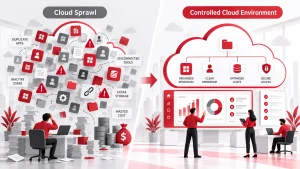
Small businesses may face greater risks because they often use multiple cloud platforms without formal processes for managing access and sharing. Following data protection best practices can help businesses build stronger habits around protecting sensitive information.
Common Causes of Accidental Data Sharing
Understanding how accidental exposure happens can help businesses create better prevention strategies.
Sending Files to the Wrong Recipient
Email remains one of the most common causes of accidental data sharing. Employees may select the wrong contact, attach the incorrect file, or reply to an email thread that includes unintended recipients.
These mistakes can expose sensitive documents such as customer records, financial reports, contracts, or employee information.
Incorrect File Permissions
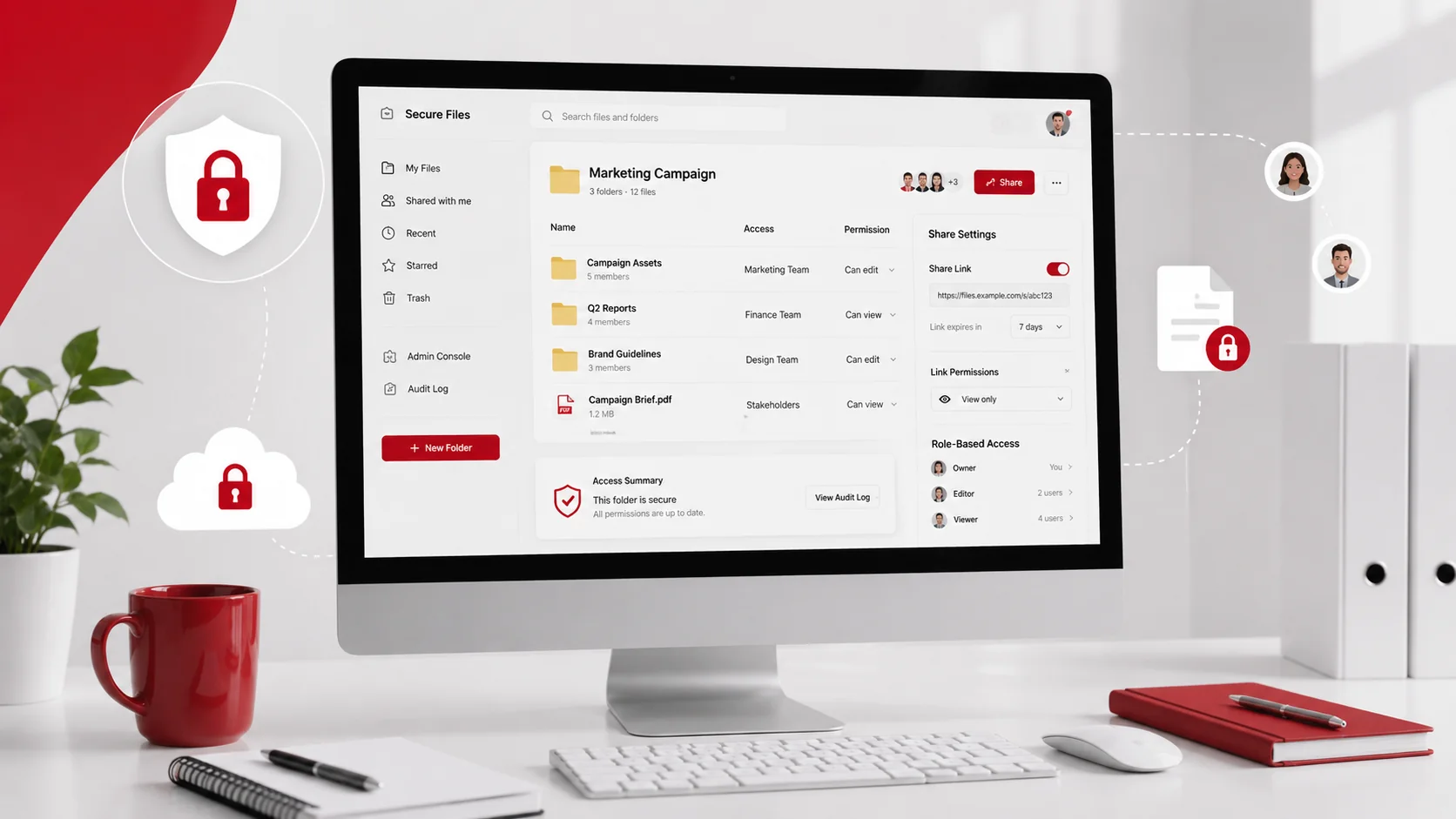
Cloud storage makes collaboration easier, but poor permission settings can give access to people who do not need it.
Common permission issues include:
- Publicly accessible file links
- Shared folders with excessive access
- Edit permissions when view-only access is sufficient
- Former employees retaining access
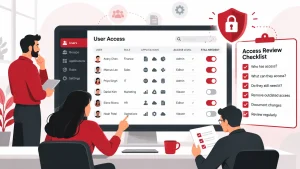
Regular permission reviews help businesses identify unnecessary access and reduce exposure risks.
A file sharing permissions audit can help identify outdated permissions and improve access control.
Using Unapproved Sharing Methods
Employees may use personal email accounts, personal cloud storage, or messaging applications when approved business tools are inconvenient.
Although these methods may seem faster, they make it harder for businesses to monitor activity, apply security controls, and recover shared information if something goes wrong.
Lack of Employee Awareness
Employees may not always understand which information is sensitive or how it should be shared securely.
Without clear guidance, even simple actions such as forwarding documents or creating shared links can increase the risk of accidental exposure.
Regular security awareness training helps employees understand their role in protecting business information.
How to Prevent Accidental Data Sharing
Preventing accidental data sharing requires a combination of technology, processes, and employee awareness.
Create Clear Data Sharing Rules
Businesses should establish simple guidelines that explain how employees should handle and share information.
A data sharing policy should define:
- Which information requires additional protection
- Approved file-sharing platforms
- When external sharing is allowed
- Who can approve access requests
Clear rules make it easier for employees to make safer decisions when working with business information.
For more guidance, businesses can review this secure file sharing policy guide.
Classify Business Data by Sensitivity
Not all business information requires the same level of protection. Data classification helps employees understand which files need stronger security controls.
A basic classification system may include:
- Public data
- Internal data
- Confidential data
- Restricted data
For example, a public marketing document does not require the same protection as customer records or financial information.
A data classification guide can help businesses organise information and apply appropriate security measures.
Limit Access Based on Employee Roles
Employees should only have access to files and systems required for their work. Providing unnecessary access increases the chance of accidental exposure.
Businesses should regularly review:
- Employee permissions
- External user access
- Vendor accounts
- Shared folders
- Administrator privileges
Removing outdated access helps reduce unnecessary exposure and keeps sensitive information protected.
Use Secure File Sharing Tools
Sensitive information should be shared using approved tools that provide better security controls.
Secure file-sharing solutions may include:
- Encryption
- Password protection
- Expiring links
- View-only access
- Download restrictions
- Activity tracking
Using secure file sharing practices allows employees to collaborate while maintaining better control over business data.
Enable Multi-Factor Authentication
Passwords alone may not provide enough protection for business accounts. If login credentials are compromised, attackers may gain access to emails, cloud platforms, and shared files.
Multi-factor authentication (MFA) adds another verification step to help protect accounts from unauthorised access.
Businesses should enable MFA for:
- Email accounts
- Cloud storage platforms
- File-sharing tools
- Administrator accounts
Companies looking to strengthen their security approach can explore cybersecurity services and solutions to improve account protection and reduce risks.
Use Data Loss Prevention Tools
Data loss prevention (DLP) solutions help businesses detect and prevent risky sharing of sensitive information.
DLP tools can identify information such as:
- Customer records
- Financial documents
- Employee information
- Confidential business files
These tools can alert users or block actions when sensitive data is being shared through email, cloud storage, or other platforms.
Businesses can learn more about this approach through Adivi’s guide on data loss prevention.
Train Employees on Safe Data Handling

Technology cannot prevent every mistake. Employees need to understand how their actions affect business security.
Training should cover:
- Checking recipients before sending emails
- Reviewing file permissions before sharing
- Avoiding public file links
- Using approved sharing tools
- Reporting mistakes quickly
- Recognising phishing attempts
Short and regular training sessions help create stronger security habits across the organisation.
Simple Checks Before Sharing Business Files
Before sending or sharing a file, employees should take a few seconds to review:
- Is the recipient correct?
- Does this person need access?
- Are the permissions limited to what is required?
- Is the sharing method approved by the business?
- Should access expire after a specific period?
These simple checks can prevent many common data-sharing mistakes.
What to Do After Accidental Data Sharing Happens
Even businesses with strong security practices can experience mistakes. A clear response process helps reduce the impact.
Identify What Was Exposed
Start by reviewing:
- What information was shared
- Who received access
- Whether the file was opened or downloaded
- How the mistake occurred
Understanding the situation helps determine the appropriate response.
Remove Access Immediately
If information was shared incorrectly, businesses should act quickly by:
- Disabling public links
- Removing unnecessary permissions
- Changing access settings
- Revoking external access
Quick action can help prevent further exposure.
Document the Incident
Businesses should record what happened, how it was handled, and what improvements should be made.
Documentation helps organisations improve future processes and reduce the chance of similar incidents.
Mistakes That Increase Data Exposure Risk
Many data-sharing problems come from simple oversights.
Businesses should avoid:
- Keeping public links active after projects end
- Sharing sensitive files through personal accounts
- Giving broad access to shared folders
- Ignoring outdated permissions
- Allowing employees to use unapproved sharing tools
Regular reviews and clear procedures help reduce these risks.
How Managed IT Services Can Help Protect Business Data
Managing permissions, security settings, cloud platforms, and employee access can become difficult as a business grows.
A managed IT provider can help businesses:
- Review security settings
- Manage user permissions
- Configure cybersecurity tools
- Improve file-sharing practices
- Monitor potential risks
Managed IT services provide ongoing support to help businesses maintain secure and reliable technology systems.
For businesses using cloud platforms, cloud computing services can help manage secure storage, access, and collaboration. A reliable data backup and disaster recovery strategy can also help protect files if they are deleted, corrupted, or affected by security incidents.
Final Thoughts
Preventing accidental data sharing requires more than relying on employees to avoid mistakes. Businesses need a combination of secure tools, controlled access, clear procedures, and ongoing training.
By reviewing permissions, using approved sharing methods, protecting accounts with MFA, and improving employee awareness, small businesses can reduce the risk of sensitive information being exposed while continuing to collaborate effectively.
FAQs
What causes accidental data sharing?
Accidental data sharing is commonly caused by incorrect email recipients, weak file permissions, public links, unsafe sharing methods, and employee mistakes.
How can businesses prevent accidental data sharing?
Businesses can prevent accidental data sharing by using secure file-sharing tools, limiting access, training employees, enabling MFA, and regularly reviewing permissions.
Why are file-sharing permissions important?
File-sharing permissions control who can view, edit, download, or share business information. Proper permissions reduce unnecessary access and lower the risk of data exposure.
How can employees share sensitive files securely?
Employees should use approved file-sharing tools with encryption, access controls, expiration settings, and authentication features to protect sensitive information.
How can managed IT services help protect business data?
Managed IT services can help businesses manage security settings, review access permissions, improve cybersecurity controls, and reduce technology risks.