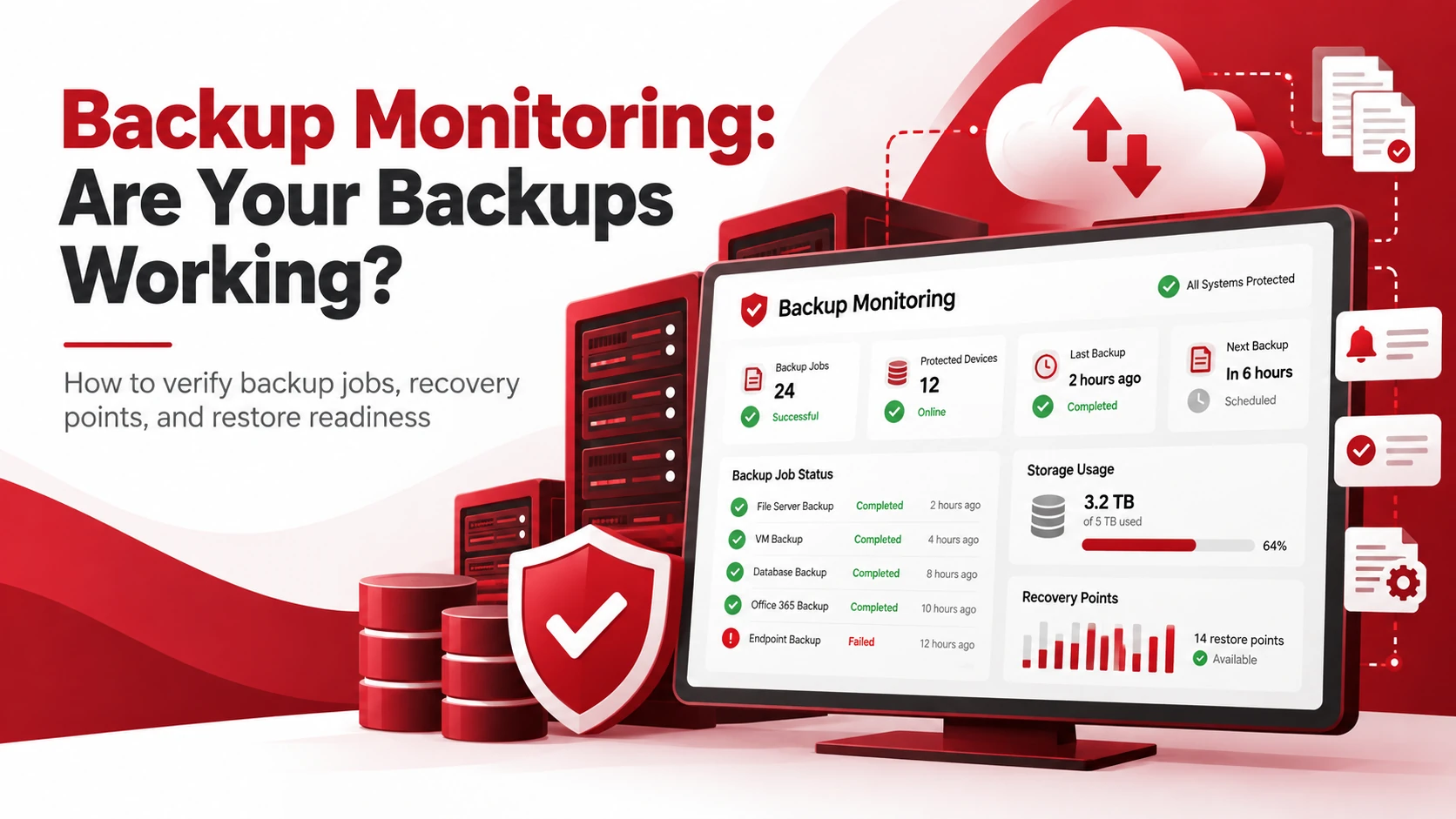
A business can have a backup system in place and still be at risk if those backups are failing, incomplete, or cannot be restored. Backup monitoring helps businesses confirm that backup jobs are running properly and that usable recovery points are available when data needs to be recovered.
Monitoring backup status, errors, storage capacity, and recovery points can help identify problems before they become serious. Restore testing provides an additional check by confirming that backed-up data can actually be recovered.
Key Takeaways
- Backup monitoring helps confirm whether backup jobs are completing successfully.
- Failed or incomplete backups should be investigated promptly.
- Monitoring should cover job status, errors, storage, and recovery points.
- Restore testing helps verify that backup data can be recovered.
- Automated alerts can help identify problems without constant manual checks.
What Is Backup Monitoring?
Backup monitoring is the process of checking backup systems to make sure jobs are running correctly and creating usable recovery points.
A backup may run automatically without completing successfully. Storage limitations, network problems, authentication issues, and configuration errors can all cause failures.
Monitoring tools help identify these issues through status checks and automated alerts.
How Do You Know If Your Backups Are Working?
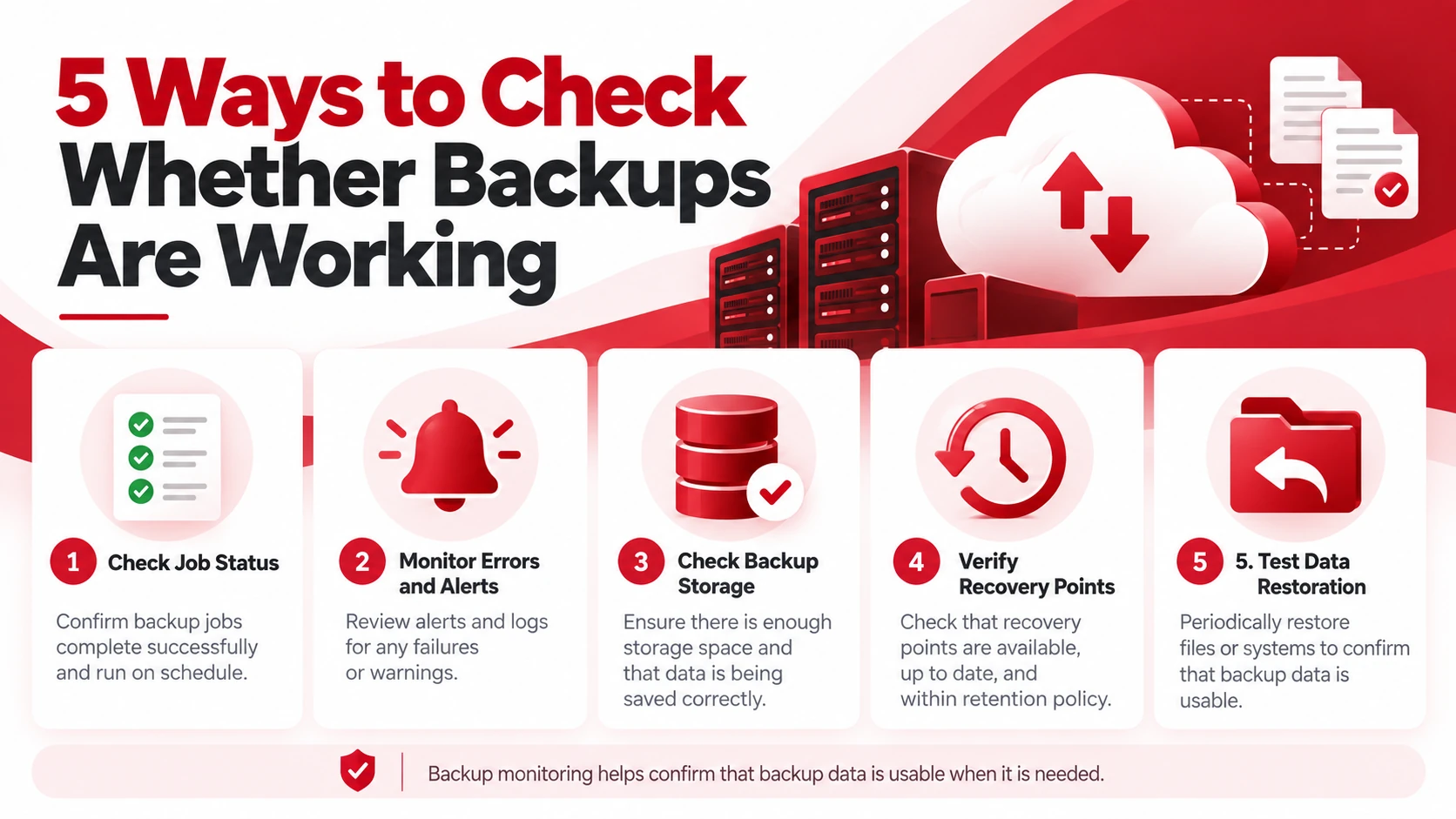
Several checks can help determine whether a backup system is operating as expected.
1. Check Backup Job Status
Start by reviewing the status of recent backup jobs. Most backup systems identify jobs as successful, failed, incomplete, or requiring attention.
A successful status means the job completed according to its configured process. Failed or incomplete jobs should be investigated, particularly when they involve critical business data.
2. Monitor Backup Errors and Alerts
Backup systems can generate alerts when a job encounters a problem.
Pay attention to warnings involving:
- Failed backup jobs
- Connection problems
- Authentication issues
- Configuration errors
- Insufficient storage
- Missing files or systems
Automated alerts make it easier to respond to problems without manually checking every backup.
3. Check Backup Storage
Backups need enough available storage to complete successfully. When capacity becomes limited, new backups may fail or older recovery points may be removed sooner than expected.
Regularly review storage usage and watch for unexpected increases. Also check whether available capacity supports the configured retention period.
For additional information about protecting backup data, see Adivi’s guide to 7 Ways to Secure Backup Data.
4. Verify Recovery Points
A backup job can report success without providing the recovery point a business expects.
Check that recent recovery points are available and include the systems, files, or data that need protection.
For example, if daily backups are expected but the newest recovery point is several days old, the issue should be investigated.
5. Test Data Restoration
The most reliable way to verify that backup data is usable is to perform a restore test.
Testing can reveal corrupted data, incomplete backups, incorrect configurations, or problems with the recovery process that may not appear in a normal backup status report.
Regular restore tests help confirm that the recovery process works before an actual incident occurs. Adivi’s disaster recovery plan template for small businesses also covers recovery procedures and testing.
Common Signs Your Backups May Not Be Working
Watch for warning signs such as:
- Repeated backup failures
- Missing or outdated recovery points
- Unusually long backup times
- Frequent storage warnings
- Recurring error messages
- Expected files or systems missing from backups
- Failed restore tests
A single failed job may have a simple explanation, but repeated failures or missing recovery points require further investigation.
How Often Should You Monitor Backups?
Backup monitoring should ideally be automated, especially for critical systems. Automated monitoring provides continuous visibility into backup failures, errors, and recovery points without requiring someone to manually check every job.
Businesses should also conduct periodic reviews to confirm that backup configurations, storage capacity, recovery points, and restoration procedures still meet their operational needs.
The more important the data and systems are, the less practical it becomes to rely on occasional manual checks.
Backup Monitoring Best Practices
Enable Automated Alerts
Configure notifications for failed, incomplete, or problematic backup jobs so issues can be addressed quickly.
Investigate Failed Backups Promptly
Determine why a backup failed and whether the issue affected other jobs or protected systems. Resolve the underlying problem before relying on the next scheduled backup.
Monitor Storage Capacity
Review available storage regularly to prevent capacity limitations from interrupting future backup jobs.
Verify Recent Recovery Points
Confirm that recent recovery points are available and cover the files, applications, and systems included in the backup plan.
Perform Restore Tests
Periodically restore selected files or systems to confirm that the backup data is usable and the recovery process works as expected.
What Happens When a Backup Fails?
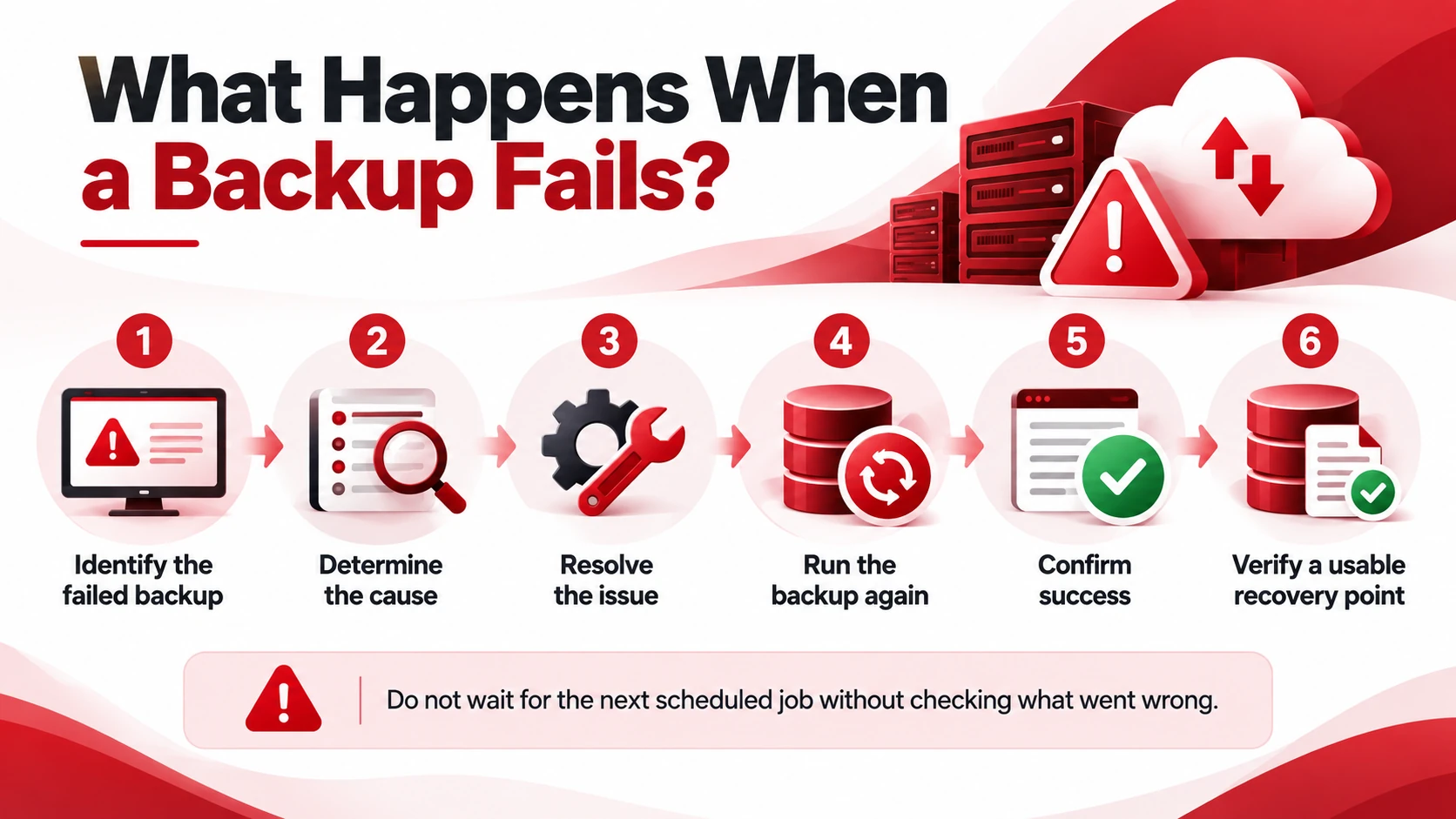
When a backup fails, businesses should investigate the issue rather than simply wait for the next scheduled job.
A basic response process includes:
- Identify the failed backup.
- Determine what caused the failure.
- Resolve the underlying issue.
- Run the backup again.
- Confirm that it completed successfully.
- Verify that a usable recovery point is available.
If failures continue, the underlying configuration, storage, network connection, or protected system may require further troubleshooting.
How Managed IT Services Can Help With Backup Monitoring
Managing backups can become more difficult as a business adds systems, applications, and data. A managed IT provider can help maintain visibility across the backup environment and respond when problems occur.
Managed IT support can assist with:
- Monitoring backup jobs
- Setting up automated alerts
- Reviewing storage capacity
- Identifying recurring failures
- Checking recovery points
- Supporting restore tests
- Troubleshooting backup issues
Adivi’s Data Backup & Disaster Recovery Services can help businesses maintain backup and recovery processes designed to protect critical data.
Conclusion
A backup system is only useful if the business can rely on it when data needs to be recovered. Backup monitoring provides visibility into job status, errors, storage, and recovery points, while restore testing checks whether the data can actually be used.
By combining automated monitoring with regular reviews and restoration tests, businesses can identify backup problems before they become recovery problems.
The goal is simple: do not wait for an emergency to discover that your backups were not working.
FAQs
How do I know if my backup is working?
Check whether recent backup jobs completed successfully, recovery points are available, and expected data is included. Restore testing can also confirm that the backed-up data is usable.
What should backup monitoring check?
Backup monitoring should check job status, errors, storage capacity, recovery points, and alerts that could indicate a problem with the backup process.
What causes backup jobs to fail?
Backup jobs can fail because of insufficient storage, network problems, authentication issues, configuration errors, or problems with the systems or data being backed up.
How often should backup systems be monitored?
Monitoring frequency depends on the importance of the data and how often it changes. Automated monitoring is particularly useful for critical systems because it provides continuous visibility into backup activity.
Why should backup restoration be tested?
Restore testing confirms that backup data is usable and that the recovery process works as expected. It can also reveal problems that may not appear when simply checking whether a backup job completed successfully.