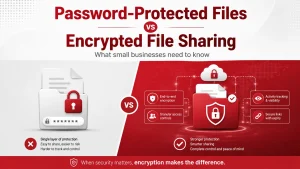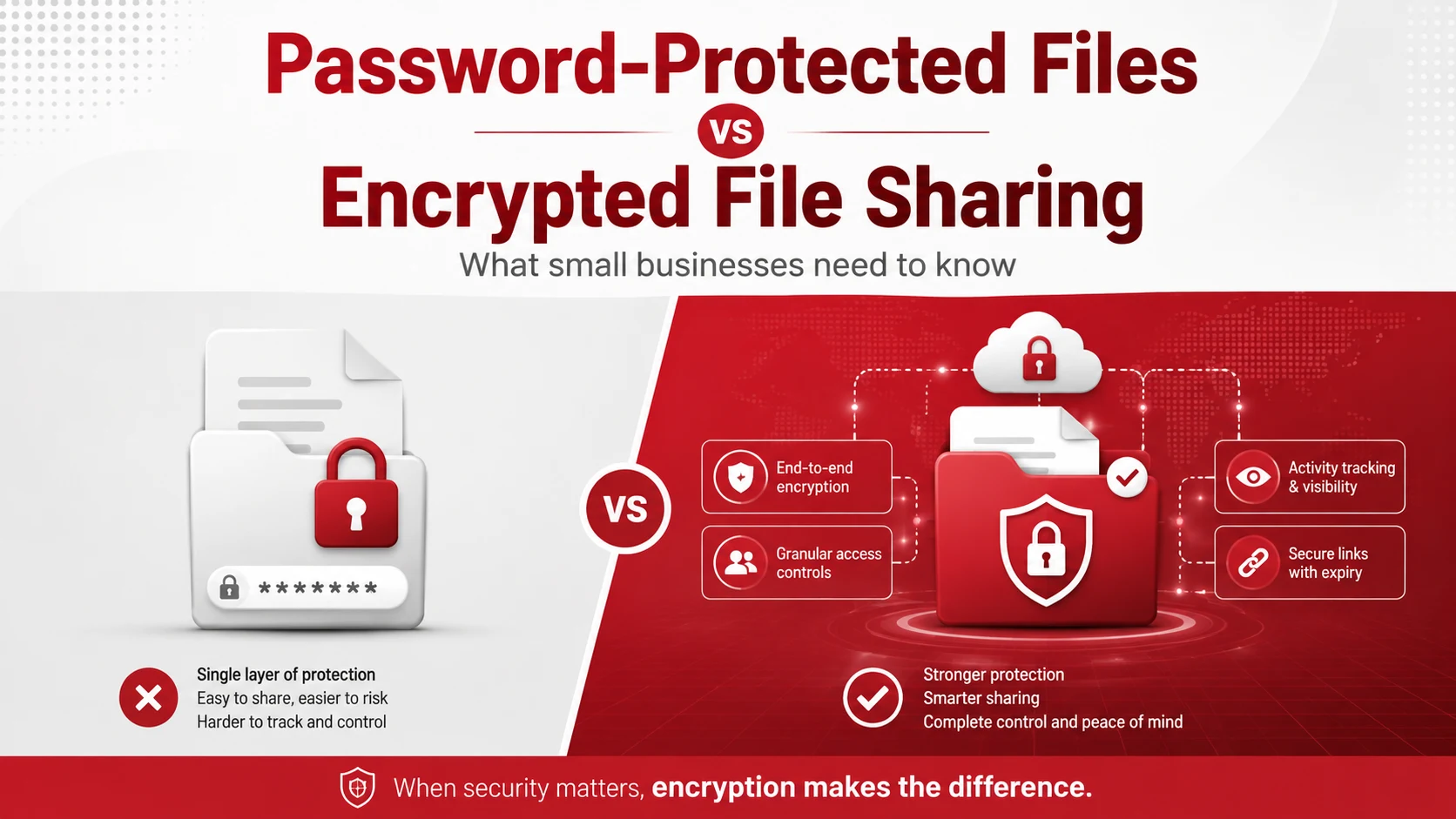
Password-protected files and encrypted file sharing both help control access to business information, but they are not the same. Password protection usually adds a password before someone can open a file. Encrypted file sharing protects the file itself by making the data unreadable without the right key, credentials, or approved access.
For small businesses, encrypted file sharing is usually the safer choice for sensitive business data. Password-protected files can still be useful, but they should not be the only layer of protection for confidential files.
Key Takeaways
- Password-protected files require a password before someone can open or edit a file.
- Encrypted file sharing protects the data itself during storage and transfer.
- Password protection can be weak if passwords are reused, shared in email, or easy to guess.
- Encrypted file sharing often includes access controls, link expiration, activity logs, and user permissions.
- Small businesses should use secure file sharing for sensitive files, customer records, financial documents, contracts, and employee data.
What Are Password-Protected Files?
Password-protected files are documents, spreadsheets, PDFs, or folders that require a password before someone can open or change them.
This is common for files such as:
- PDFs
- Word documents
- Excel spreadsheets
- ZIP folders
- Contracts
- Reports
- Internal documents
Password protection is simple and easy to use. It can help prevent casual access if a file is sent to the wrong person or stored in a shared location.
However, it depends heavily on the strength of the password and how the password is shared.
What Is Encrypted File Sharing?
Encrypted file sharing uses secure tools to protect files when they are stored, sent, or accessed. Instead of only locking the file with a password, encryption scrambles the data so it cannot be read without the correct access.
A secure file sharing system may include:
- Encryption during transfer
- Encryption during storage
- User permissions
- View-only access
- Expiring links
- Password-protected links
- Activity tracking
- Access revocation
- Admin controls
Adivi’s guide on secure file sharing for businesses explains how encryption, access controls, and logging help protect sensitive files during transfer and storage.
Password-Protected Files vs Encrypted File Sharing
| Area | Password-Protected Files | Encrypted File Sharing |
| Main purpose | Limits who can open a file | Protects the file and controls access |
| Security level | Basic to moderate | Stronger for sensitive data |
| Best for | Low-risk documents | Confidential business files |
| Access control | Usually limited | More detailed |
| Tracking | Usually not included | Often included |
| Link expiration | Not usually included | Often included |
| Risk | Passwords can be shared or guessed | Stronger control if configured well |
When Password Protection May Be Enough
Password protection may be enough for low-risk files that do not contain sensitive information.
For example, it may be acceptable for:
- Internal drafts
- Basic reports
- Non-confidential templates
- Files shared with a small trusted group
- Documents that only need light access control
Even then, businesses should use strong passwords and avoid sending the file and password in the same email.
When Encrypted File Sharing Is the Better Option
Encrypted file sharing is better when the file contains information that should not be exposed.
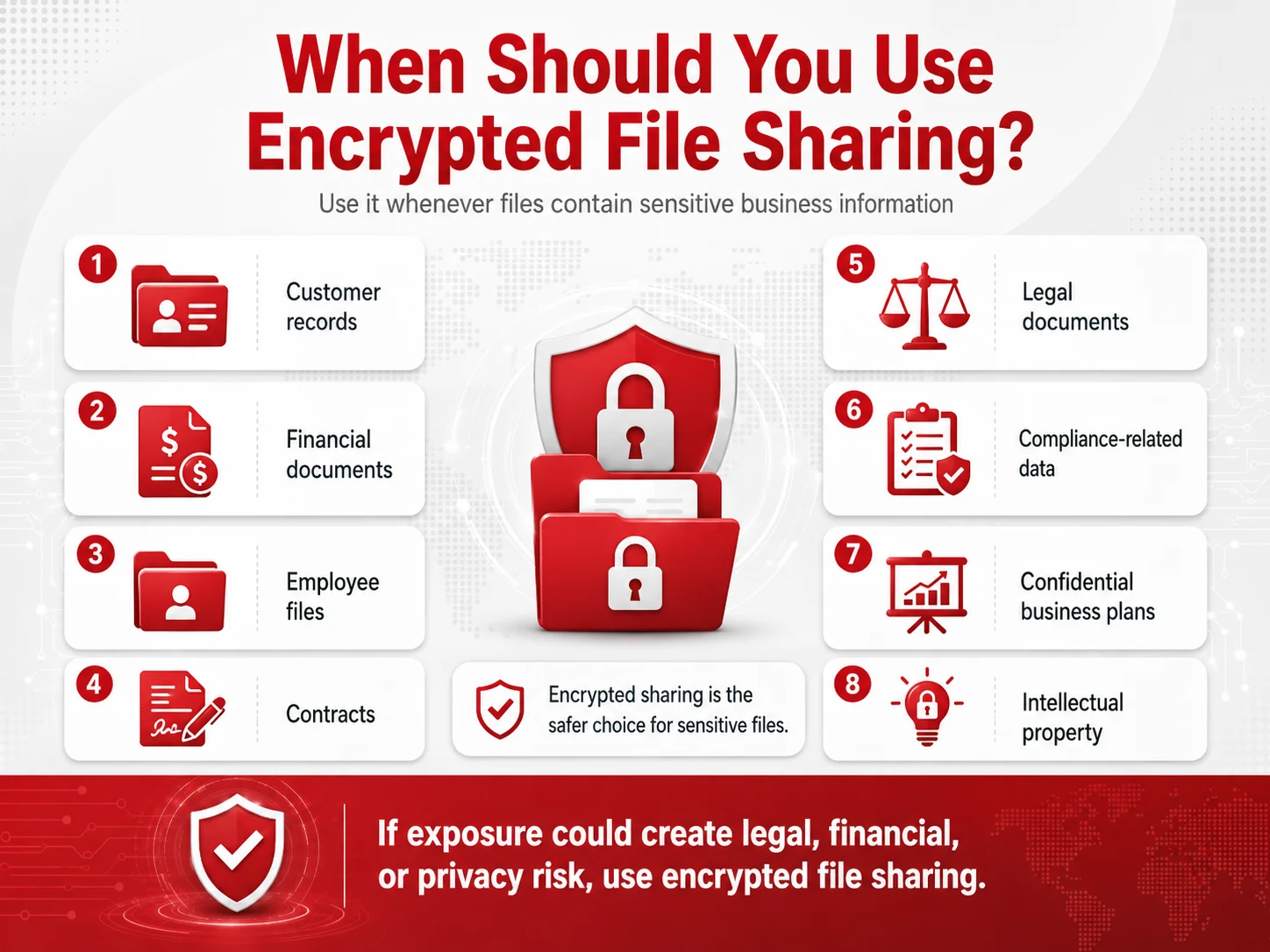
Use encrypted file sharing for:
- Customer records
- Financial documents
- Employee files
- Contracts
- Legal documents
- Passwords or credentials
- Healthcare or compliance-related data
- Confidential business plans
- Intellectual property
If your business handles sensitive data regularly, cybersecurity services and solutions can help set up stronger controls for file sharing, access management, and data protection.
Common Risks of Password-Protected Files
Password-protected files can still create security problems when they are not handled carefully.
Common risks include:
- Weak passwords
- Reused passwords
- Passwords sent in the same email as the file
- No way to revoke access after sharing
- No record of who opened the file
- No control after the file is downloaded
- Passwords shared with unintended people
Password protection is better than no protection, but it does not always provide enough control for business-critical data.
Benefits of Encrypted File Sharing
Encrypted file sharing gives businesses more control over sensitive files.
Main benefits include:
- Stronger protection during transfer
- Safer cloud storage
- Better control over who can access files
- Ability to remove access when needed
- Reduced risk from public links
- More visibility into file activity
- Better support for compliance and security policies
For businesses using cloud tools, cloud computing services can help manage secure file storage, access permissions, and cloud security settings.
How to Choose the Right Option
Use password protection when the file is low risk and only needs basic access control.
Use encrypted file sharing when the file contains sensitive information, needs to be shared outside the company, or must be tracked and controlled after it is sent.
Before choosing, ask:
- Does this file contain sensitive data?
- Who needs access?
- Can access be removed later?
- Should the link expire?
- Do we need activity logs?
- Could the file create legal or financial risk if exposed?
If the answer is yes to any of these, encrypted file sharing is the safer option.
Best Practices for Secure File Sharing
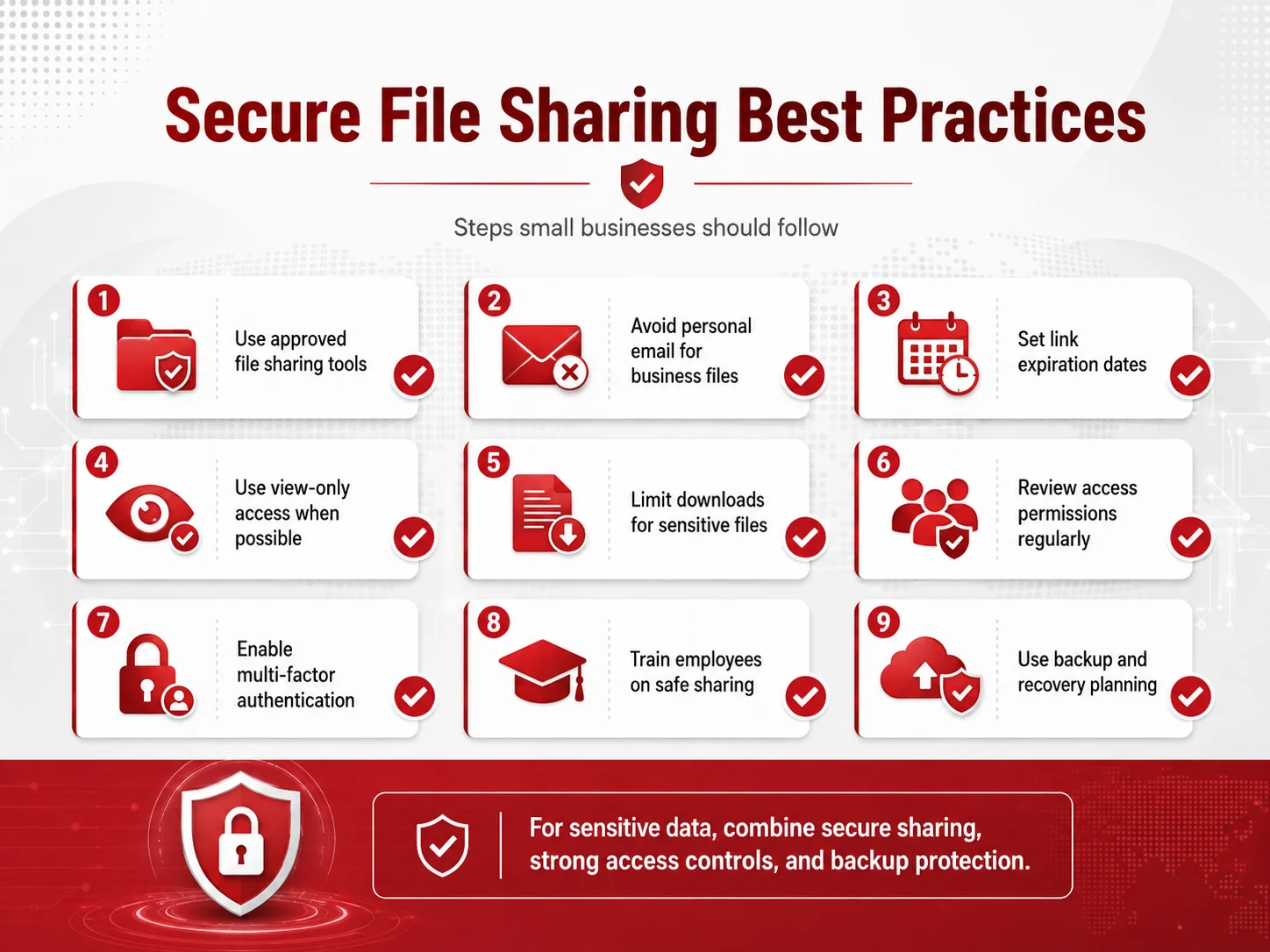
Small businesses should use clear rules for sending and storing files.
Follow these best practices:
- Use approved file sharing tools
- Avoid personal email for business files
- Set link expiration dates
- Use view-only access when possible
- Limit downloads for sensitive files
- Review access permissions regularly
- Enable multi-factor authentication
- Train employees on safe sharing
- Use data loss prevention tools when needed
Adivi’s guide on what data loss prevention is explains how DLP can help stop sensitive information from being shared in risky ways.
How Managed IT Services Can Help
Small businesses may not always have time to manage secure file sharing, encryption settings, employee access, cloud permissions, and backup policies on their own.
A managed IT provider can help with:
- Secure file sharing setup
- Cloud storage permissions
- Employee access reviews
- Encryption settings
- Multi-factor authentication
- Data loss prevention
- Backup and recovery planning
- Cybersecurity training
Businesses that need stronger data protection can use managed IT services to create safer systems for sharing, storing, and protecting files.
A reliable data backup and disaster recovery plan also helps protect important files if data is deleted, lost, corrupted, or affected by a cyberattack.
Final Thoughts
Password-protected files can help with basic access control, but encrypted file sharing is usually the better choice for sensitive business data.
For small businesses, the safest approach is to use secure file sharing tools, limit access, enable multi-factor authentication, train employees, and protect important files with strong backup and recovery processes. This helps teams share information safely without putting business data at unnecessary risk.
FAQs
Are password-protected files encrypted?
Some password-protected files may use encryption, but not all methods offer the same level of protection. The security depends on the tool, password strength, and how the file is shared.
Is encrypted file sharing safer than password protection?
Yes, encrypted file sharing is usually safer because it protects the data itself and often includes access controls, activity logs, link expiration, and permission management.
When should a business use password-protected files?
Password-protected files may be suitable for low-risk documents that only need basic access control.
When should a business use encrypted file sharing?
Businesses should use encrypted file sharing for sensitive files, customer data, financial records, contracts, employee documents, legal files, and confidential business information.
What is the safest way to share business files?
The safest way is to use an approved secure file sharing platform with encryption, role-based access, expiring links, multi-factor authentication, and activity tracking.