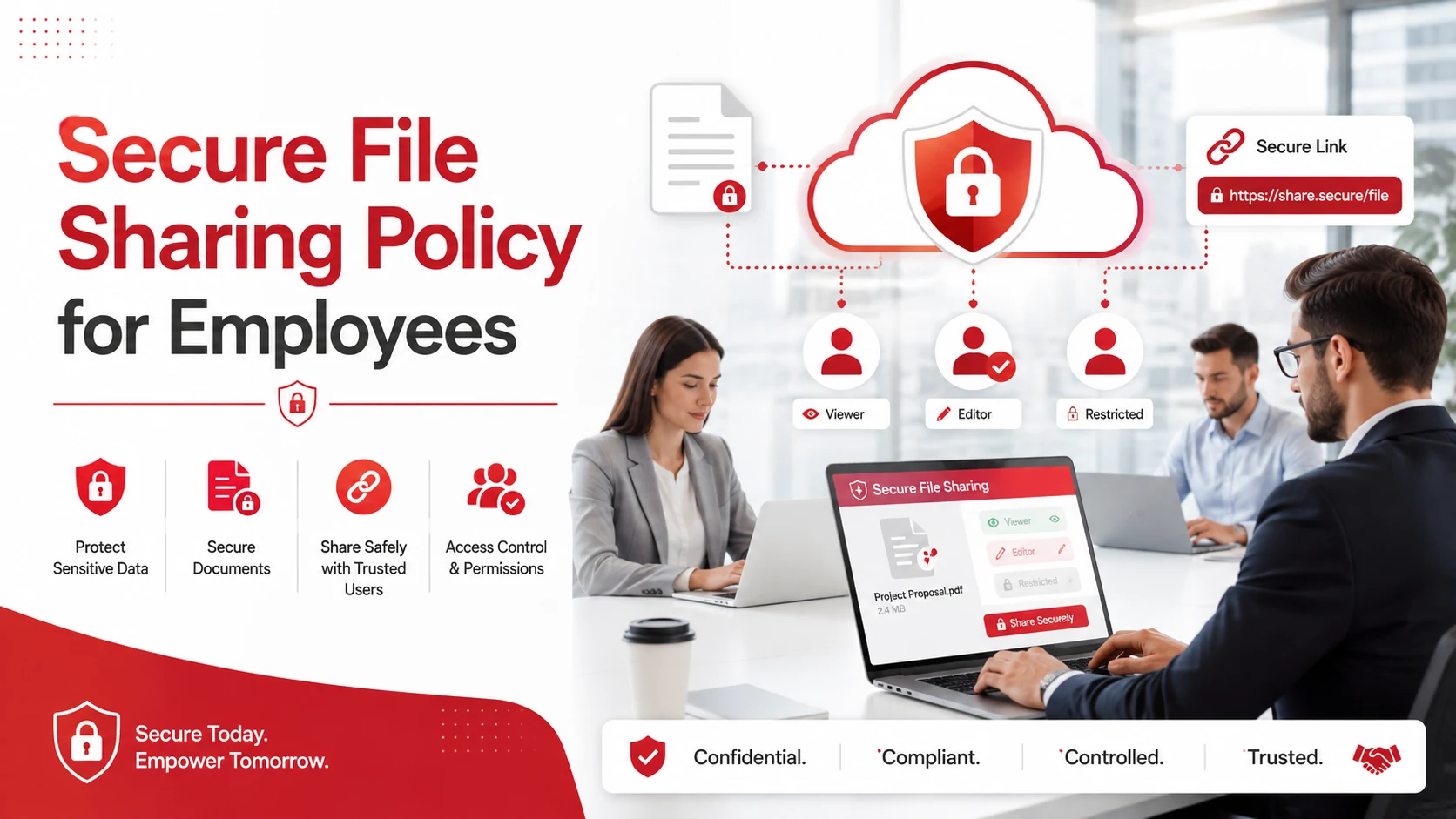
A secure file sharing policy tells employees how to send, receive, store, and access company files safely.
Your policy should define which files need protection, which tools employees can use, who can access sensitive information, and what to do if a file is shared with the wrong person.
The goal is to give employees clear rules they can follow every day while reducing the risk of data exposure.
Key Takeaways
- Identify which files contain sensitive or confidential information.
- Require employees to use approved file sharing tools.
- Limit file access based on job responsibilities.
- Set clear rules for sharing files outside the company.
- Define where files should be stored and how long they should be kept.
- Create a simple process for reporting file sharing mistakes.
- Train employees so they understand the policy.
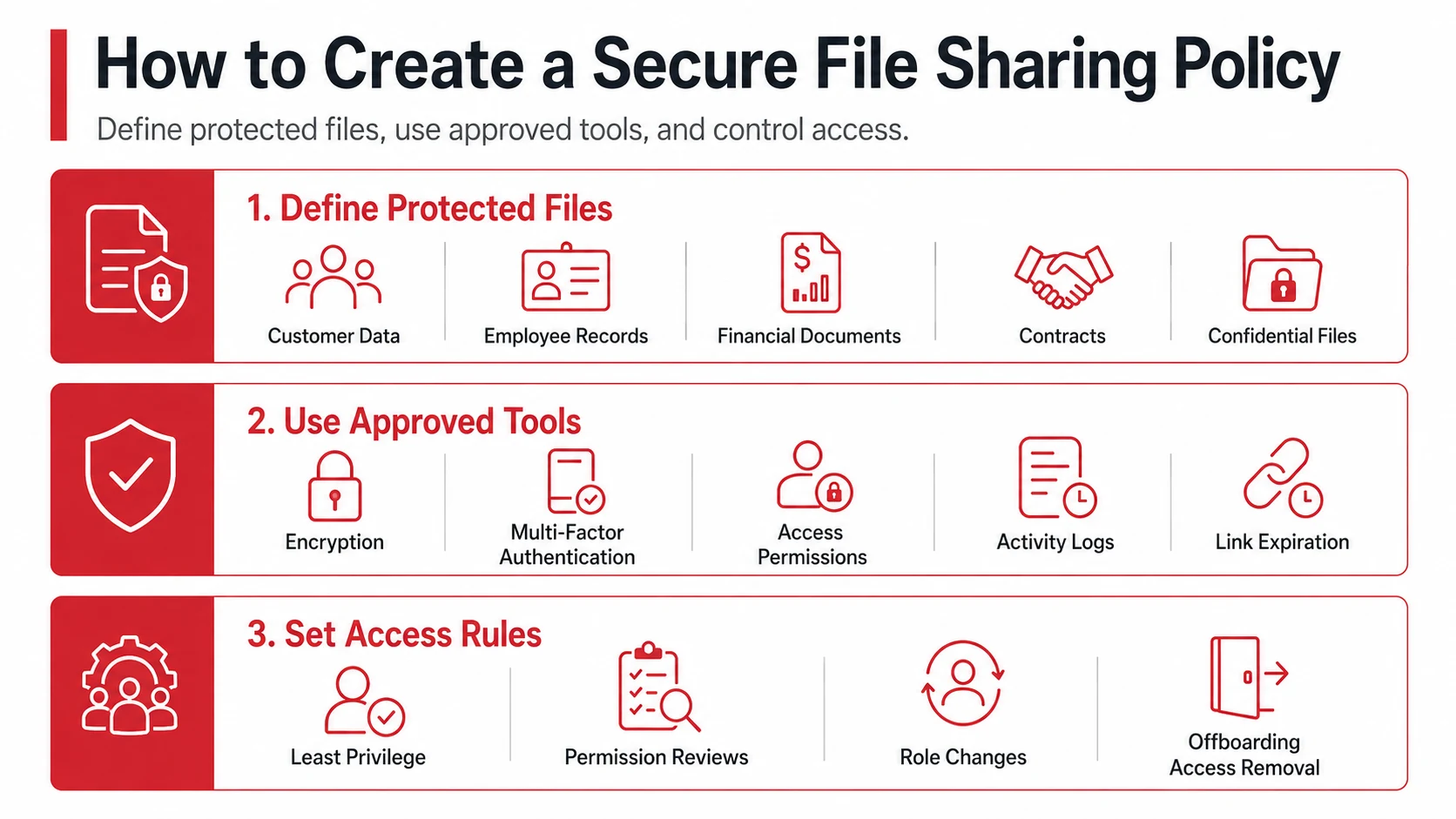
1. Define Which Files Need Protection
Start by identifying the information employees need to handle carefully.
This may include:
- Customer information
- Employee records
- Financial documents
- Contracts
- Login credentials
- Intellectual property
- Confidential business documents
You can also classify files as public, internal, confidential, or restricted. This makes it easier for employees to understand how each type of information should be handled.
File classification can also support a broader data loss prevention strategy by helping your business control how sensitive information is accessed and shared.
2. Specify Approved File Sharing Tools
Your policy should clearly state which platforms employees can use to share company files.
Employees should avoid personal email accounts, unauthorized cloud storage services, and other applications that your IT team cannot properly manage.
Approved file sharing tools should offer security features such as:
- Encryption
- Multi-factor authentication
- Access permissions
- Activity logs
- Link expiration
- Access revocation
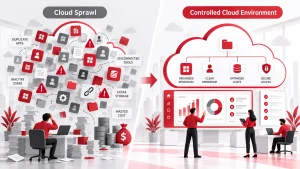
If your company stores and shares files through online platforms, your cloud computing environment should also have appropriate security and access controls in place.
3. Set File Access Rules
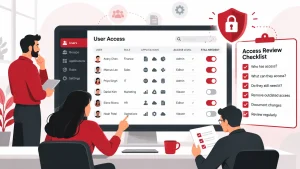
Employees should only have access to the files they need for their jobs.
For example, a marketing employee may not need access to payroll records. A contractor may only need access to files related to a specific project.
Your policy should require the business to:
- Give employees only the access they need.
- Use multi-factor authentication for sensitive accounts.
- Review access permissions regularly.
- Remove access when an employee leaves.
- Update permissions when an employee changes roles.
These controls are part of Identity and Access Management, which helps businesses control who can access company systems and data.
4. Create Rules for Sharing Files Outside the Company
Employees may need to share files with customers, vendors, contractors, or business partners. Your policy should explain how to do this safely.
Employees should:
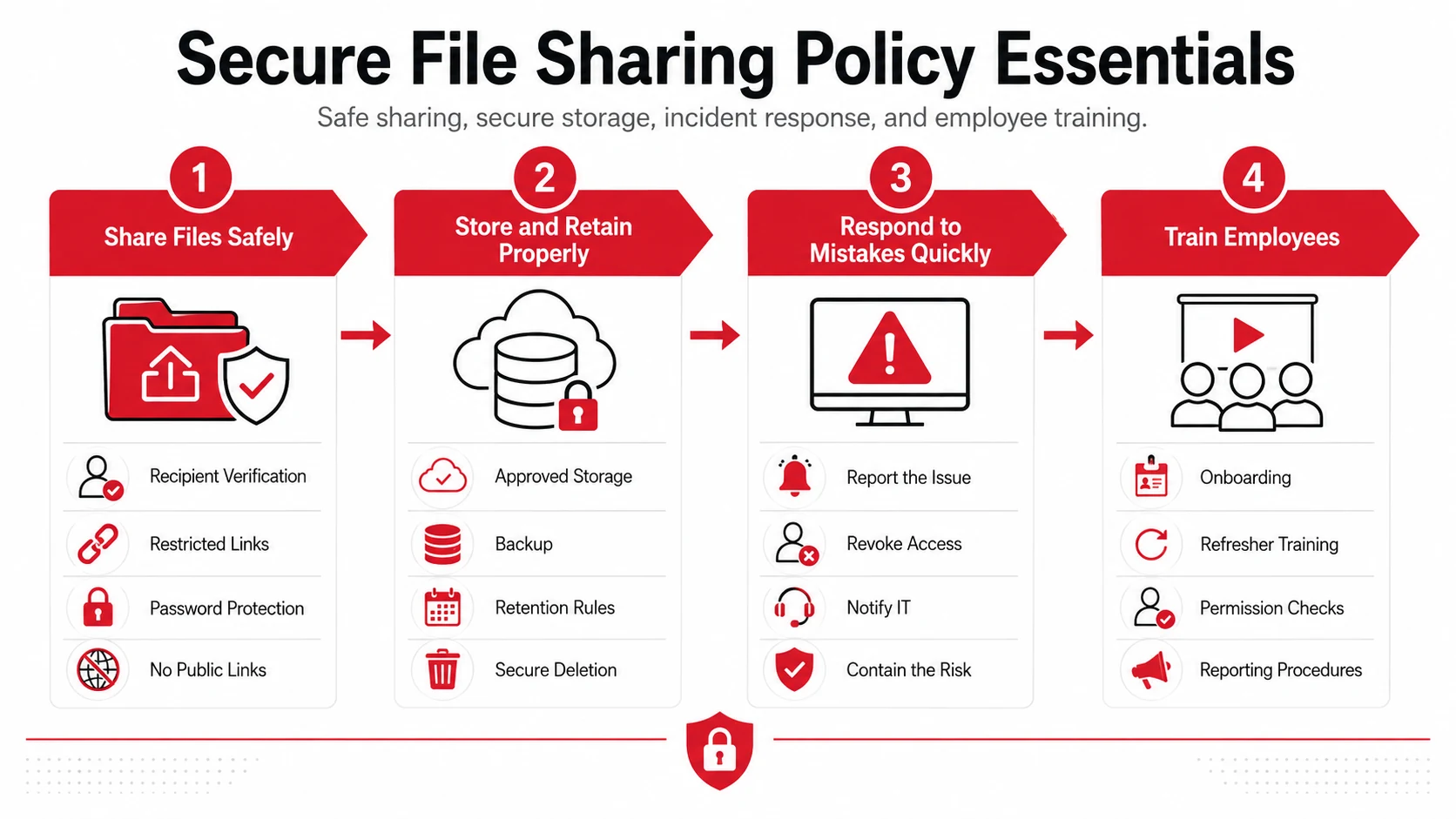
- Confirm the recipient before sending a file.
- Restrict links to specific users when possible.
- Set expiration dates for shared links.
- Use password protection when appropriate.
- Avoid public file links.
- Limit editing and downloading permissions when they are not needed.
Highly sensitive information may also require approval before it can be shared outside the organization.
Clear external sharing rules can reduce the risk of sensitive files reaching the wrong person.
5. Set File Storage and Retention Rules
Your policy should tell employees where company files should be stored.
Sensitive information should not be saved on personal devices, personal cloud storage accounts, or unsecured folders unless your company has specifically approved them.
You should also establish rules for how long different files should be kept.
Important business files should be included in your data backup and disaster recovery plans. This can help the company recover information after accidental deletion, system failure, ransomware, or another disruption.
When files are no longer required, employees should follow your company’s secure deletion and data retention procedures.
6. Explain What to Do After a File Sharing Mistake
Mistakes can still happen even when employees follow security procedures.
Someone might email a document to the wrong person, create a public link, or give access to someone who no longer needs it.
Your policy should give employees a clear response process:
- Report the incident immediately.
- Revoke the link or remove access when possible.
- Contact the IT or security team.
- Change exposed passwords or credentials if necessary.
- Explain what information was shared and who received it.
Employees should report the issue quickly rather than trying to handle it alone.
The process should also connect with your company’s cybersecurity incident response procedures so potential security incidents can be investigated and contained.
7. Train Employees on the Policy
A secure file sharing policy only works when employees understand it.
Introduce the policy during onboarding and provide refresher training when tools, systems, or security requirements change.
Training can cover:
- How to send confidential files safely
- How to check file permissions
- When to use password protection
- How to identify unsafe sharing links
- How to report accidental file exposure
Keep the instructions simple. Employees should be able to understand what they can share, how they should share it, and who they should contact if something goes wrong.
Make Secure File Sharing Part of Your Security Strategy
A secure file sharing policy does not need to be complicated. It should clearly explain which tools employees can use, who can access company files, how information can be shared outside the business, and what employees should do after a mistake.
File sharing should also be part of a broader cybersecurity plan. Adivi’s cybersecurity services help businesses strengthen access controls, protect sensitive information, and reduce security risks across their IT environment.
FAQs
What is a secure file sharing policy?
A secure file sharing policy is a set of rules that explains how employees should store, access, send, and share company files. It also defines approved tools, access permissions, and steps for handling sensitive information.
What should a secure file sharing policy include?
It should cover approved file sharing tools, file access rules, external sharing requirements, storage and retention practices, security controls, incident reporting, and employee training.
How can employees share confidential files securely?
Employees should use approved file sharing platforms, verify recipients, restrict access to specific users, use encryption or password protection when appropriate, and avoid public sharing links.
Should employees use personal cloud storage for company files?
Generally, no. Company files should be stored and shared through approved systems that the business can manage, secure, monitor, and control.
How often should a file sharing policy be reviewed?
Businesses should review the policy regularly and whenever there are major changes to file sharing tools, security requirements, employee access procedures, or regulatory obligations.