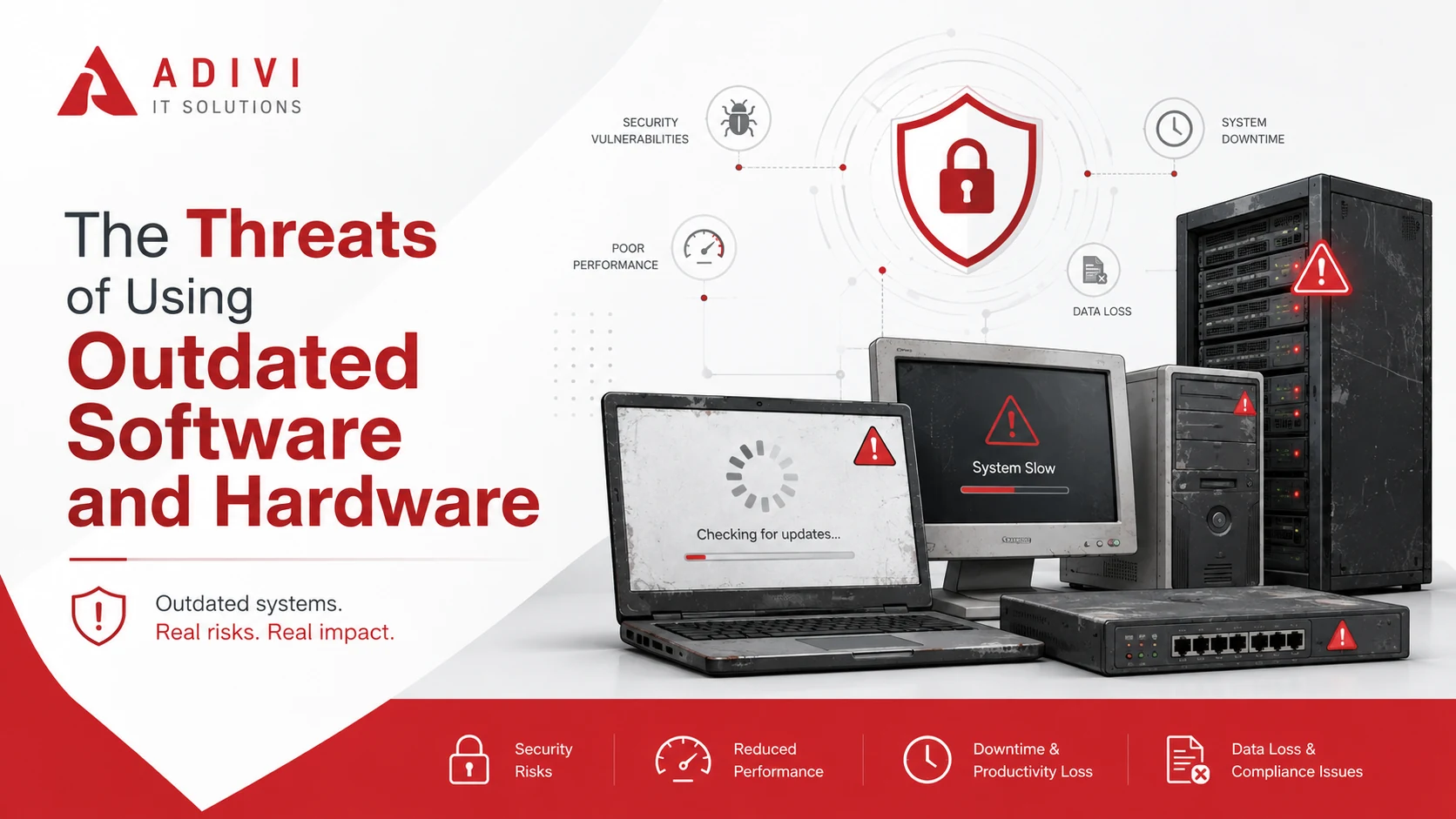
Outdated software and hardware can create security risks, performance problems, compatibility issues, data loss, and unexpected downtime.
The risks become more serious when a product reaches the end of support. Unsupported technology may no longer receive security patches, bug fixes, firmware updates, or technical assistance.
Regular technology reviews help businesses identify systems that are becoming difficult to secure or maintain. Planning upgrades before a critical failure can reduce disruption and control costs.
What Does Outdated Technology Mean?
Technology may be considered outdated when it no longer meets current security, performance, or business requirements.
However, older technology does not always need to be replaced immediately. The greater concern is whether the manufacturer still supports it.
Supported technology may continue receiving:
- Security patches
- Bug fixes
- Firmware or driver updates
- Compatibility improvements
- Technical support
Once support ends, newly discovered problems may no longer be corrected, increasing security and operational risks.
Risks of Outdated Software and Hardware
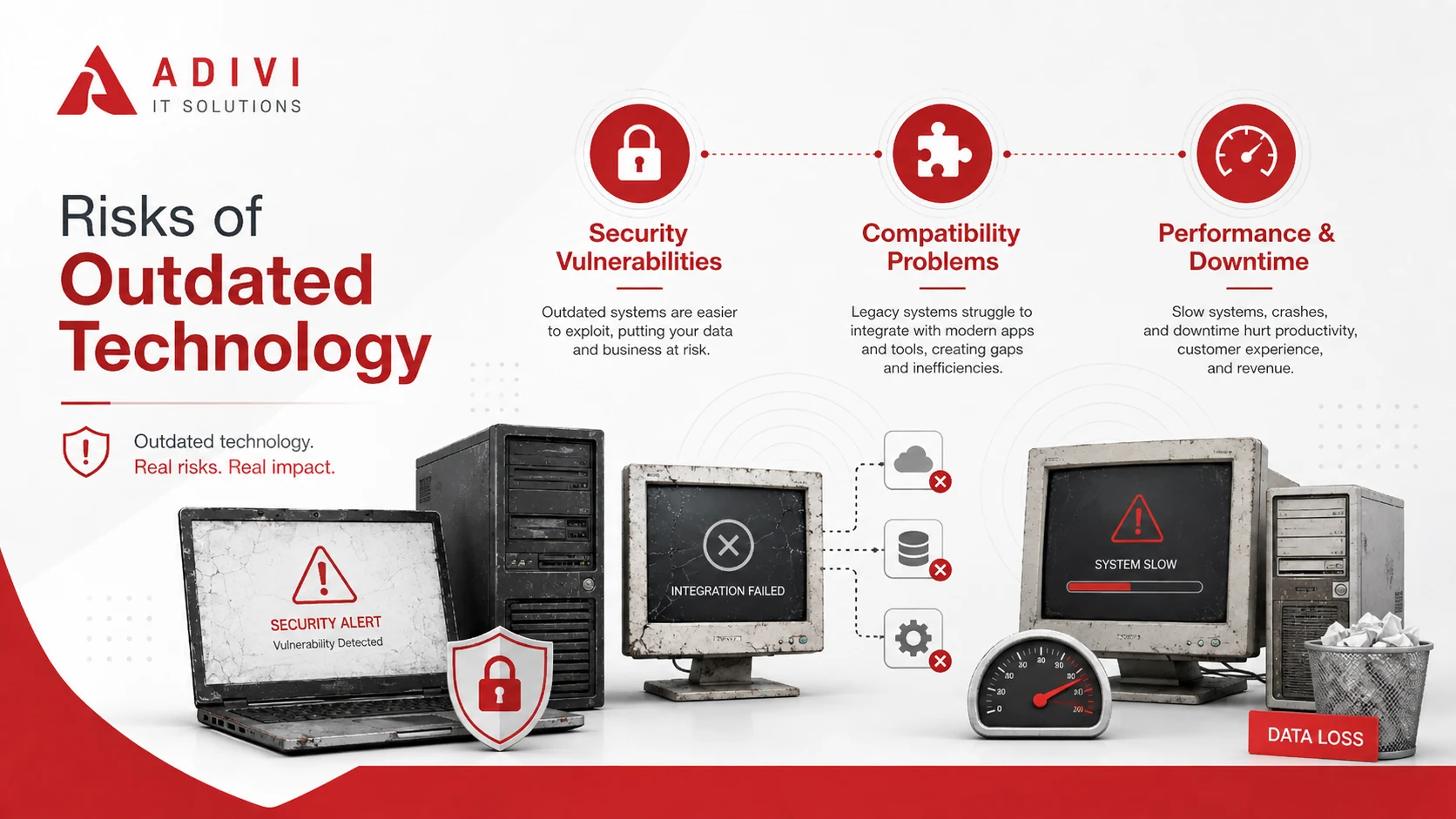
Security Vulnerabilities
Software updates often include fixes for known security weaknesses. Unsupported software may leave these weaknesses unresolved.
Cybercriminals may exploit them to:
- Access business systems
- Install malware or ransomware
- Steal sensitive information
- Compromise user accounts
- Disrupt operations
Keeping systems updated should form part of a broader cybersecurity strategy.
Compatibility Problems
Older technology may not work correctly with current applications, operating systems, cloud platforms, or connected devices.
Common problems include:
- New software failing to install
- Files not opening correctly
- Integrations no longer working
- Older devices losing support
- Security tools being unable to run
These problems can limit productivity and make future upgrades more complicated.
Poor Performance and Reliability
Aging computers, servers, storage devices, and network equipment may struggle with current workloads.
Employees may experience slow performance, crashes, delayed applications, and interrupted connections. Older hardware may also fail with little warning.
Regular monitoring and planned replacement can help identify problems before they interrupt daily operations.
Downtime and Data Loss
A failed device or unsupported application can make important systems and files unavailable.
This may lead to:
- Lost productivity
- Delayed projects
- Disrupted customer services
- Lost or corrupted files
- Emergency repair costs
Reliable data backup and disaster recovery services can help restore files and systems after hardware failure, ransomware, or accidental deletion.
Backups should also be tested regularly to confirm they can be restored when needed.
Higher IT Costs
Keeping outdated technology may appear cheaper than replacing it. However, older systems often require more repairs, troubleshooting, specialist support, and employee time.
A planned upgrade can be budgeted, tested, and scheduled. An emergency replacement is usually more expensive and disruptive.
Compliance Concerns
Unsupported technology may make it harder to meet security, insurance, contractual, or regulatory requirements.
Using an older system does not automatically mean a business is non-compliant. However, it may reduce the security controls available to protect sensitive information.
Businesses should review their systems against the requirements that apply to their industry and data.
Signs Technology May Be Outdated
Software or hardware may need attention when:
- The manufacturer no longer provides updates
- The operating system has reached the end of support
- Applications frequently crash
- New software cannot be installed
- Current security tools cannot run
- Replacement parts are difficult to find
- Employees experience regular performance issues
- Repair and support costs continue to rise
These warning signs do not always mean immediate replacement is required. Each system should be assessed based on its condition, support status, importance, and security exposure.
What Should Businesses Do?
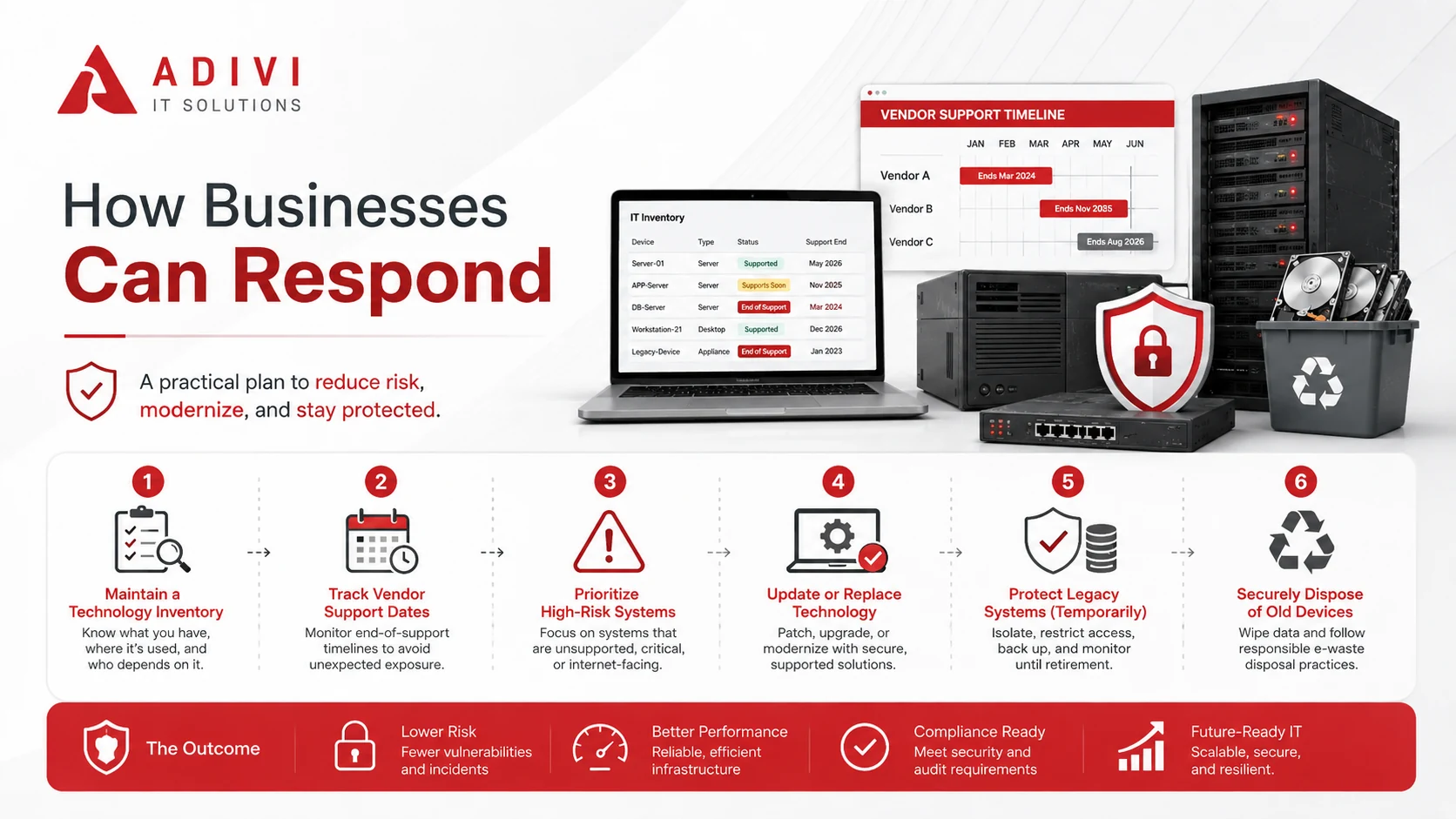
Maintain a Technology Inventory
Record the computers, servers, software, mobile devices, and network equipment used across the business.
Include details such as:
- Product name and version
- User or location
- Purchase date
- Support status
- Business purpose
- Replacement priority
This makes it easier to identify systems approaching the end of support.
Track Vendor Support Dates
Manufacturers usually publish dates showing when updates and technical support will end.
Businesses should begin planning upgrades before these dates to allow time for budgeting, testing, data migration, and employee training.
Prioritise High-Risk Systems
Not every outdated device needs to be replaced at once.
Prioritise systems that:
- Connect to the internet
- Store sensitive information
- Support essential operations
- Cannot run current security software
- Would cause major disruption if they failed
Update or Replace Technology
Install available security patches and approved updates wherever possible.
Replacement should be considered when technology:
- No longer receives security updates
- Cannot support current applications
- Frequently fails
- Costs too much to maintain
- Prevents other systems from being upgraded
A managed IT services provider can help identify unsupported systems and plan upgrades around business priorities.
Protect Legacy Systems Temporarily
Some specialist or business-critical systems cannot be replaced immediately.
Temporary measures may include:
- Restricting access
- Separating the system from other networks
- Limiting internet access
- Increasing security monitoring
- Maintaining tested backups
These measures can reduce risk but should support a documented replacement plan.
Dispose of Old Devices Securely
Before computers, drives, mobile devices, or servers are sold, recycled, or discarded, stored business data should be securely erased or destroyed.
Businesses should also remove saved accounts, passwords, cloud connections, and sensitive files.
Conclusion
Outdated software and hardware can affect security, performance, reliability, costs, and business continuity.
Businesses should track vendor support dates, review their technology regularly, and plan upgrades before systems become difficult to secure or maintain.
When immediate replacement is not possible, temporary safeguards should be used until the system can be retired.
Keep Your Business Technology Current
Adivi’s managed IT services can help identify unsupported technology, manage updates, monitor system health, protect business data, and plan future upgrades.
Contact Adivi to discuss your technology environment and develop a practical replacement plan.
Frequently Asked Questions
What Are the Risks of Using Outdated Software?
Outdated software may contain unresolved security weaknesses, develop compatibility problems, perform poorly, or stop working with newer systems.
Is Outdated Software Safe if It Still Works?
Software may continue working after support ends, but newly discovered vulnerabilities may no longer receive security patches.
When Should Hardware Be Replaced?
Hardware may need replacement when it frequently fails, performs too slowly, cannot run supported software, or costs too much to maintain.
What Should a Business Do if a Legacy System Cannot Be Replaced?
Restrict access, limit internet connectivity, separate it from other systems, increase monitoring, maintain tested backups, and create a replacement plan.