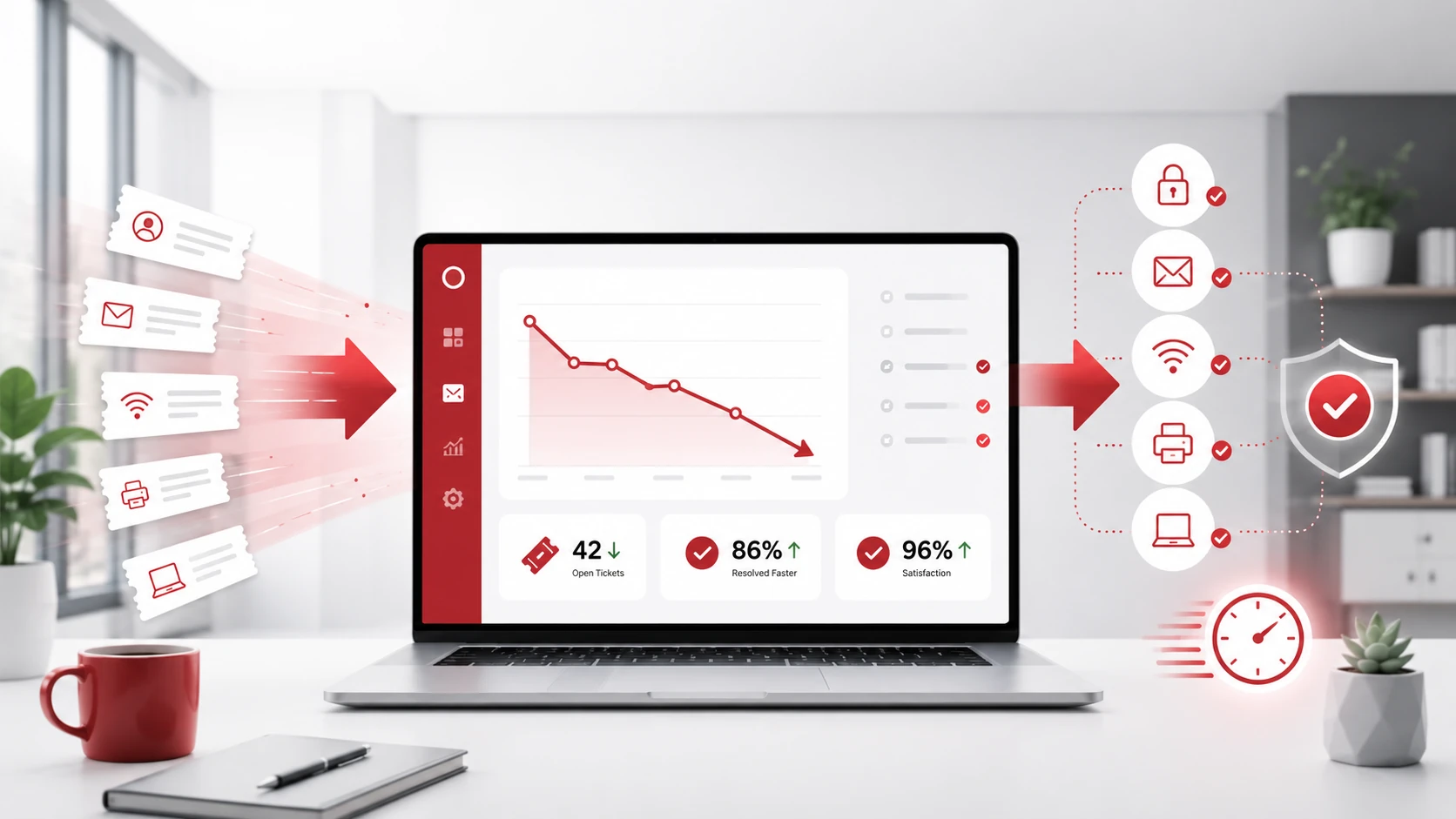
High IT support ticket volume can slow down employees, overwhelm IT teams, and create unnecessary downtime. Many common tickets come from repeated issues, unclear processes, outdated systems, or employees not knowing how to solve basic problems.
Reducing IT support tickets is not just about answering requests faster. It is about finding the root causes, preventing recurring problems, and giving employees better tools, training, and support.
Key Takeaways
- Repeated IT issues are often the biggest source of support tickets.
- A knowledge base helps employees fix simple problems faster.
- Employee training can reduce avoidable IT requests.
- Automation can cut down repetitive tasks.
- Proactive monitoring helps prevent issues before they disrupt work.
- Managed IT support can improve long-term IT reliability.
What Are IT Support Tickets?
IT support tickets are requests employees submit when they need help with a technical issue. These may involve computers, software, email, internet access, printers, passwords, cloud tools, or security concerns.
Common IT support tickets include:
Password resets
Slow computer performance
Email access problems
Printer issues
Software login errors
Wi-Fi connection problems
File access issues
Device setup requests
Security alerts
A high number of tickets can be a sign that employees need better resources, systems need maintenance, or certain IT problems are happening too often.
Why Businesses Get Too Many IT Support Tickets
Businesses often receive too many IT support tickets when the same issues keep happening repeatedly. This can happen when systems are outdated, employees are unsure how to fix basic problems, or IT processes are unclear.
Common causes include:
Lack of employee IT training
No internal knowledge base
Outdated software or hardware
Poor password management
Unclear ticket submission process
Recurring network issues
Limited proactive monitoring
Weak cybersecurity practices
Inconsistent device or software setups
When these issues are not addressed, IT teams spend more time reacting to problems instead of improving the technology environment.
Review Common Ticket Trends
The first step in reducing IT support tickets is reviewing your ticket history. Look for the most common problems, which departments submit the most requests, and which issues take the longest to resolve.
This helps your business understand where support time is being spent.
For example, if many employees submit password reset tickets, a self-service password reset tool may help. If printer issues appear often, the problem may be the printer setup, driver configuration, or employee instructions.
Ticket trends can show whether your business needs better documentation, training, automation, maintenance, or system upgrades.
Create an IT Knowledge Base
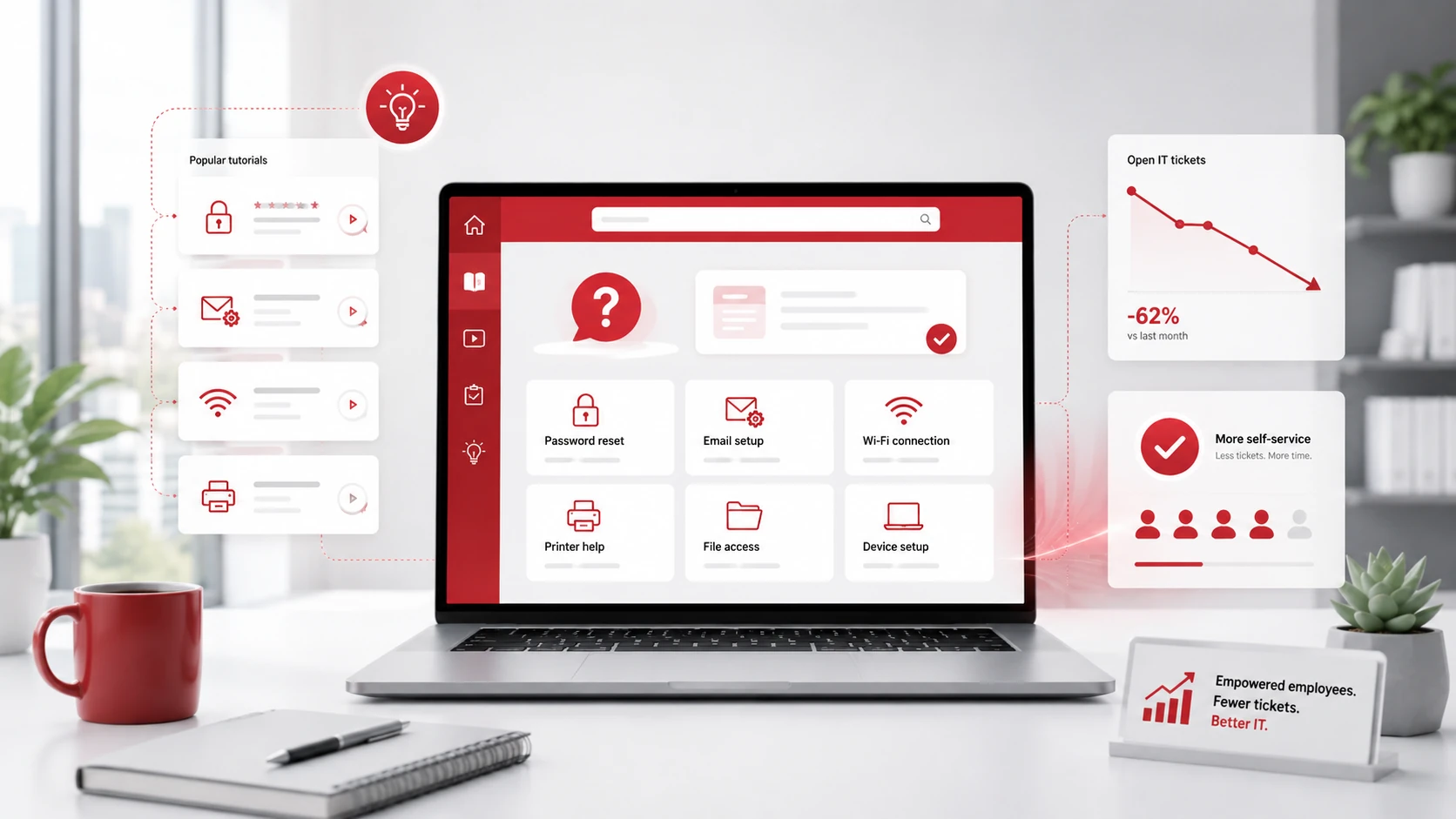
An IT knowledge base gives employees a place to find answers before submitting a ticket. It does not need to be complicated. A simple internal resource with clear instructions can reduce many common support requests.
Your knowledge base can include:
Password reset instructions
Email setup guides
Wi-Fi connection steps
Printer troubleshooting
File-sharing rules
Software login instructions
Remote work setup guides
Basic device troubleshooting
The best knowledge base articles are short, searchable, and easy to follow. Employees should be able to solve simple issues quickly without waiting for IT support.
Train Employees on Basic IT Best Practices
Many IT tickets happen because employees are unsure how to use tools, follow security steps, or handle common issues. Basic IT training can help prevent avoidable support requests.
Training topics may include:
Password security
Phishing awareness
Safe file sharing
Software usage
Device care
Remote work security
When to submit a ticket
What details to include in a ticket
Training does not need to be long or technical. Short, practical sessions can help employees avoid mistakes, use systems correctly, and understand when they need IT support.
Automate Repetitive IT Tasks
Automation can reduce the number of routine tickets your IT team handles manually. Many common IT requests can be simplified or automated with the right tools.
Tasks that can often be automated include:
Password resets
Software updates
Security patches
Device monitoring
Ticket routing
User onboarding
System alerts
Access requests
Automation helps reduce repetitive work, speeds up response times, and gives IT teams more time to focus on higher-priority issues.
Use Proactive IT Monitoring
Proactive IT monitoring helps detect problems before employees report them. Instead of waiting for tickets to come in, IT teams can monitor systems, devices, and networks for early warning signs.
Proactive monitoring can cover:
Network performance
Device health
Server performance
Endpoint security
Backup status
Storage usage
Software updates
Login issues
This helps prevent downtime, reduce recurring problems, and improve the reliability of daily business operations.
Standardize Devices, Software, and Processes
Too many tools, devices, and workflows can make IT support harder. Standardization helps create a more consistent technology environment.
Businesses can standardize:
Approved software
Device configurations
Security policies
Onboarding steps
Access permissions
Remote work tools
Troubleshooting processes
When employees use the same approved tools and follow the same processes, IT teams can support them more efficiently. It also reduces confusion and prevents many avoidable issues.
Improve the Ticket Submission Process
Even when employees need support, clear ticket details can help IT teams resolve issues faster. If a ticket does not include enough information, IT may need to ask follow-up questions before solving the problem.
A good ticket form should ask for:
Issue description
Device type
Software or system affected
Error messages
Screenshots
Urgency level
Steps already tried
Better ticket submissions reduce back-and-forth communication and help IT teams understand the problem sooner.
When to Consider Managed IT Support
Managed IT support can help businesses reduce IT support tickets by improving maintenance, monitoring, documentation, security, and employee support.
A managed IT provider can help with:
Help desk support
System monitoring
Patch management
Cybersecurity
Cloud support
Backup management
Employee onboarding
IT documentation
Long-term IT planning
For growing businesses, managed IT services can provide a more proactive approach than only fixing problems after they happen.
Need Help Reducing IT Support Tickets?
Adivi helps businesses reduce recurring IT issues through proactive monitoring, managed IT support, automation, cybersecurity, documentation, and long-term technology planning.
If your business is dealing with repeated IT problems, slow response times, or overwhelmed internal teams, Adivi can help create a more reliable and efficient IT support environment.
Schedule a free assessment with Adivi to find the right managed IT support for your business.
FAQs
What causes too many IT support tickets?
Too many IT support tickets are often caused by recurring technical issues, poor employee training, outdated systems, unclear processes, weak documentation, or lack of proactive IT monitoring.
How can a business reduce IT support tickets?
A business can reduce IT support tickets by reviewing common ticket trends, creating an IT knowledge base, training employees, automating repetitive tasks, standardizing systems, and using proactive IT support.
Why is an IT knowledge base important?
An IT knowledge base helps employees solve simple problems on their own, such as password resets, email setup, printer issues, software login problems, and file access questions.
Can automation reduce IT support tickets?
Yes. Automation can reduce IT support tickets related to password resets, software updates, patching, onboarding, system alerts, and ticket routing.
Do managed IT services help reduce support tickets?
Yes. Managed IT services can help reduce support tickets by monitoring systems, preventing recurring issues, maintaining devices, improving documentation, and supporting employees more efficiently.
What is the best way to start reducing IT tickets?
The best way to start is by reviewing your ticket history. Identify the most common issues, then decide whether they can be fixed with better training, documentation, automation, monitoring, or IT maintenance.