A cloud readiness assessment helps businesses determine whether their systems, data, applications, security controls, and workflows are ready to move to the cloud.
Before starting a cloud migration, it is important to understand what can move safely, what needs to be updated, and what risks should be addressed first. Use this cloud readiness assessment checklist to review your current IT environment and create a stronger migration plan.
Key Takeaways
A clear migration plan can reduce downtime, cost surprises, and operational disruption.
A cloud readiness assessment helps businesses prepare before moving systems, applications, or data to the cloud.
The checklist should review systems, data, security, network performance, user access, application compatibility, costs, and backup needs.
Cloud migration should be tied to business goals, not just technology upgrades.
Security, backup, and disaster recovery planning are essential before migration.
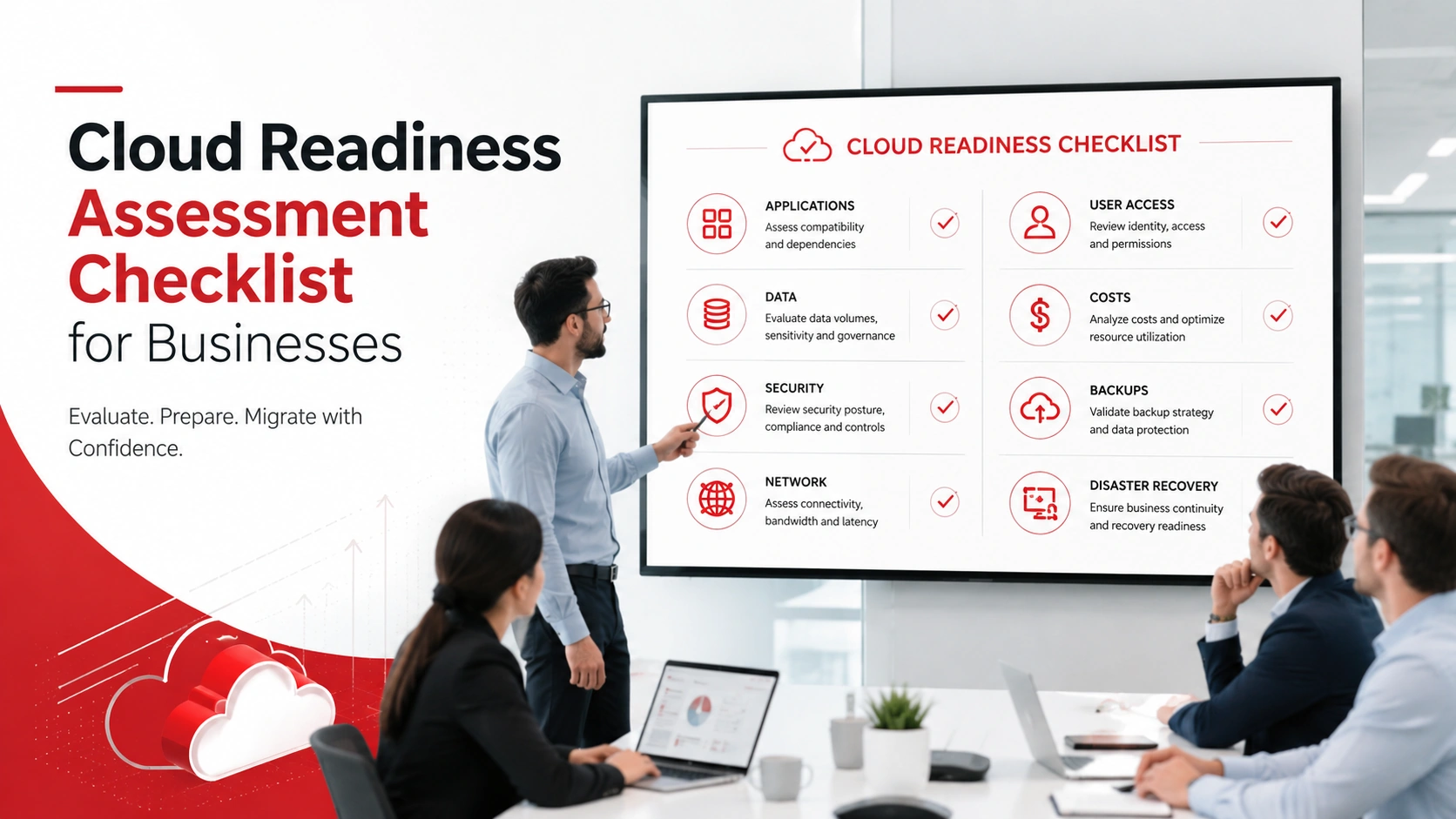
Quick Cloud Readiness Assessment Checklist
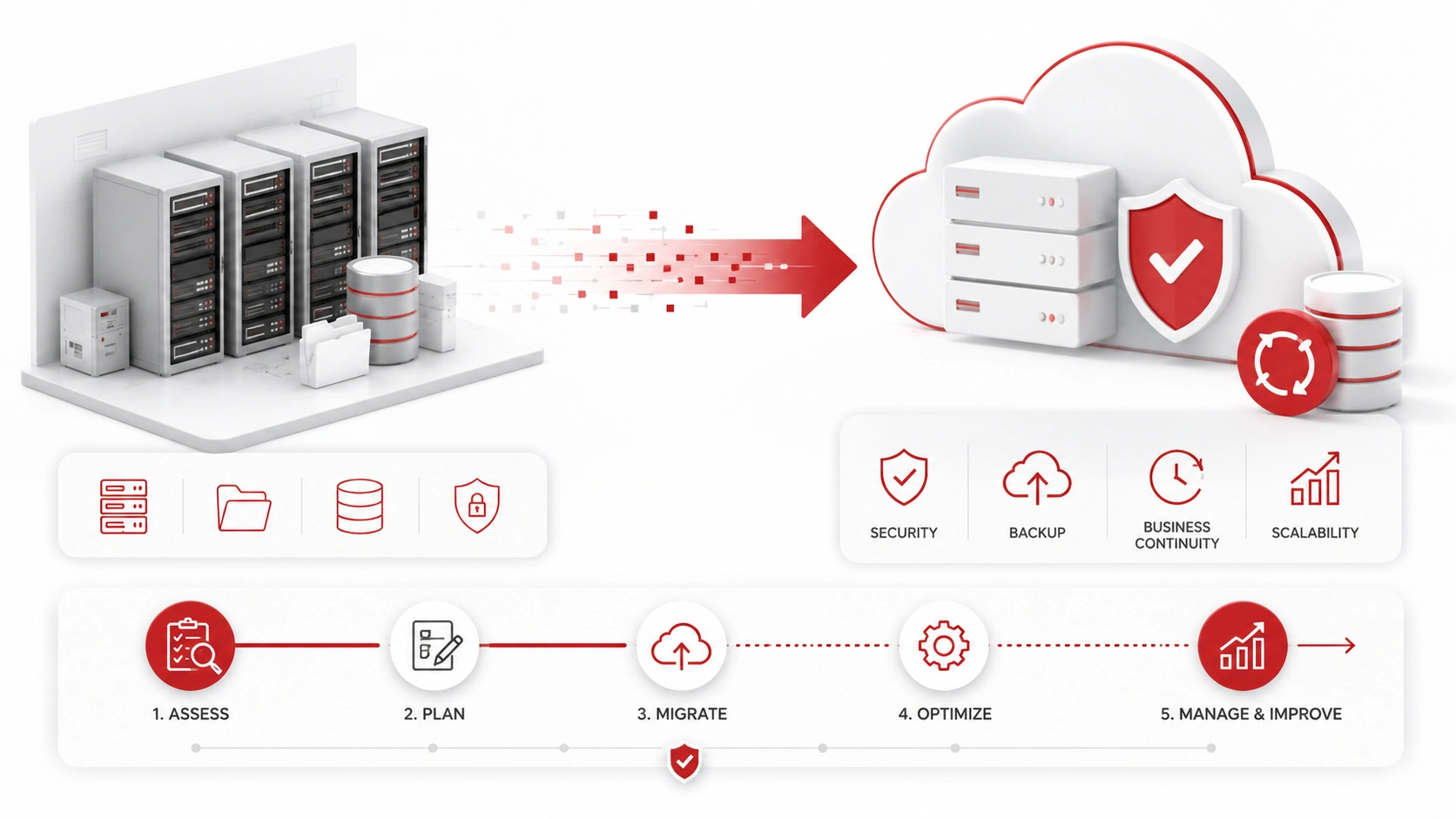
Start by reviewing these core areas:
- Review current applications and systems
- Identify business goals for moving to the cloud
- Check data storage and backup needs
- Assess security and compliance requirements
- Review internet and network performance
- Evaluate user access and permissions
- Check application compatibility
- Estimate cloud migration costs
- Review downtime and business continuity risks
- Plan backup and disaster recovery
- Create a cloud migration timeline
- Choose the right cloud model and provider
This checklist helps businesses find gaps before migration, reduce disruption, and build a cloud strategy that supports daily operations.
What Is a Cloud Readiness Assessment?
A cloud readiness assessment is a review of your current IT environment to determine whether your business is prepared to move systems, applications, or data to the cloud.
The assessment looks at technical, security, cost, and operational factors. It helps identify which systems are ready for migration, which need preparation, and which may require a different approach.
A proper assessment can help your business avoid downtime, compatibility issues, security gaps, and unexpected cloud costs, while cloud services in Schaumburg can provide the expertise needed to plan, migrate, and manage the transition.
Why Cloud Readiness Matters Before Migration
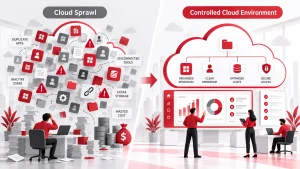
Cloud migration can affect more than your servers. It can impact employees, workflows, data access, security, customer service, and business continuity.
Moving too quickly can create problems such as slow performance, lost access, application errors, or higher-than-expected costs. Some applications may not be ready for the cloud without updates, replacements, or a hybrid setup.
A cloud readiness assessment gives your business a clear picture before making major changes. It helps you decide what to move, when to move it, and how to protect business operations during the process.
1. Review Your Current Applications and Systems
Start by creating a list of the systems your business uses every day.
This may include:
- Business applications
- Servers
- Databases
- File storage
- Email systems
- Accounting software
- CRM platforms
- Industry-specific software
Identify which systems are critical, outdated, custom-built, or connected to other tools. Some applications may depend on local servers, older operating systems, or specific integrations.
This step helps you understand what can move easily and what may need additional planning before migration.
2. Define Your Business Goals for the Cloud
Cloud migration should support clear business goals. It should not happen only because cloud technology is popular.
Common goals include:
- Reducing IT costs
- Improving remote access
- Supporting business growth
- Replacing aging servers
- Improving security
- Increasing flexibility
- Improving backup and recovery
- Supporting hybrid work
Knowing your goals helps shape the right migration plan. For example, a business focused on remote work may prioritize secure access and cloud collaboration tools. A business replacing old servers may focus on infrastructure, performance, and long-term management.
3. Assess Data Storage and Backup Needs
Before moving to the cloud, review what data your business stores, how often it changes, and how it should be protected.
Check:
- What data needs to move
- How much data the business stores
- Which data is sensitive
- How often data changes
- Backup frequency
- Retention requirements
- Restore needs
Not all data has the same value or risk level. Customer records, financial files, healthcare information, legal documents, and business-critical databases may require stronger controls.
A cloud migration plan should also connect to your backup and disaster recovery strategy so important data can be restored if something goes wrong.
4. Review Security and Compliance Requirements
Cloud systems need strong security controls before, during, and after migration.
Review:
- Data encryption
- Access control
- Multi-factor authentication
- Compliance needs
- Cloud security policies
- Sensitive customer data
- Vendor security requirements
- Monitoring and alerts
If your business handles regulated or sensitive information, security should be planned before data is moved. Cloud platforms can be secure, but they still need proper configuration, user permissions, and monitoring.
This is where cybersecurity services can help businesses reduce risk and protect cloud environments.
5. Check Network and Internet Performance
Cloud systems depend on reliable connectivity. If your internet or internal network is slow, cloud applications may feel unreliable even if the cloud platform itself is working properly.
Review:
- Internet speed
- Network stability
- Wi-Fi performance
- Remote access needs
- VPN requirements
- Bandwidth usage
- Backup internet options
Businesses with multiple locations, remote employees, or cloud-based applications may need stronger connectivity before migration. A readiness assessment can help identify whether network upgrades are needed first.
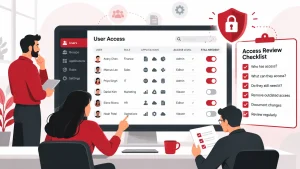
6. Evaluate User Access and Permissions
Before migration, review who has access to your systems and what level of access they need.
Check:
- Employee accounts
- Admin accounts
- Department-level access
- Remote employee access
- Former employee access
- Shared accounts
- Role-based permissions
Old permissions should not be carried into the cloud. Former employee accounts, shared logins, and unnecessary admin access can create security risks.
Use the cloud migration process as an opportunity to clean up access and apply role-based permissions.
7. Check Application Compatibility
Not every application is ready to move directly to the cloud.
Review:
- Legacy applications
- Custom software
- Database dependencies
- Licensing restrictions
- Integrations
- Operating system requirements
- Vendor cloud support
Some applications may need updates before migration. Others may need to stay on-premise, move to a hosted environment, or be replaced with a cloud-based alternative.
Checking compatibility early helps prevent surprise issues during migration.
8. Estimate Cloud Migration Costs
Cloud migration costs can include more than monthly platform fees.
Review:
- Migration planning
- Cloud platform costs
- Storage costs
- Licensing fees
- Support costs
- Security tools
- Backup costs
- Training costs
- Ongoing management
Cloud costs should be compared against your current infrastructure costs, including servers, maintenance, hardware replacement, support, electricity, downtime, and security tools.
The goal is not always to choose the cheapest option. The goal is to choose a cloud setup that supports performance, security, growth, and long-term value.
9. Review Downtime and Business Continuity Risks
Some systems cannot be offline for long. Before migration, identify what downtime your business can tolerate.
Review:
- Systems that cannot go offline
- Customer-facing tools
- Employee productivity impact
- Migration windows
- Rollback plan
- Communication plan
- Testing before launch
A cloud migration should include a plan for timing, testing, and recovery. If something does not work as expected, your team should know how to respond and how to keep the business running.
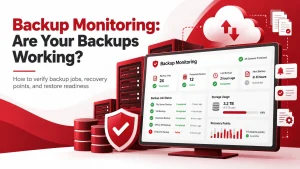
10. Plan Backup and Disaster Recovery
Moving to the cloud does not remove the need for disaster recovery planning with systems assessments.
Review:
- Cloud backups
- Local backup needs
- Recovery time goals
- Recovery point goals
- Backup testing
- Ransomware recovery
- Data restore process
Cloud platforms may protect infrastructure, but businesses still need to protect their own data, user accounts, files, and applications. Accidental deletion, ransomware, misconfiguration, and user error can still cause data loss.
Backups should be tested before and after migration.
11. Choose the Right Cloud Model
Different businesses need different cloud models.
Common options include:
- Public cloud
- Private cloud
- Hybrid cloud
- Multi-cloud
- Cloud-hosted applications
- Cloud storage
- Cloud backup
The right model depends on budget, security needs, application requirements, compliance expectations, and business goals.
Some businesses can move fully to the cloud. Others may need a hybrid setup that keeps certain systems on-premise while moving others to cloud platforms.
12. Create a Cloud Migration Plan
After the assessment, turn your findings into a migration plan.
Include:
- Migration phases
- Priority systems
- Testing schedule
- Employee communication
- Security checks
- Backup before migration
- Post-migration support
- Ongoing cloud management
A good migration plan should explain what will move first, who is responsible, how employees will be informed, and how systems will be supported after migration.
Cloud migration should also connect with broader managed IT services so your systems remain monitored, maintained, and supported after the move.
How Often Should Businesses Run a Cloud Readiness Assessment?
Businesses should run a cloud readiness assessment before any major cloud migration. They should also reassess readiness when replacing servers, adopting new cloud applications, adding remote workers, changing security requirements, or experiencing performance issues.
Cloud readiness is not a one-time task. As your business grows, your systems, data, users, and security needs can change.
What to Do After a Cloud Readiness Assessment
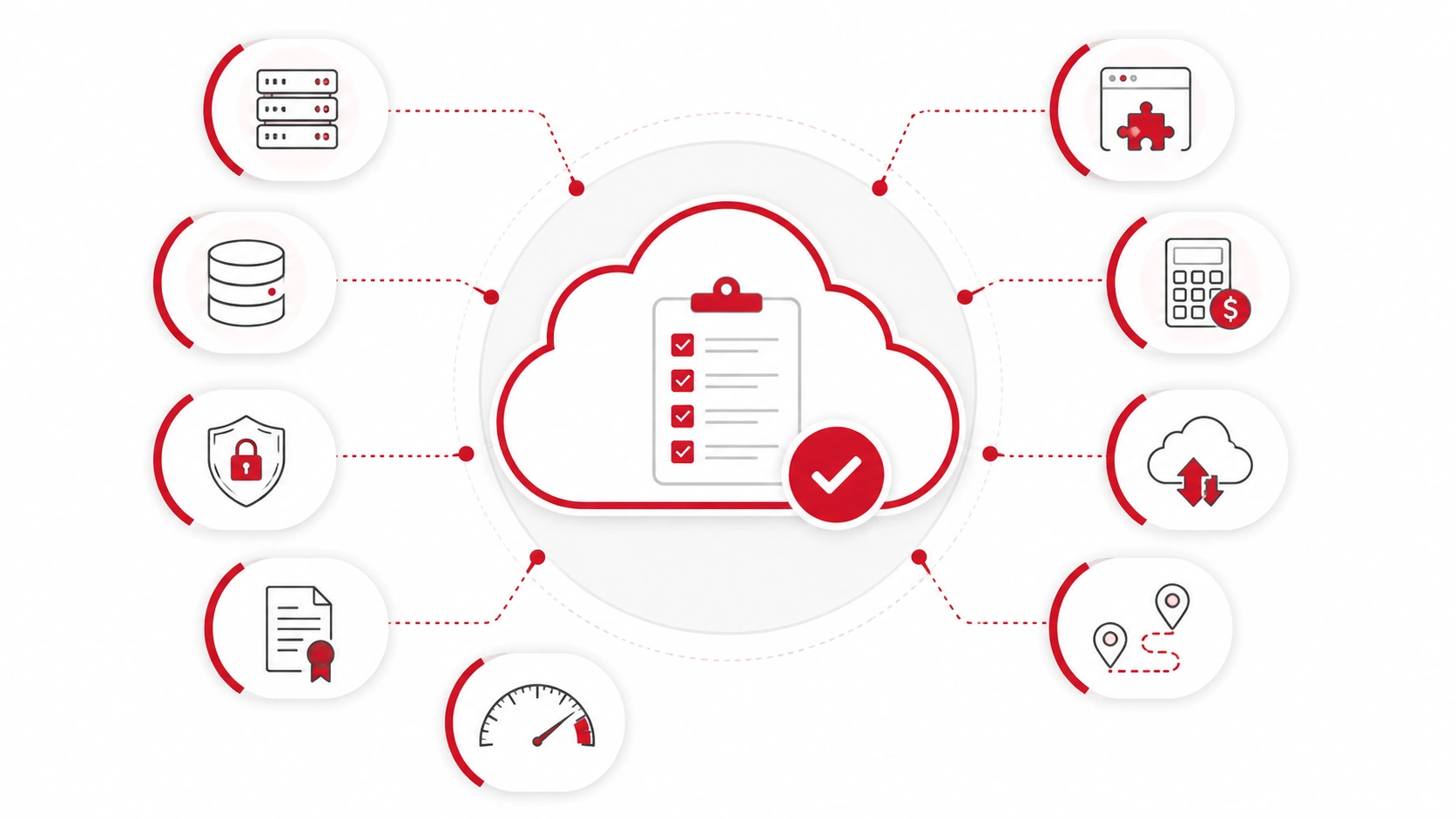
After the assessment, prioritize the most important risks and next steps.
Focus on:
- Fixing security gaps
- Updating outdated systems
- Reviewing licensing
- Confirming backup plans
- Estimating costs
- Building a migration timeline
- Choosing the right provider
- Preparing employees
- Testing before full migration
The assessment should lead to a clear action plan. This helps your business move to the cloud with fewer surprises and stronger control over the process.
Need Help Preparing for the Cloud?
Adivi helps businesses assess cloud readiness, plan migrations, strengthen security, and manage cloud environments. If your business is considering a move to the cloud, Adivi can help evaluate your systems and create a clear migration plan.
Schedule a free assessment with Adivi to find the right cloud strategy for your business.
FAQs
What is a cloud readiness assessment?
A cloud readiness assessment is a review of a business’s systems, applications, data, security, costs, and workflows to determine whether it is ready to move to the cloud.
What should be included in a cloud readiness assessment?
A cloud readiness assessment should include applications, data storage, security, compliance, network performance, user access, application compatibility, cloud costs, backup needs, and migration planning.
Why is cloud readiness important?
Cloud readiness is important because it helps businesses identify risks before migration, reduce downtime, avoid cost surprises, and make better cloud decisions.
How do you know if your business is ready for the cloud?
Your business may be ready for the cloud if your applications are compatible, your data is organized, your network is reliable, your security controls are strong, and you have a clear migration plan.
Do businesses need backup after moving to the cloud?
Yes. Businesses still need backup and disaster recovery after moving to the cloud because cloud platforms do not automatically protect against every type of data loss, deletion, ransomware, or user error.