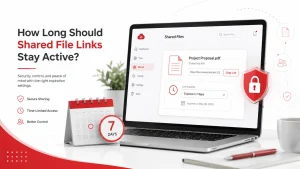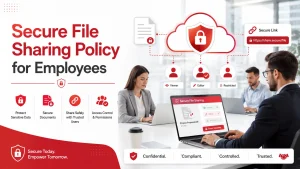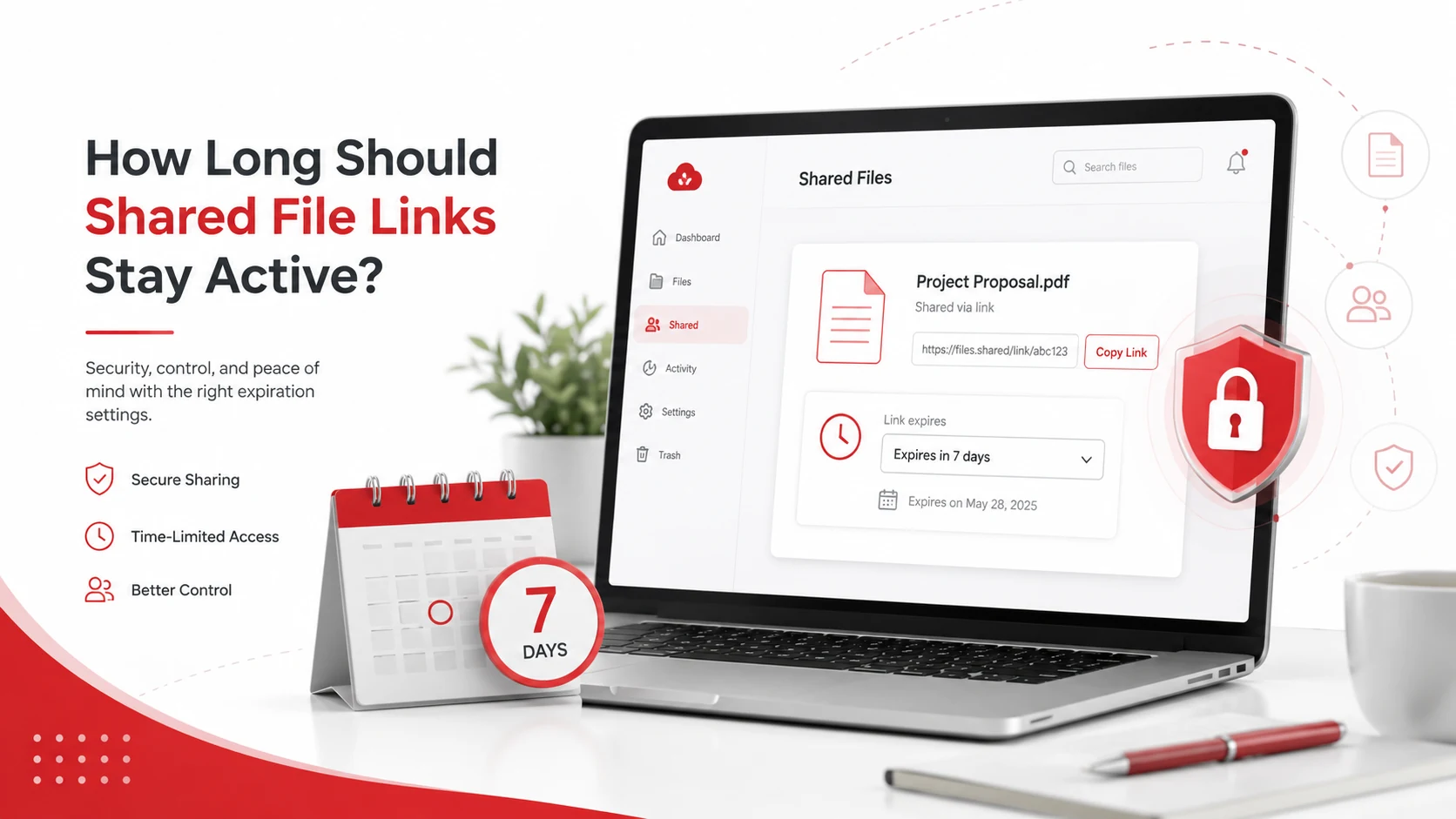
Shared file links should stay active only as long as they are needed. For many business files, a few days to 30 days is enough. Sensitive files, client documents, financial records, and employee data should have shorter expiration dates and stricter access controls.
There is no single rule that works for every business. The right expiration period depends on the file type, who needs access, how sensitive the data is, and whether the link is shared internally or externally.
Key Takeaways
- Shared file links should not stay active forever unless there is a clear business reason.
- Sensitive files should use shorter expiration dates, password protection, and limited permissions.
- Public links are riskier because anyone with the URL may be able to access the file.
- Managed IT services can help businesses manage file access, cloud permissions, and secure sharing rules.
Why Link Expiration Matters
Shared links make collaboration easy, but they can also create security risks when they are not managed properly. A file link may be forwarded, saved, forgotten, or accessed long after the original project is finished.
This becomes risky when links provide access to customer records, financial files, employee documents, contracts, proposals, or internal business information. Even if the link was shared correctly at first, it may become unnecessary later.
Using secure file sharing practices helps businesses control who can access files, how long links stay active, and what users can do with shared documents.
Recommended Expiration Times for Shared Links
The right expiration date depends on the purpose of the file. Short-term access is usually safer, especially when files are shared outside the company.
| File Type | Suggested Link Duration |
| Internal drafts or working files | 7 to 30 days |
| Client review files | 7 to 14 days |
| Vendor or contractor files | Until the project ends |
| Financial or employee records | 1 to 7 days |
| Public marketing files | As long as they are actively used |
| Sensitive business documents | Shortest practical period |
These are general guidelines, not fixed rules. A business may need shorter or longer periods depending on its workflow, compliance needs, and security requirements.
When Shared Links Should Expire Quickly
Some shared links should expire as soon as possible because the files contain sensitive or private information.
Use shorter expiration dates for:
- Customer records or personal information
- Financial reports, invoices, or payment details
- Employee files, HR documents, or payroll data
- Contracts, legal files, or confidential business plans
For these files, businesses should also consider view-only access, download restrictions, password-protected links, and multi-factor authentication.
If your business handles sensitive data often, cybersecurity services and solutions can help improve access control, account security, and file-sharing protection.
When Longer Access May Be Acceptable
Some links may need to stay active longer, especially when they support ongoing work. For example, internal team folders, active project documents, and marketing assets may need extended access.
Longer access may be acceptable for:
- Internal team documents used regularly
- Active project folders with approved users
- Brand assets or public marketing materials
- Files stored in controlled cloud environments
Even when links stay active longer, they should still be reviewed regularly. Access should be removed when a project ends, an employee changes roles, or a vendor no longer needs the file.
Public Links vs Restricted Links
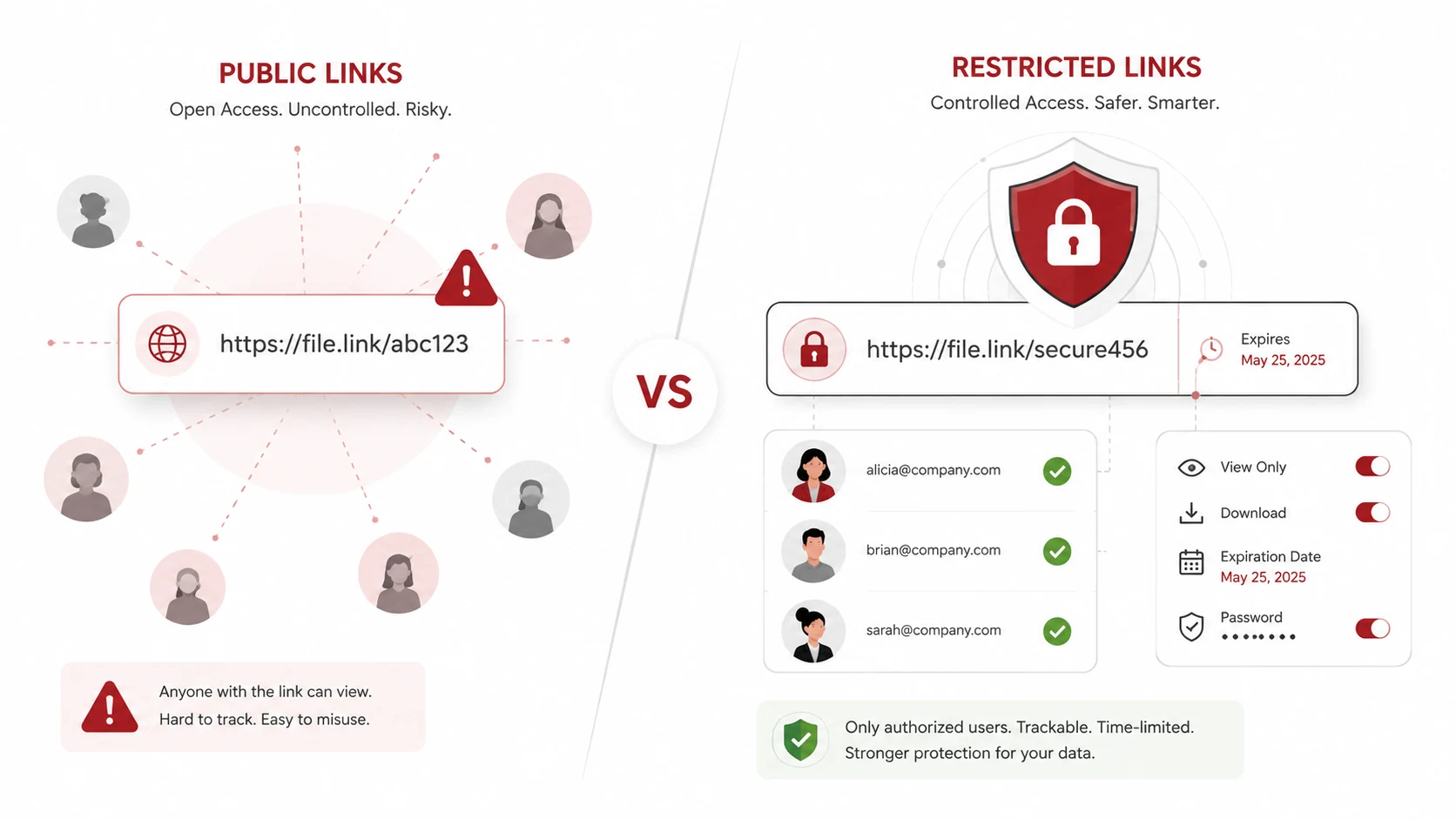
Public links are usually the highest-risk option because anyone with the URL may be able to open the file. These links can be copied, forwarded, or stored without the business knowing who has access.
Restricted links are safer because access is limited to approved users. In most cases, businesses should choose restricted links instead of public links, especially for private or business-critical files.
A safer link setup may include:
- Access limited to specific users
- View-only permissions when possible
- Link expiration dates
- Activity logs or access tracking
For businesses using cloud storage tools, cloud computing services can help manage cloud access, sharing settings, and storage security.
How to Create Shared Link Expiration Rules
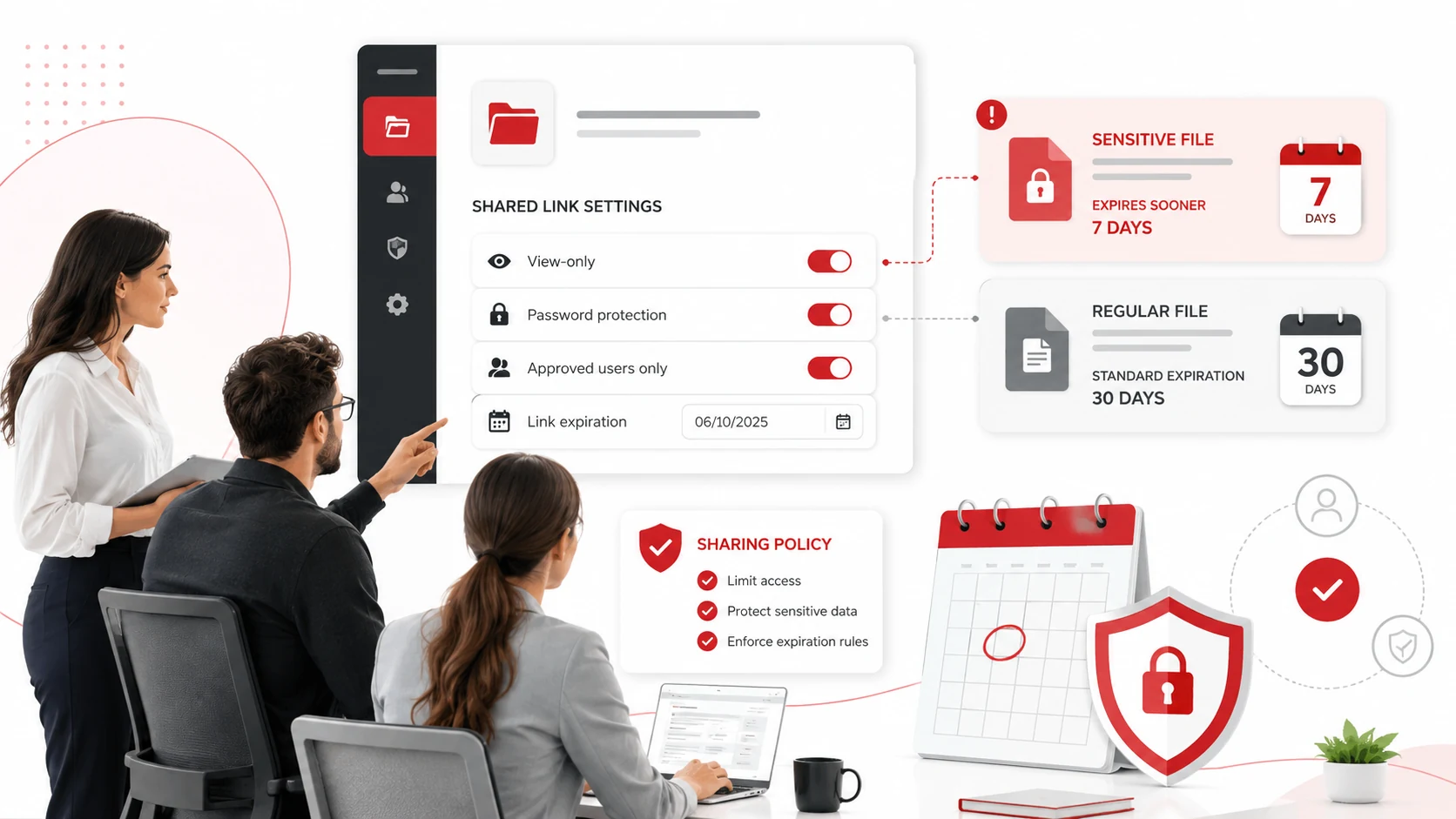
A simple policy can help employees know how long links should stay active. This does not need to be complicated. The policy should explain which files can be shared, how long links should last, and who can approve external access.
Your policy should answer:
- What types of files need expiration dates?
- Who can share files outside the company?
- When should links be view-only or password-protected?
- How often should shared links be reviewed?
Clear rules reduce guesswork and help employees share files safely.
Use Data Loss Prevention for Sensitive Files
Data loss prevention, or DLP, can help detect and reduce risky file sharing. It can warn or block users when they try to share sensitive information outside approved channels.
DLP may help protect customer records, financial information, employee files, and confidential business documents. Adivi’s guide on data loss prevention explains how DLP can help protect information across email, cloud storage, devices, and file-sharing tools.
DLP works best when combined with employee training, access reviews, and strong file-sharing rules.
Common Shared Link Mistakes
Many shared link risks come from simple habits that are easy to overlook.
Common mistakes include:
- Leaving public links active after a project ends
- Giving edit access when view-only access is enough
- Sharing full folders instead of specific files
- Forgetting to remove vendor or former employee access
These mistakes can usually be reduced with link expiration settings, permission reviews, and clear employee guidance.
How Managed IT Services Can Help
Small businesses may not always have time to review file links, cloud permissions, user access, and security settings manually. A managed IT provider can help create safer file-sharing processes and keep permissions under control.
Managed IT support can help with:
- Cloud storage permissions and shared link reviews
- Secure file sharing setup and MFA
- Public link cleanup and access monitoring
- Backup planning and data protection
A strong data backup and disaster recovery plan can also help protect files if they are deleted, corrupted, or affected by a cyberattack.
Final Thoughts
Shared file links should stay active only for as long as they are needed. For sensitive files, shorter expiration dates are safer. For active internal work, longer access may be acceptable if the links are restricted and reviewed regularly.
The best approach is to use clear sharing rules, avoid public links when possible, limit permissions, add expiration dates, and review access often. This helps employees collaborate without leaving business data exposed.
FAQs About Shared File Links
How long should a shared file link stay active?
A shared file link should stay active only as long as needed. For many business files, 7 to 30 days is enough, while sensitive files should often expire sooner.
Should shared links expire automatically?
Yes, shared links should expire automatically whenever possible. Automatic expiration reduces the chance of old links staying active after they are no longer needed.
Are public file links safe?
Public file links are riskier because anyone with the URL may be able to access the file. Restricted links are usually safer for business files.
What files need shorter link expiration dates?
Customer records, financial documents, employee files, contracts, legal documents, and confidential business files should use shorter expiration dates.
How can businesses manage shared file links better?
Businesses can manage shared file links better by using restricted access, view-only permissions, expiration dates, MFA, secure file sharing tools, and regular permission reviews.