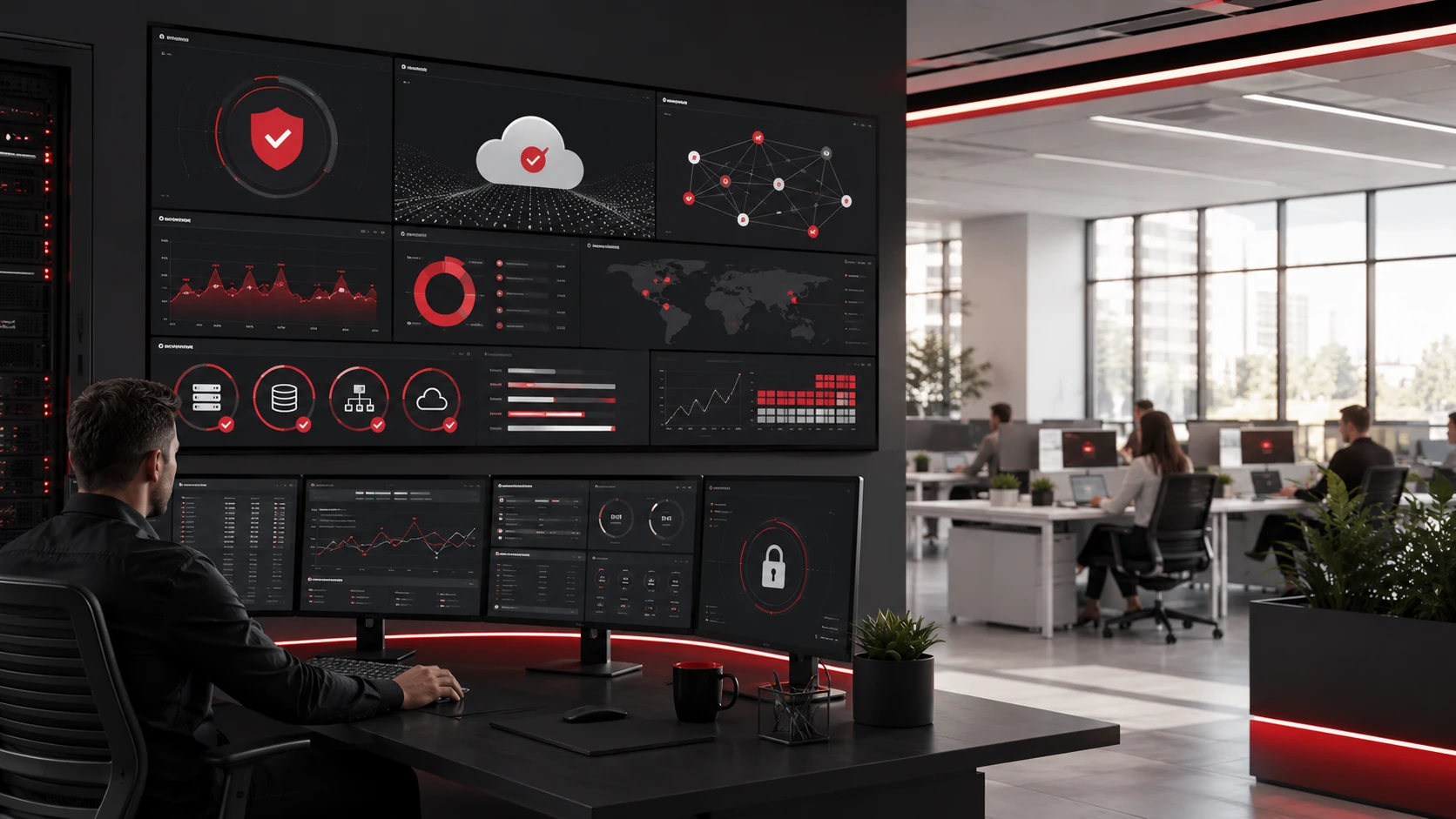
Downtime can interrupt almost every part of a business. Employees may lose access to files, customers may experience delays, and daily operations can slow down quickly. Even a short outage can affect productivity, revenue, and customer trust.
Many businesses only call IT support after something breaks. By that point, the issue may have already caused delays, lost work, or security risks. Proactive IT support takes a better approach by identifying problems early, maintaining systems, improving security, and preventing issues before they disrupt work.
For businesses that rely on technology every day, proactive IT support helps create a more reliable and secure IT environment.
Key Takeaways
- Proactive IT support helps prevent downtime by finding issues early.
- Ongoing monitoring can detect problems with networks, devices, servers, backups, and cloud systems.
- Regular maintenance reduces recurring technical issues.
- Strong cybersecurity helps prevent attacks that can interrupt operations.
- Managed IT support gives businesses a more structured way to keep systems reliable.
What Is Proactive IT Support?
Proactive IT support is an approach to IT management that focuses on preventing problems before they affect the business. Instead of waiting for systems to fail, IT teams monitor, maintain, update, and secure the technology your business depends on.
This is different from reactive IT support.
Reactive support fixes problems after they happen. Proactive support looks for warning signs and resolves issues before they lead to downtime.
Proactive IT support may include:
- System monitoring
- Patch management
- Backup monitoring
- Cybersecurity protection
- Help desk support
- Network management
- Cloud support
- IT documentation
- Long-term technology planning
The goal is to keep systems running smoothly, reduce unexpected disruptions, and support daily operations with fewer interruptions.
Why Downtime Is a Serious Business Problem
Downtime is more than a technical issue. It can affect employees, customers, revenue, and business reputation.
When systems are unavailable, employees may not be able to use software, access files, send emails, process orders, or communicate with customers. If the issue affects multiple departments, the disruption can spread quickly.
Downtime can lead to:
- Lost productivity
- Delayed customer service
- Missed sales opportunities
- Frustrated employees
- Higher emergency repair costs
- Data loss
- Security risks
- Missed deadlines
The longer downtime lasts, the more costly and stressful it becomes. That is why preventing IT problems is often more valuable than fixing them after they happen.
Common Causes of IT Downtime
Many IT outages come from issues that could have been detected earlier with better monitoring and maintenance.
Hardware Failure
Computers, servers, storage devices, routers, firewalls, and other equipment can become unreliable over time. Without regular checks, warning signs may go unnoticed until equipment fails.
Proactive IT support helps identify aging or failing hardware before it causes a serious outage.
Software Issues
Outdated applications, failed updates, software bugs, and compatibility problems can interrupt work. Employees may experience slow performance, crashes, login errors, or limited access to important systems.
Patch management and regular updates help reduce these risks.
Network Problems
A slow or unstable network can affect email, cloud tools, shared files, printers, communication platforms, and customer-facing systems.
Network downtime may be caused by outdated equipment, poor configurations, bandwidth issues, weak Wi-Fi coverage, or firewall problems.
Cybersecurity Threats
Cyberattacks can cause major downtime. Ransomware, phishing, malware, and compromised accounts can lock files, expose sensitive data, or force systems offline.
Strong cybersecurity helps reduce the risk of attack-related disruptions, and businesses can strengthen their defenses with Arlington Heights cybersecurity services that provide proactive monitoring and protection.
Cloud or Application Access Issues
Many businesses rely on cloud tools for email, file sharing, communication, accounting, project management, and customer records. When employees cannot access these systems, work can slow down quickly.
Proactive IT support helps manage cloud access, permissions, licenses, and configurations.
Poor Backup and Recovery Planning
Backups are essential when something goes wrong, but they only help if they are current, secure, and recoverable.
If backups are missing, outdated, or untested, recovery can take much longer after a system failure, cyberattack, or accidental data loss.
How Proactive IT Support Prevents Downtime
Proactive IT support reduces downtime by improving visibility, fixing small issues early, and keeping systems stable.
1. Continuous Monitoring Finds Problems Early
Ongoing monitoring helps IT teams detect warning signs before employees are affected.
Monitoring can identify:
- Low disk space
- Failing hardware
- Slow network performance
- Server issues
- Backup failures
- Unusual login activity
- Security alerts
- Storage problems
When issues are caught early, they can often be fixed before they become business-wide disruptions.
2. Regular Maintenance Keeps Systems Reliable
Technology needs regular maintenance to perform well. Without routine checks, small problems can build up and eventually cause downtime.
Maintenance may include reviewing system performance, checking device health, updating configurations, removing unnecessary software, and making sure equipment is working properly.
These small preventive steps help reduce recurring problems and improve system reliability.
3. Patch Management Reduces Risk
Software patches fix security vulnerabilities, bugs, and performance issues. When updates are delayed, systems may become more vulnerable to cyberattacks or technical failures.
Proactive IT support helps schedule and apply patches carefully so systems stay secure without creating unnecessary disruption.
4. Cybersecurity Protection Prevents Attack-Related Downtime
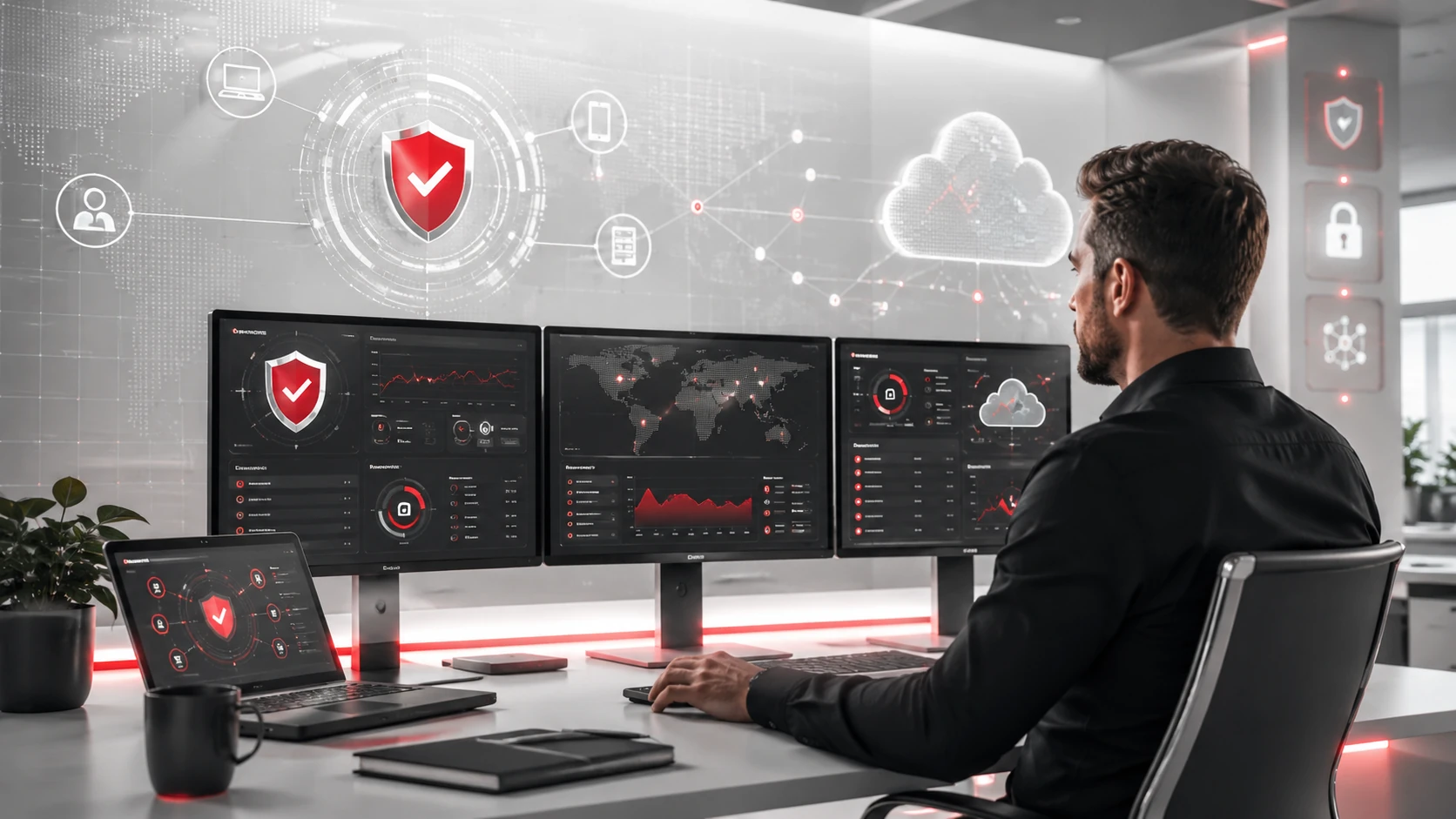
A single phishing email, malware infection, or compromised password can interrupt business operations. Proactive cybersecurity helps reduce that risk.
This may include:
- Endpoint protection
- Email security
- Multi-factor authentication
- Firewall management
- Threat monitoring
- Security updates
- Employee cybersecurity training
- Access control reviews
Cybersecurity cannot remove every risk, but it can make attacks harder to succeed and easier to contain.
5. Backup Monitoring Improves Recovery Readiness
Backup monitoring is one of the most important safeguards against downtime. However, many businesses assume their backups are working without testing them.
Proactive IT support checks backup status, confirms backup completion, and helps test recovery processes. This makes it easier to restore files and systems when something goes wrong.
6. Network Management Improves Connectivity
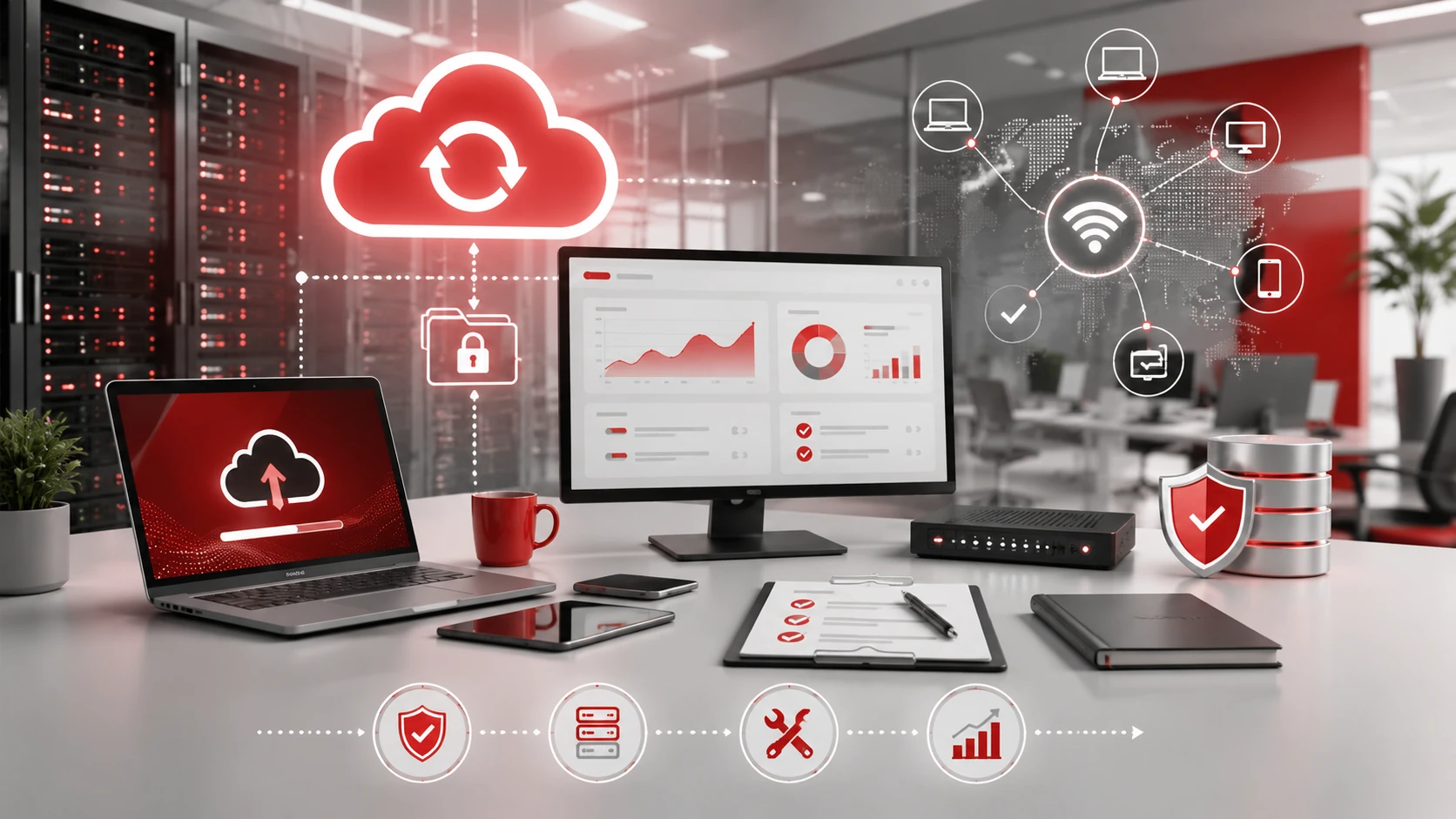
Network issues can affect an entire business. Proactive network management helps reduce outages, slow connections, Wi-Fi problems, and device connectivity issues.
This may include:
- Router and firewall updates
- Wi-Fi coverage reviews
- Bandwidth monitoring
- Network performance checks
- Device configuration management
A well-managed network helps employees stay connected and productive.
7. Standardized Systems Reduce Recurring Issues
When every employee uses different software, devices, settings, and workflows, IT support becomes harder. Standardization creates a more consistent and manageable technology environment.
Proactive IT support can standardize:
- Approved software
- Device setup
- User access permissions
- Security policies
- Onboarding processes
- Remote work tools
- Troubleshooting steps
This reduces confusion, speeds up support, and prevents many avoidable issues.
8. IT Planning Helps Avoid Future Disruptions
Proactive IT support also helps businesses plan ahead. As a company grows, technology needs change. More employees, devices, cloud tools, locations, and security requirements can create new risks.
Long-term IT planning helps businesses prepare for hardware upgrades, software changes, cloud adoption, cybersecurity improvements, and future growth.
Proactive IT Support vs Reactive IT Support
| Area | Reactive IT Support | Proactive IT Support |
| Main approach | Fixes issues after they happen | Prevents issues before they disrupt work |
| Cost control | Often unpredictable | Easier to plan and manage |
| Downtime risk | Higher | Lower |
| Monitoring | Limited or none | Ongoing system monitoring |
| Security | Responds after alerts | Reduces risks early |
| Business impact | More interruptions | More stable operations |
Reactive support is still useful for urgent issues. However, businesses that rely only on reactive support may experience more recurring problems and unexpected downtime.
Proactive IT support creates a more stable long-term approach.
Signs Your Business Needs Proactive IT Support
Your business may need proactive IT support if:
- Employees report the same IT issues repeatedly.
- Computers, servers, or applications are slow.
- Internet or Wi-Fi problems happen often.
- Backups are not checked or tested.
- Software updates are delayed.
- Security alerts are increasing.
- Your team relies heavily on cloud tools.
- You do not have a dedicated internal IT team.
- IT issues are affecting customer service.
- Devices and software are not standardized.
- Downtime is becoming more expensive.
These signs often mean your business is reacting to IT problems instead of preventing them.
Best Practices for Preventing IT Downtime
To reduce downtime risk, businesses should:
- Monitor systems regularly.
- Keep software and devices updated.
- Replace aging hardware before it fails.
- Use endpoint protection and email security.
- Enable multi-factor authentication.
- Review user access permissions.
- Test backups regularly.
- Document important IT processes.
- Train employees on basic cybersecurity.
- Standardize devices and software.
- Secure cloud tools and remote access.
- Work with a managed IT provider for ongoing support.
The best approach is a layered strategy that protects systems, supports employees, and keeps the business prepared.
When Should Businesses Consider Managed IT Support?
Businesses should consider managed IT support when technology problems are becoming too frequent, internal teams are overwhelmed, or downtime is affecting productivity.
A managed IT provider can help with:
- Help desk support
- System monitoring
- Patch management
- Cybersecurity
- Backup management
- Cloud support
- Network management
- IT documentation
- Long-term technology planning
Managed IT support gives businesses a structured way to reduce downtime instead of waiting for problems to happen.
Need Help Preventing IT Downtime?
Adivi helps businesses reduce downtime through proactive IT monitoring, managed IT support, cybersecurity, backup planning, and long-term technology strategy.
With the right IT support plan, your business can prevent recurring issues, improve system reliability, protect important data, and keep employees productive.
Schedule a free assessment with Adivi to find the right proactive IT support plan for your business.
FAQs
What is proactive IT support?
Proactive IT support is an IT management approach that focuses on monitoring, maintaining, updating, and securing systems before problems cause downtime.
How does proactive IT support prevent downtime?
Proactive IT support prevents downtime by detecting warning signs early, fixing issues before they grow, keeping systems updated, monitoring backups, and improving cybersecurity.
What causes IT downtime?
Common causes of IT downtime include hardware failure, software problems, network issues, cyberattacks, cloud access problems, and poor backup planning.
Is proactive IT support better than reactive IT support?
Proactive IT support is usually better for long-term reliability because it helps prevent problems before they disrupt work. Reactive support is still useful for urgent issues, but it should not be the only approach.
Can managed IT support reduce downtime?
Yes. Managed IT support can reduce downtime by providing ongoing monitoring, maintenance, cybersecurity, backup management, and faster support when problems appear.
How often should businesses monitor their IT systems?
Businesses should monitor critical systems continuously or regularly, depending on their size, industry, and technology needs. Systems that support daily operations should not be left unchecked.