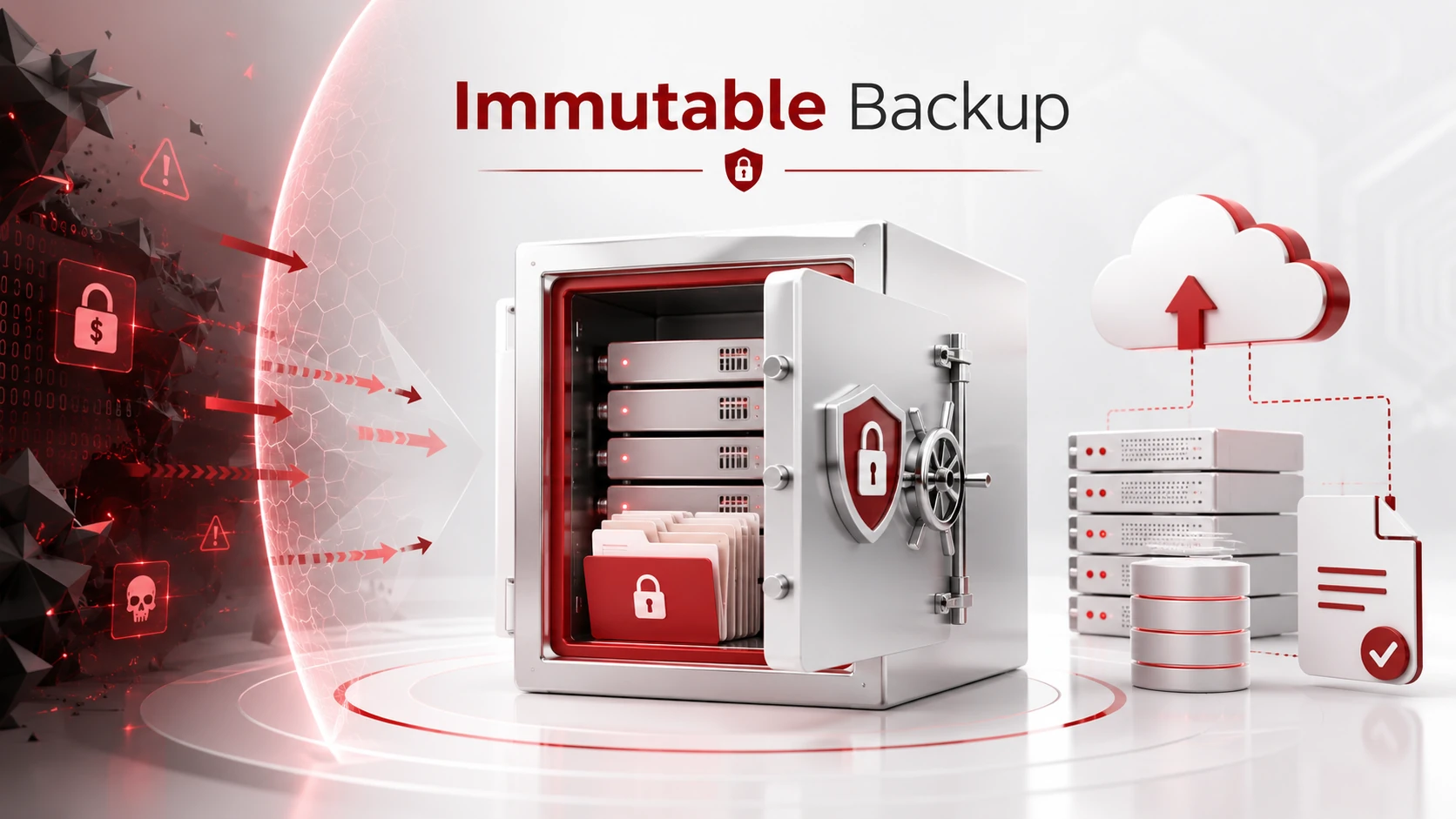
An immutable backup is a protected copy of data that cannot be changed, deleted, encrypted, or overwritten for a set period of time. Once the backup is created, it stays locked until the retention period ends.
For businesses, this matters because backups are often one of the last lines of defense after ransomware, accidental deletion, hardware failure, or system corruption. If your backups are damaged or deleted, recovery becomes much more difficult. Immutable backups help make sure your business has a clean, reliable version of its data available when something goes wrong.
Key Takeaways
- Immutable backup is a protected backup copy that cannot be changed, deleted, encrypted, or overwritten during a set retention period.
- It matters because ransomware and other threats often target backup data before attacking business systems.
- Immutable backups help businesses recover clean data after cyberattacks, accidental deletion, or system failure.
- They should be used as part of a broader backup and disaster recovery plan.
- Small businesses can use immutable backup to reduce downtime, protect customer trust, and improve recovery confidence.
How Immutable Backup Works
Immutable backups are stored in a read-only format. This means the backup can be accessed for recovery, but it cannot be modified during the locked retention period.
Businesses can use immutable backup through cloud storage, backup software, object lock technology, or write-once-read-many storage. The main purpose is to protect backup data from unauthorized changes, whether those changes come from malware, hackers, employee mistakes, or compromised accounts.
For example, if ransomware encrypts files across your network, an immutable backup can still provide a clean copy of your data that was saved before the attack.
Why Immutable Backup Matters
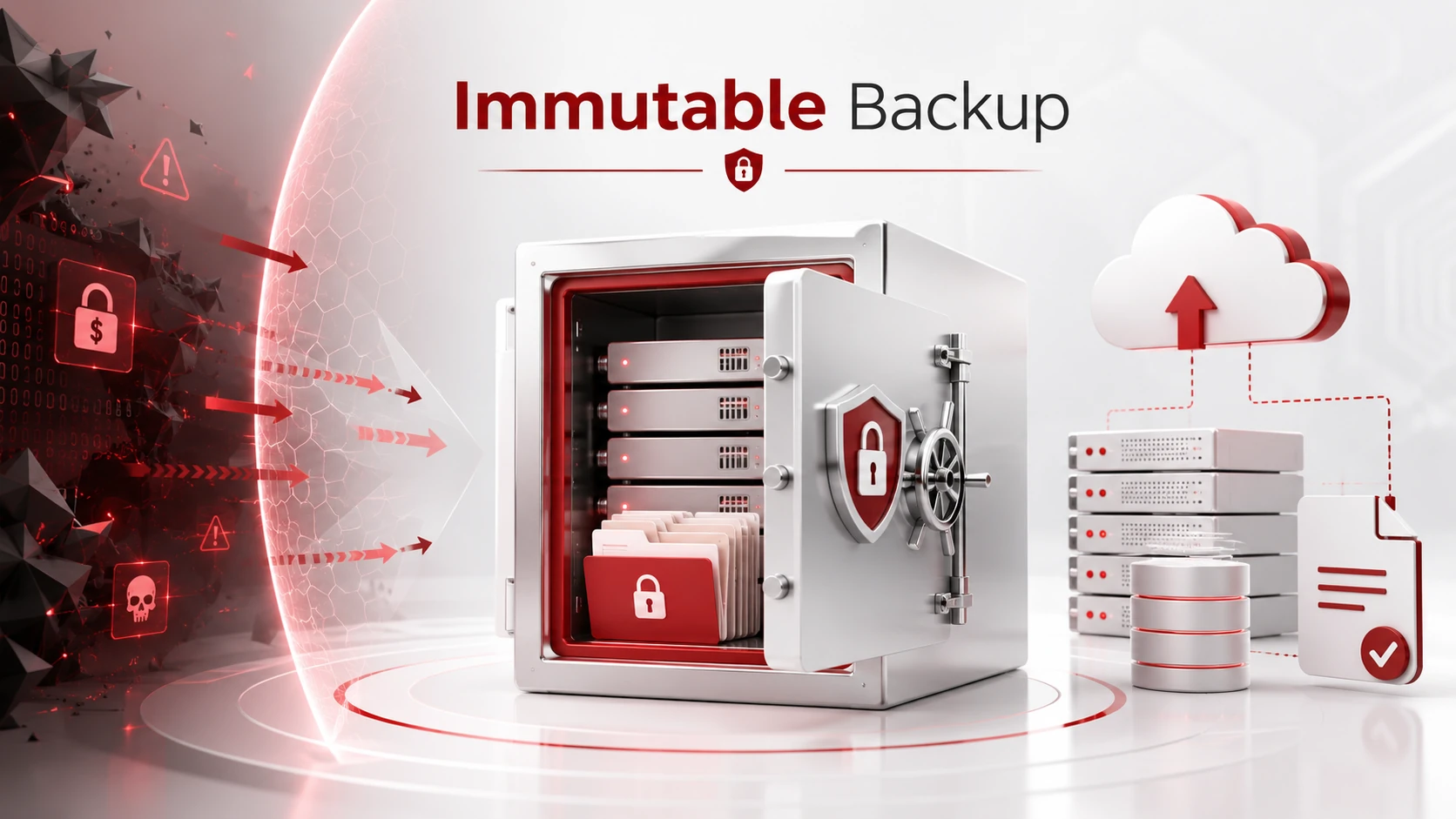
Regular backups are important, but they are not always enough. If a cybercriminal gains access to your backup system, they may try to delete or encrypt the backup files before attacking your main systems.
Immutable backup adds stronger protection by keeping backup copies locked and recoverable.
It helps businesses:
- Protect backup data from ransomware
- Recover clean files after a cyberattack
- Reduce downtime after data loss
- Prevent accidental backup deletion
- Strengthen disaster recovery planning
- Improve confidence in recovery processes
This is especially important for small businesses that may not have large internal IT teams. When downtime happens, every hour can affect productivity, customer service, revenue, and trust.
Immutable Backup vs Regular Backup
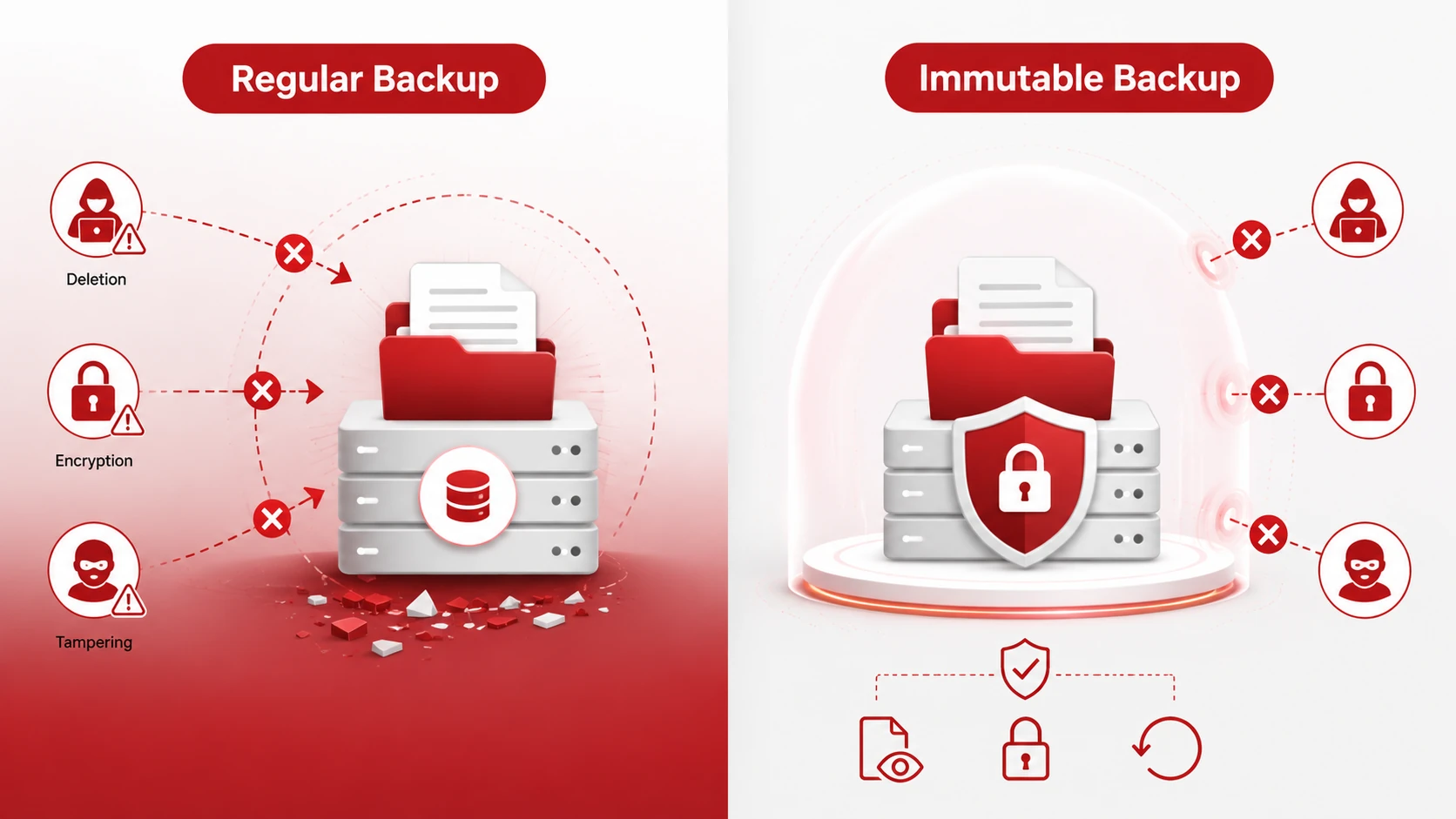
A regular backup creates a copy of your files, systems, or applications. However, that backup may still be changed, deleted, or encrypted if someone gains access to the backup environment.
An immutable backup is different because it locks the data. During the retention period, no one can change or remove it. This makes immutable backup especially useful for ransomware recovery and disaster recovery planning.
That does not mean immutable backup replaces cybersecurity. It should work together with cybersecurity services, access controls, monitoring, employee training, and a strong backup strategy.
When Should Businesses Use Immutable Backup?
Businesses should consider immutable backup if they rely on important data, cloud systems, customer records, financial files, legal documents, healthcare information, or business applications.
It is also useful for companies that need to meet compliance requirements or reduce the risk of long downtime after a cyber incident.
Immutable backup is not only for large companies. Small and mid-sized businesses can also benefit from it, especially if they cannot afford to lose access to critical systems for several days.
Best Practices for Immutable Backup
To get the most value from immutable backup, businesses should:
- Follow the 3-2-1 backup rule
- Keep at least one backup copy offsite or in the cloud
- Set clear backup retention periods
- Limit administrator access
- Encrypt backup data
- Test backups regularly
- Review backup settings after system changes
A backup strategy should not only focus on creating copies of data. It should also make sure those copies are secure, protected, and recoverable.
Need Help Protecting Your Business Data?
Adivi helps businesses build reliable data backup and disaster recovery services designed to protect critical data and reduce downtime. From secure backup planning to recovery testing and ongoing IT support, Adivi can help your business prepare before data loss becomes a serious problem.
If your business needs stronger backup protection, schedule a free assessment with Adivi.
FAQs
What is an immutable backup?
An immutable backup is a backup copy that cannot be changed, deleted, encrypted, or overwritten for a set amount of time.
Why is immutable backup important?
Immutable backup is important because it protects backup data from ransomware, accidental deletion, and unauthorized changes.
Can immutable backup prevent ransomware?
Immutable backup does not stop ransomware from infecting systems, but it can help a business recover clean data after an attack.
What is the difference between immutable backup and regular backup?
A regular backup stores a copy of data, but it may still be changed or deleted. An immutable backup locks the data so it cannot be modified during the retention period.
Do small businesses need immutable backup?
Yes. Small businesses can benefit from immutable backup because it helps protect critical data and supports faster recovery after cyberattacks, outages, or data loss.