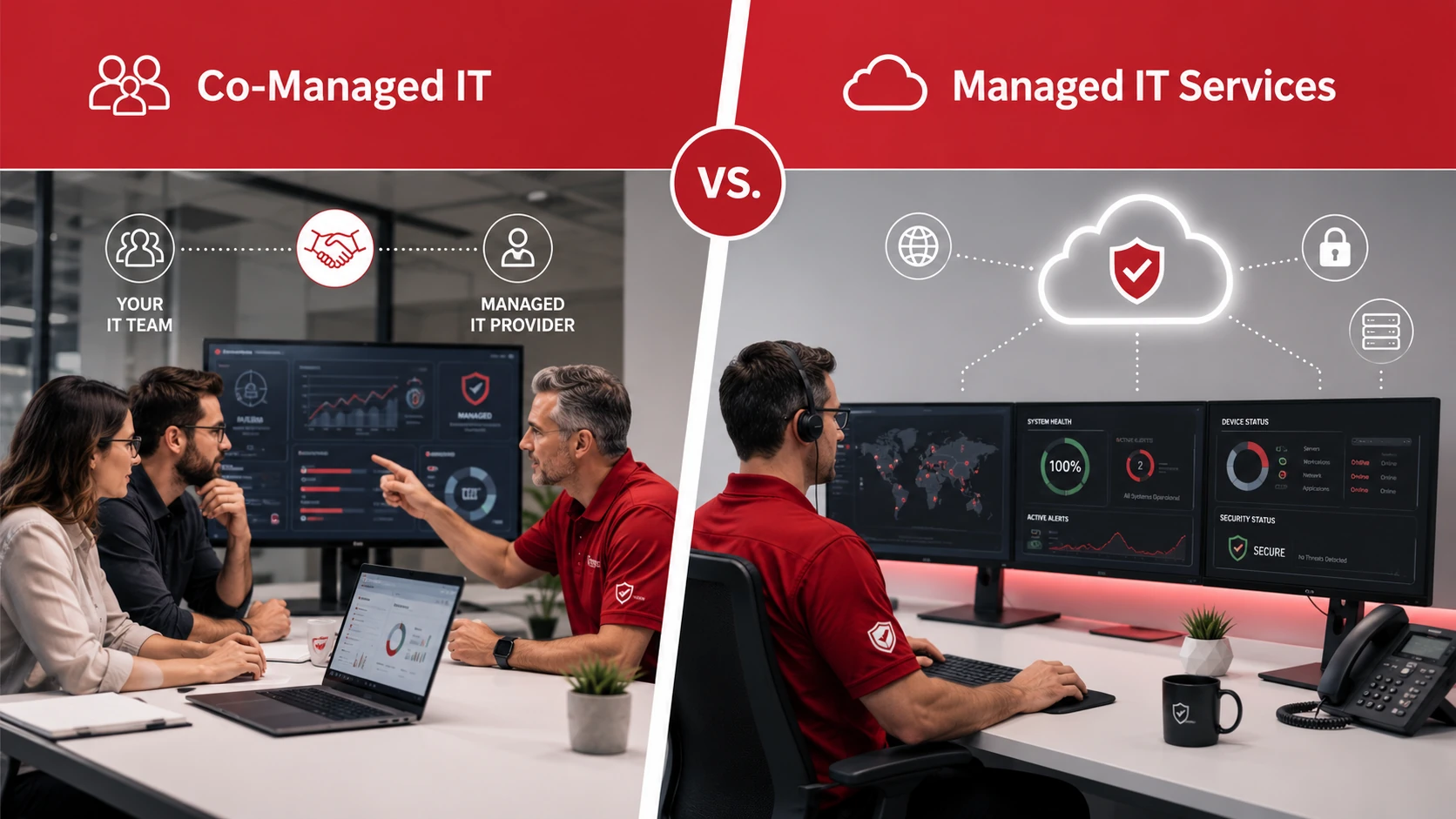
Co-managed IT and managed IT services both give businesses access to professional IT support, but they work in different ways.
Co-managed IT supports an existing internal IT person or IT team. Managed IT services fully outsource most or all day-to-day IT management to an outside provider.
The right choice depends on your current team, workload, budget, security needs, and how much control you want to keep in-house.
Key Takeaways
- Co-managed IT supports an existing internal IT team.
- Managed IT services fully outsource most or all IT responsibilities.
- Co-managed IT is useful when internal IT needs more capacity, coverage, or expertise.
- Managed IT services are useful when a business does not have internal IT staff or wants complete support.
- Both models can include cybersecurity, cloud support, help desk support, monitoring, and backup planning.
- The best option depends on your current team, workload, budget, and business goals.
Co-Managed IT Supports Your IT Team, Managed IT Replaces the Need for One
Co-managed IT is best for businesses that already have internal IT staff but need extra support, advanced expertise, or help with overflow work.
Managed IT services are best for businesses that do not have an internal IT team or want an outside provider to manage IT support, monitoring, maintenance, cybersecurity, cloud systems, and backups.
| IT Support Model | Best For | Main Advantage | Main Difference |
| Co-Managed IT | Businesses with an internal IT team | Extra support and expertise | Provider works alongside internal IT |
| Managed IT Services | Businesses without internal IT staff | Full outsourced IT support | Provider manages most or all IT needs |
Both models can be valuable. The main difference is whether the provider supports your internal team or takes responsibility for managing your IT environment.
What Is Co-Managed IT?
Co-managed IT is a support model where an outside IT provider works alongside your internal IT team. The provider does not replace your team. Instead, it fills gaps, adds capacity, and supports areas where your internal team may need help.
Co-managed IT can be useful when your internal IT team is skilled but overloaded. It can also help when your business needs specialized support for cybersecurity, cloud systems, backups, or large IT projects.
Common co-managed IT services include:
- Extra help desk support
- After-hours monitoring
- Cybersecurity support
- Cloud project support
- Backup and disaster recovery support
- Coverage during staff vacations
- Support for complex IT projects
- Help during periods of rapid growth
This model allows your internal IT team to stay involved while gaining access to outside expertise and additional resources.
What Are Managed IT Services?
Managed IT services are outsourced IT support services where an outside provider manages most or all of a business’s technology needs.
Instead of hiring a full internal IT department, businesses work with a managed IT provider for ongoing monitoring, maintenance, support, and planning.
Managed IT services can include:
- Help desk support
- Network monitoring
- Device support
- Server management
- Cybersecurity support
- Cloud support
- Software updates and patching
- Backup and disaster recovery
- IT planning and consulting
Managed IT services are often a good fit for small and mid-sized businesses that rely on technology but do not have dedicated internal IT staff.
Co-Managed IT vs Managed IT Services: Key Differences
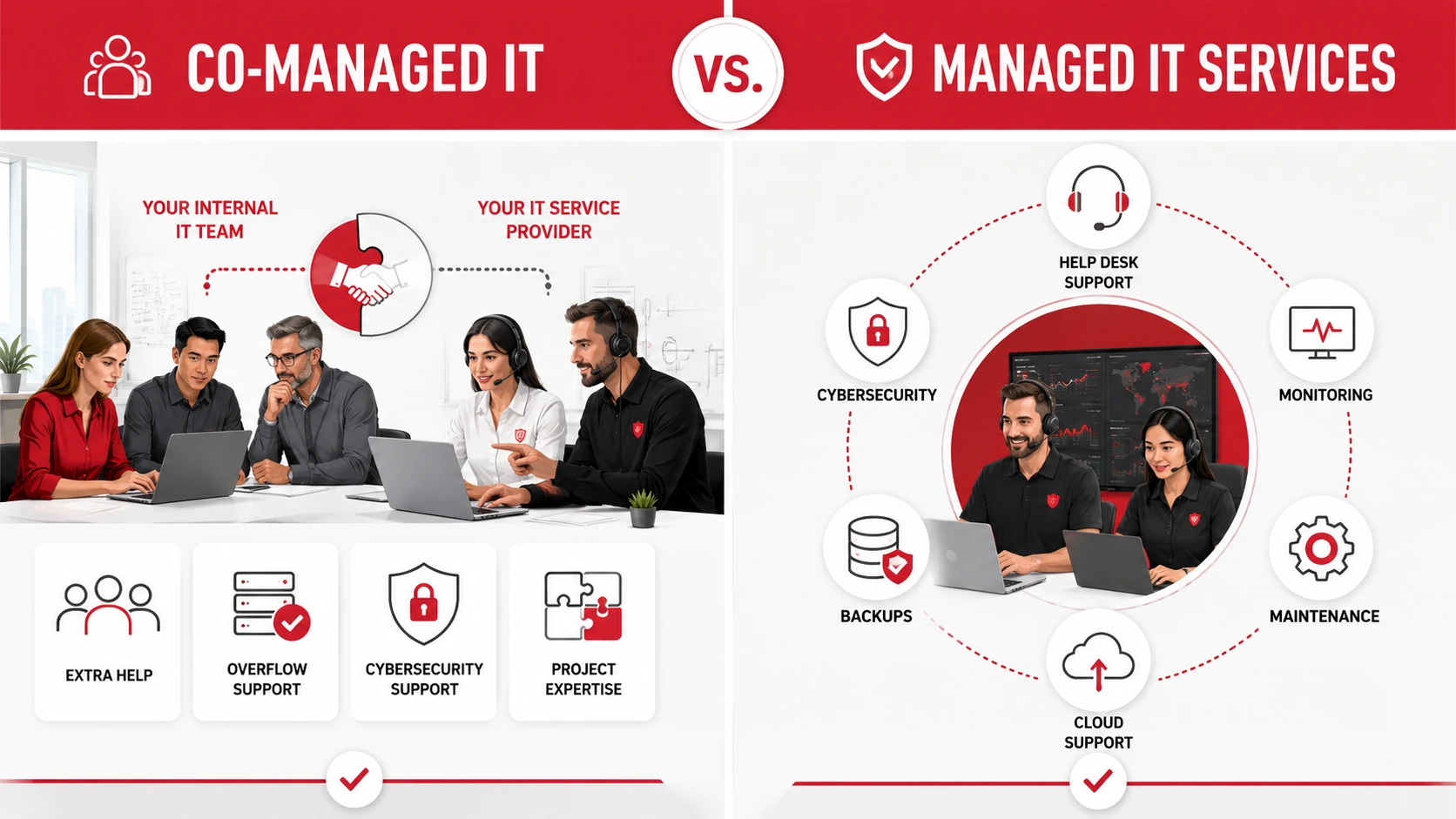
The main difference between co-managed IT and managed IT services is the role of the provider.
With co-managed IT, the provider works with your internal IT team. With managed IT services, the provider usually becomes the main IT support team for the business.
| Category | Co-Managed IT | Managed IT Services |
| Internal IT team | Already exists | May not exist |
| Provider role | Supports internal IT | Manages IT operations |
| Control | Shared with internal team | Mostly handled by provider |
| Best use | Extra capacity or expertise | Full IT outsourcing |
| Flexibility | High | High, depending on plan |
| Common need | Overloaded IT staff | No internal IT resources |
| Strategy | Shared planning | Provider-led planning |
| Cost structure | Based on support gaps | Based on full service needs |
Co-managed IT is more collaborative. Managed IT services are more comprehensive.
When Co-Managed IT Makes Sense
Co-managed IT may be the better choice if your business already has an internal IT person or team but they need more support.
It may make sense if:
- Your internal IT team is overloaded
- You need help with cybersecurity
- You need support for cloud projects
- You need after-hours monitoring
- Your IT team needs help desk overflow support
- You need project-specific expertise
- You want to keep internal control while adding outside support
- Your IT team needs coverage during vacations or busy periods
For example, a company may have one internal IT manager who understands the business well but does not have enough time to handle every support ticket, security alert, software update, and cloud project. Co-managed IT can provide the extra support needed without replacing that person.
When Managed IT Services Make Sense
Managed IT services may be the better choice if your business does not have internal IT staff or wants to outsource IT management completely.
They may be a good fit if:
- You do not have an internal IT team
- Your business needs ongoing IT support
- You want predictable IT costs
- Employees need faster help desk support
- You need stronger cybersecurity
- You rely on cloud tools, servers, or business software
- You need backup and disaster recovery support
- You want an outside provider to manage IT strategy
Managed IT services are especially useful when business owners or non-technical staff are trying to handle IT issues themselves. Outsourcing support can reduce stress, improve reliability, and give employees a clearer path to getting help.
Benefits of Co-Managed IT
Co-managed IT gives internal IT teams more flexibility and support.
Key benefits include:
- Supports existing IT staff
- Reduces workload pressure
- Adds specialized expertise
- Provides coverage during absences
- Helps with large projects
- Improves cybersecurity support
- Gives internal teams more time for strategic work
- Adds resources without hiring more full-time staff
This can be valuable for businesses that want to keep internal knowledge while gaining more technical depth and coverage.
Benefits of Managed IT Services
Managed IT services give businesses access to a full IT support structure without building one internally.
Key benefits include:
- Fully outsourced IT support
- Predictable monthly cost
- Proactive monitoring and maintenance
- Faster employee support
- Stronger cybersecurity coverage
- Better backup and recovery planning
- Access to a broader IT team
- Less pressure on owners or non-technical staff
Managed IT services can also help businesses move away from reactive support. Instead of waiting for technology problems to interrupt work, the provider helps monitor and maintain systems before issues become larger disruptions.
Cost Comparison: Which Option Costs More?
The cost depends on what your business needs.
Co-managed IT may cost less than fully managed IT if your internal team already handles many daily tasks. In that case, the outside provider may only support specific gaps such as cybersecurity, monitoring, help desk overflow, or cloud projects.
Managed IT services may cost more overall because the provider is responsible for a wider range of IT needs. However, the cost is usually more predictable than emergency repairs or inconsistent break-fix support.
In general:
- Co-managed IT cost depends on the support gaps being filled.
- Managed IT cost depends on users, devices, services, and support level.
- Both options can be more predictable than emergency IT support.
- The cheapest option is not always best if it leaves security or support gaps.
The better question is not only which option costs less. It is which option gives your business the right level of support.
Which IT Support Model Should Your Business Choose?
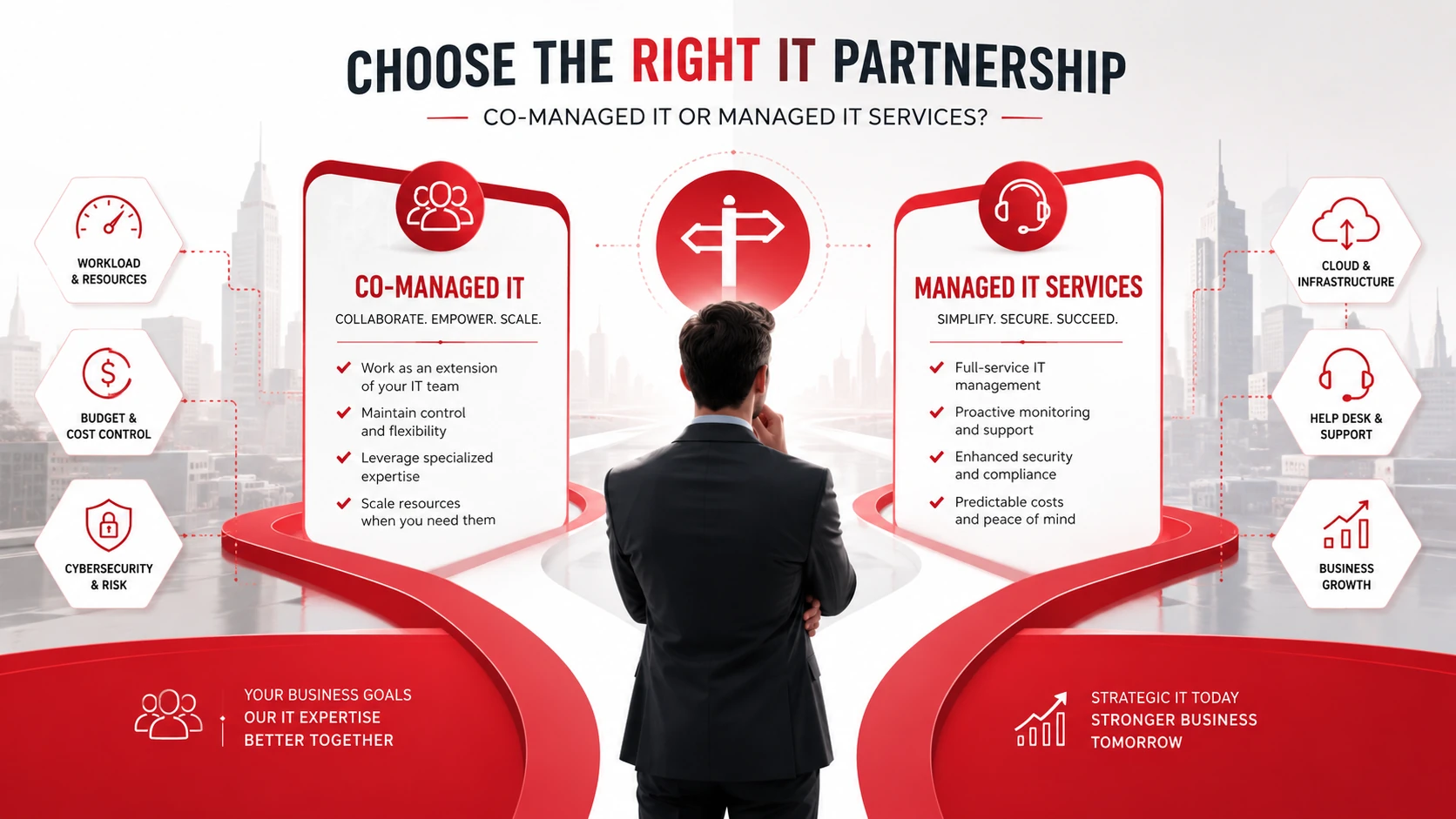
Use your current team structure as the starting point.
| Situation | Better Fit |
| You have no internal IT staff | Managed IT Services |
| You have one IT person who needs support | Co-Managed IT |
| Your IT team is overloaded | Co-Managed IT |
| You want to fully outsource IT | Managed IT Services |
| You need project-specific expertise | Co-Managed IT |
| You want one provider to handle daily IT support | Managed IT Services |
Choose co-managed IT if your internal team needs extra capacity, specialized expertise, or support for specific projects.
Choose managed IT services if your business wants an outside provider to manage most or all IT responsibilities.
Can Co-Managed IT Become Fully Managed IT Later?
Yes. Some businesses start with co-managed IT while they still have internal IT staff, then move to fully managed IT if their needs change.
Other businesses start with managed IT services and later build an internal IT team while keeping the provider for specialized support.
Both models can be flexible. The right structure can change as your business grows, adds new systems, expands locations, or faces more complex security needs.
Need Help Choosing the Right IT Support Model?
Adivi helps businesses choose the right IT support model based on their team, systems, security needs, and growth plans. Whether your business needs co-managed support or fully managed IT services, Adivi can help you build a more reliable technology foundation.
Schedule a free assessment with Adivi to find the right IT support model for your business.
FAQs
What is co-managed IT?
Co-managed IT is an IT support model where an outside provider works alongside an internal IT team to provide extra support, expertise, monitoring, or project help.
What are managed IT services?
Managed IT services are outsourced IT support services where an outside provider manages technology support, monitoring, maintenance, cybersecurity, cloud systems, and other IT needs.
What is the difference between co-managed IT and managed IT services?
Co-managed IT supports an existing internal IT team. Managed IT services usually replace the need for an internal IT team by outsourcing most or all IT responsibilities.
Is co-managed IT cheaper than managed IT services?
Co-managed IT can be cheaper if your internal team already handles many daily tasks. Managed IT services may cost more because the provider takes on broader responsibility.
Who should use co-managed IT?
Co-managed IT is useful for businesses with an internal IT person or small IT team that needs extra support, specialized expertise, or help with projects.
Who should use managed IT services?
Managed IT services are useful for businesses that do not have internal IT staff or want an outside provider to manage their IT environment.