You manage confidential data every day, making modern legal technology trends increasingly important. Case files, contracts, billing records, and private client communications all live in digital systems now.
Data security is essential for law firms, especially when building a stronger data breach prevention strategy. Failure to implement proper protections could lead to breaches, lawsuits, and a loss of client trust.
In 2023, a global law firm was hit by a ransomware attack. Thousands of sensitive files were held hostage, and clients were furious. The firm paid the ransom, but the damage to its reputation was permanent.
Cyber threats are rising. Legal practices are high-value targets. Your systems and staff need to be prepared.
If you’re unsure where to begin, start here. This resource helps law firms improve their security posture without the guesswork.
Understanding the Importance of Data Security for Law Firms
Data security means protecting information from unauthorized access, damage, or theft through strong data protection practices.
Legal files contain more than just names and numbers. They include personal identifiers, legal strategies, financial records, and sometimes health information.
You have a professional duty to keep that data safe. Clients trust you to guard it, and courts and regulators require it.
If your firm fails to do so, the consequences are severe. Your license, your reputation, and your business are all at risk.
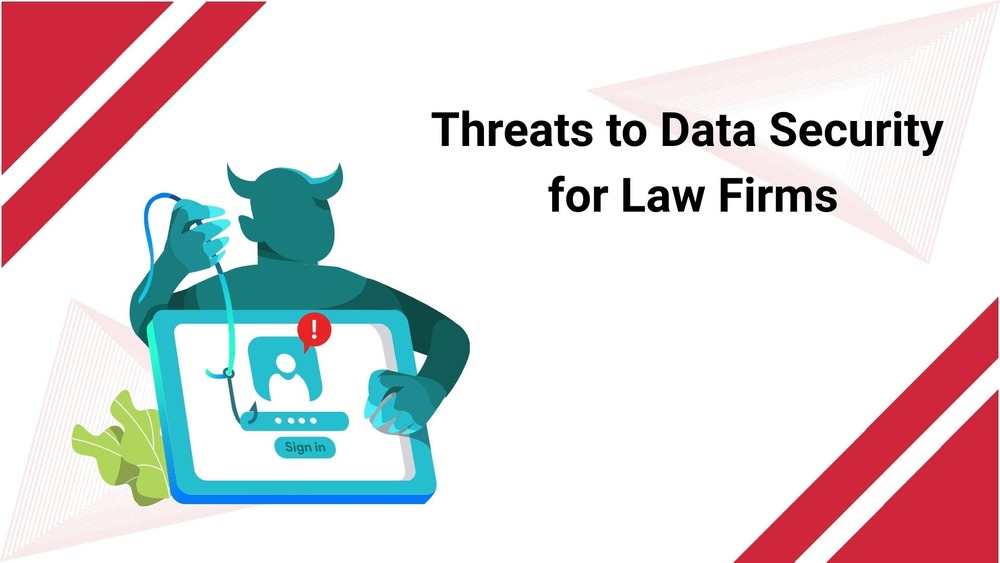
Top Threats to Data Security for Law Firms
Phishing and Social Engineering
Hackers often impersonate colleagues or clients. One click on a fake email can expose your inbox or install spyware on your device.
Ransomware Attacks
Cybercriminals lock down your files and demand payment. Even if you pay, you may not get full access back.
Insider Threats and Human Error
A staff member may accidentally send the wrong document or leak it on purpose. Internal risks are more complex to catch.
Lost or Stolen Devices
A laptop left in a cab can become a data breach if not encrypted or remotely locked.
Unsecured Communication Channels
Discussing cases over unencrypted email or text messages can expose sensitive details.
Outdated Software Vulnerabilities
If you skip updates, attackers can exploit known weaknesses in your systems.
Compliance Standards Related to Data Security for Law Firms
ABA Model Rules of Professional Conduct
You are required to take reasonable steps to prevent data loss or exposure, including following security best practices.
GDPR
If your firm handles data from EU citizens, GDPR applies. You must protect that data or face heavy fines.
HIPAA
Lawyers handling medical cases must comply with HIPAA, which requires extra encryption, access controls, and audit trails.
CCPA and Local Privacy Laws
States like California require disclosure and protection of consumer data. Violations can lead to lawsuits or penalties.
What Happens if You Don’t Comply?
You can be fined. Your firm can be sued. You might face an investigation by your state bar or regulators. In some cases, clients walk away for good.
Best Practices to Strengthen Data Security for Law Firms
Use multi-factor authentication (MFA)
Passwords can be guessed, stolen, or leaked. MFA adds another layer of protection, like a mobile code or fingerprint. Require MFA on all logins, including email, file storage, billing, and practice management software.
Set role-based access controls
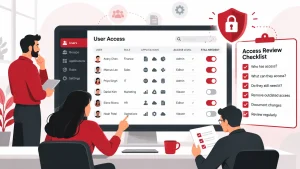
Only give team members access to the files they need. A junior staff member shouldn’t have the same access as a partner. Review user permissions regularly, especially after someone changes roles or leaves the firm.
Encrypt emails and shared files
Use the best secure file sharing for businesses when sharing sensitive documents. Services like ProtonMail or encrypted file portals help keep data safe in transit. Never send confidential files through standard email without protection.
Adopt secure cloud storage
Use cloud platforms built for law firms or regulated businesses. These platforms should provide encryption, activity logs, and user controls. Look for providers like NetDocuments or Clio Drive that understand legal compliance needs.
Schedule regular security audits
Make audits part of your everyday operations. Review system access, patch status, password practices, and data sharing policies. Catching issues early prevents bigger problems later.
Protect all devices, including mobile devices
Install antivirus, enable firewalls, and activate remote wipe features. Use mobile device management (MDM) tools to keep track of laptops and phones used for client work. If a device is lost, you should be able to lock or erase it remotely.
Back up data frequently and securely
Use the 3-2-1 backup strategy. Keep three copies of your data, using two different storage types, and one copy off-site. Backups should be encrypted and tested regularly to be restored if needed.
Monitor user activity and access logs
Track file access and login patterns across your systems. Unexpected logins, large downloads, or access at unusual times can be red flags. Use automated monitoring tools and review alerts promptly.
Update all software and systems regularly
Security patches should be installed as soon as they’re released. Outdated systems are easy targets for attackers. Use auto-updates where possible and assign someone to review patch compliance monthly.
Secure Remote Work Solutions for Law Firms
- Understand the risks of remote work
Remote setups introduce more points of vulnerability. Home networks are often unsecured, and personal devices may lack proper protection. - Use VPNs and encrypted messaging apps
A virtual private network (VPN) hides your internet traffic from outside viewers. Use encrypted messaging tools like Signal or Wire to discuss sensitive case matters. - Choose secure case management platforms
Use legal software like Clio, MyCase, or PracticePanther. These tools offer access controls, encrypted storage, and built-in compliance support. - Install device tracking and protection tools
Use software to locate, lock, or wipe laptops and mobile devices if lost or stolen. This reduces the risk of data exposure. - Work with a trusted IT partner
Adivi helps law firms create secure, remote-ready environments through legal IT services for law firms. If your firm needs support in setting up or auditing remote systems, Adivi offers practical solutions that align with industry standards.
Consequences of Poor Data Security for Law Firms
Losing a case file is bad. Losing client trust is worse.
Security failures often lead to lawsuits. You may also face bar investigations or fines. Clients may switch firms without warning.
In one high-profile breach, a midsize firm lost all server access. Cases were delayed, emails went unanswered, several clients, and the firm spent months repairing the damage.
Security mistakes can cost you more than money, which is why the legal industry must prioritize data protection.They can cost you your reputation.
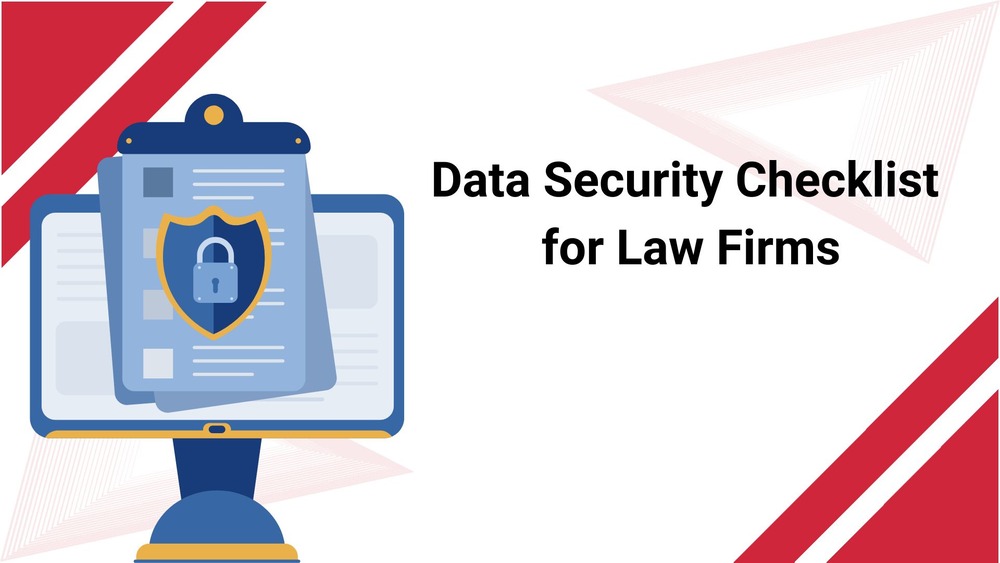
Data Security Checklist for Law Firms
- Use strong passwords
- Enforce authentication
- Consider access control
- Data access rights
- Use firewalls
- Secure your communications
- Data encryption
- Secure file sharing with clients
- Protect customer and proprietary data
- Use mobile device management
- Staff training
- Vet vendors carefully
- Incident response plan
- Plan for the worst
- Conduct regular reviews
- Perform regular software updates
- Data backups and disaster recovery
- Data protection measures
- Security measures
- Dealing with security errors
- Cybersecurity checklist for law firms
Conclusion
Good data security protects your clients, your practice, and your reputation. Law firms that take it seriously avoid costly mistakes and build stronger relationships.
Simple tools and better habits go a long way. You don’t need to overhaul everything at once. Start with the basics and build from there.
Review your current systems. Identify where the gaps are. Protecting your clients starts with protecting their data.
Need help making that happen? Visit Adivi and take the next step.
FAQs
Is my law firm too small to be targeted by hackers?
No. Smaller firms are often targeted because their security is weaker.
What is the most common cause of data breaches in law firms?
Phishing in law firms and employee mistakes are common causes of data breaches.
Should I store legal files in the cloud?
Yes, if the cloud provider offers encryption and compliance tools. Look for legal-grade platforms.
Do I need to worry about data laws if I don’t take international clients?
Yes. Many state laws apply, even if you don’t handle global data.
What should I do if my firm is breached?
Follow your incident response plan. Notify affected clients. Contact legal counsel and consider hiring a cybersecurity expert.
What types of data do law firms need to protect?
Client names, case notes, financial records, contracts, legal strategies, and health or identifying information must be protected. This includes both digital files and physical documents.
Are small law firms really at risk for cyberattacks?
Yes. Hackers often target smaller firms because their security systems are easier to breach. Attackers look for weak entry points, not firm size.
Is cloud storage safe for legal documents?
Yes, if you’re using platforms built for legal use. Look for providers that offer end-to-end encryption, access logs, and compliance with legal standards like GDPR or HIPAA.
What are the most common causes of data breaches in law firms?
Human error is the leading cause. This includes clicking on phishing links, reusing passwords, and mishandling confidential files.