Hiring IT support is essential, but the type of support you choose can make a big difference in performance, cost, and control, especially when comparing IT support vs managed services for your business. Two common service models are co-managed IT services and fully managed IT services.
Co-managed services may cost less upfront, but require internal resources. Fully managed services may cost more monthly but reduce internal overhead and emergency expenses.
This guide breaks down both in simple terms so you can decide which best fits your business.
Key Takeaways
- Co-managed IT services share responsibilities between your team and the external provider.
- Fully managed IT services outsource all IT functions to a provider.
- Co-managed is flexible and collaborative; fully managed is comprehensive and hands-off.
- Costs for co-managed services may vary; fully managed services offer predictable monthly fees.
- Both models aim to improve IT performance, security, and business continuity.
What Are Co-Managed IT Services?
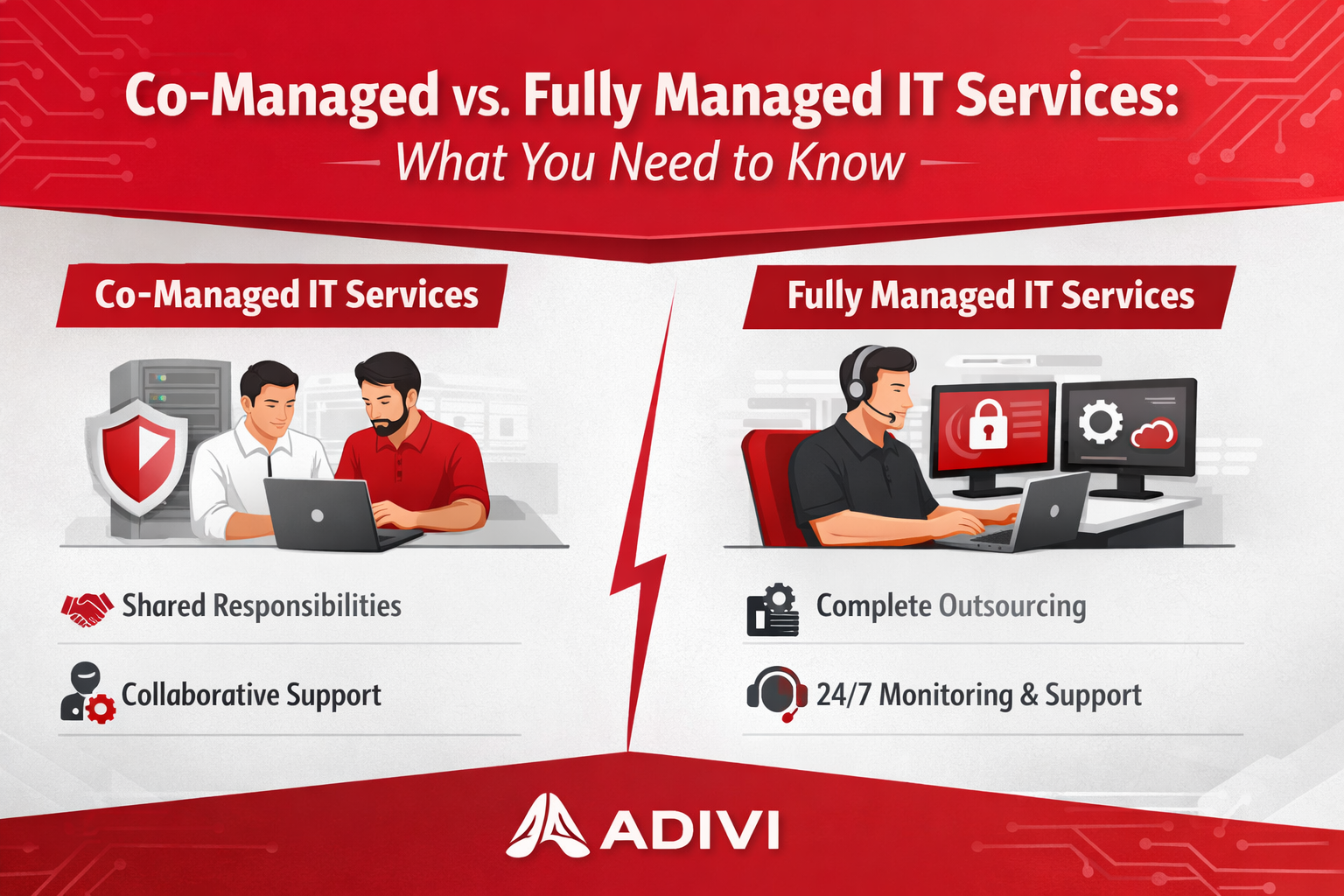
Co-managed IT services is a collaborative model in which your internal IT team works with an external IT provider.
Think of it as teamwork: your in-house staff handles some tasks, while the external partner fills gaps in skills, resources, or coverage.
Typical Co-Managed Responsibilities
Your internal team might handle business IT help desk and co-managed IT services tasks such as:
- Day-to-day help desk support
- Local server access and physical tasks
- Internal user management
Meanwhile, the external provider may handle:
- Cybersecurity monitoring
- Cloud services management
- Infrastructure scaling
- Advanced network monitoring
What Are Fully Managed IT Services?
Fully managed IT services, also known as fully managed IT solutions, mean outsourcing your IT functions completely to an external provider.
The MSP becomes your IT department, or local businesses can explore managed IT services in Skokie.
You don’t need a dedicated internal IT team for daily tasks. The vendor manages your technology end-to-end.
Typical Fully Managed Responsibilities
A fully managed provider usually handles:
- 24/7 monitoring and alerts
- Help desk support
- Patch management
- Endpoint security and antivirus
- Backup and disaster recovery
- Cloud management
- IT strategy and planning
Key Differences at a Glance
| Factor | Co-Managed | Fully Managed |
| Internal IT Team Needed | Yes | No (optional) |
| Control Over IT | Shared | Mostly provider |
| Cost | Mid-range | Predictable & scalable |
| Customization | High | Standardized across clients |
| Responsibility | Shared | Provider accountable |
| Best For | Businesses with internal IT | Businesses without internal IT |
Benefits of Co-Managed IT Services
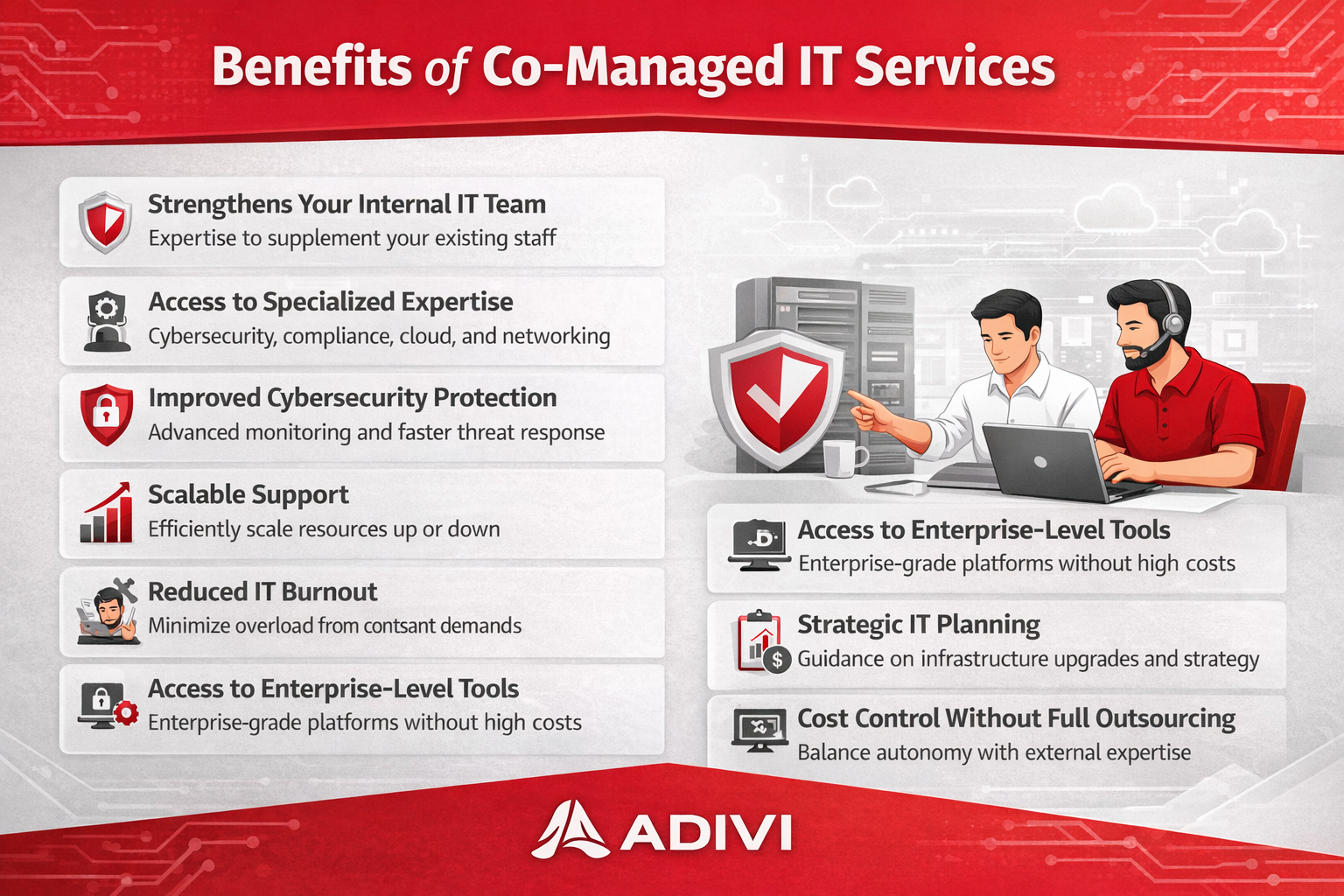
✔ Keeps Internal IT in Control
Your team still handles core internal processes.
✔ Fills Skills Gaps
External experts handle advanced or specialized tasks.
✔ Flexible Support
Scale support up or down based on workload.
✔ Cost-Effective for Growing Teams
You don’t need full external coverage for every task.
Benefits of Fully Managed IT Services
✔ Complete Peace of Mind
You hand everything over to professionals.
✔ Predictable Budget
Fixed monthly fees make budgeting easier.
✔ Proactive IT Support
Continuous monitoring helps prevent problems before they happen.
✔ Strong Security Posture
Fully managed services often include advanced cybersecurity capabilities.
Which One Is Right for Your Business?
Here’s how to decide:
Choose Co-Managed IT Services if:
✔ You have an internal IT team
✔ You want external expertise without losing control
✔ You need help with specific areas (e.g., security, cloud)
✔ You have fluctuating IT needs
Choose Fully Managed IT Services if:
✔ You don’t have an internal IT team
✔ You want predictable costs and expert support
✔ IT is critical to your business operations
✔ You prefer a hands-off approach
Cost Comparison
| Cost Aspect | Co-Managed | Fully Managed |
| Monthly Fees | Variable | Predictable |
| Internal Salaries | Still needed | May reduce |
| Emergency Costs | Possible | Usually included |
| Strategic Support | Extra cost | Included |
Real-World Scenarios
Scenario 1: Growing Company with Small IT Team
A business has 2 IT staff but struggles with cybersecurity and cloud migrations.
Best Fit: Co-Managed IT Services – internal team stays involved; external experts handle advanced tasks.
Scenario 2: Small Business with No IT Staff
A 15-employee company relies on basic tech but needs reliable support.
Best Fit: Fully Managed IT Services – vendor handles everything from help desk to security.
Conclusion
There’s no one-size-fits-all solution, especially when choosing managed IT services in Bolingbrook, and knowing when to switch managed IT providers can help you choose the right model.
If you already have IT staff and need specific expertise or extra coverage, co-managed services can elevate your capabilities while keeping control in-house.
If you want an expert team to take full responsibility for your IT, freeing you to focus on core business goals, fully managed services deliver peace of mind and predictable investment.
At Adivi, we help businesses design IT solutions that match their growth plans whether co-managed or fully managed.