Businesses rely on backups to protect important data from accidental deletion, cyber threats, hardware failures, and unexpected disruptions. However, creating backups is only one part of an effective backup strategy.
Two important concepts that often cause confusion are backup retention and backup frequency. While they are related, they serve different purposes.
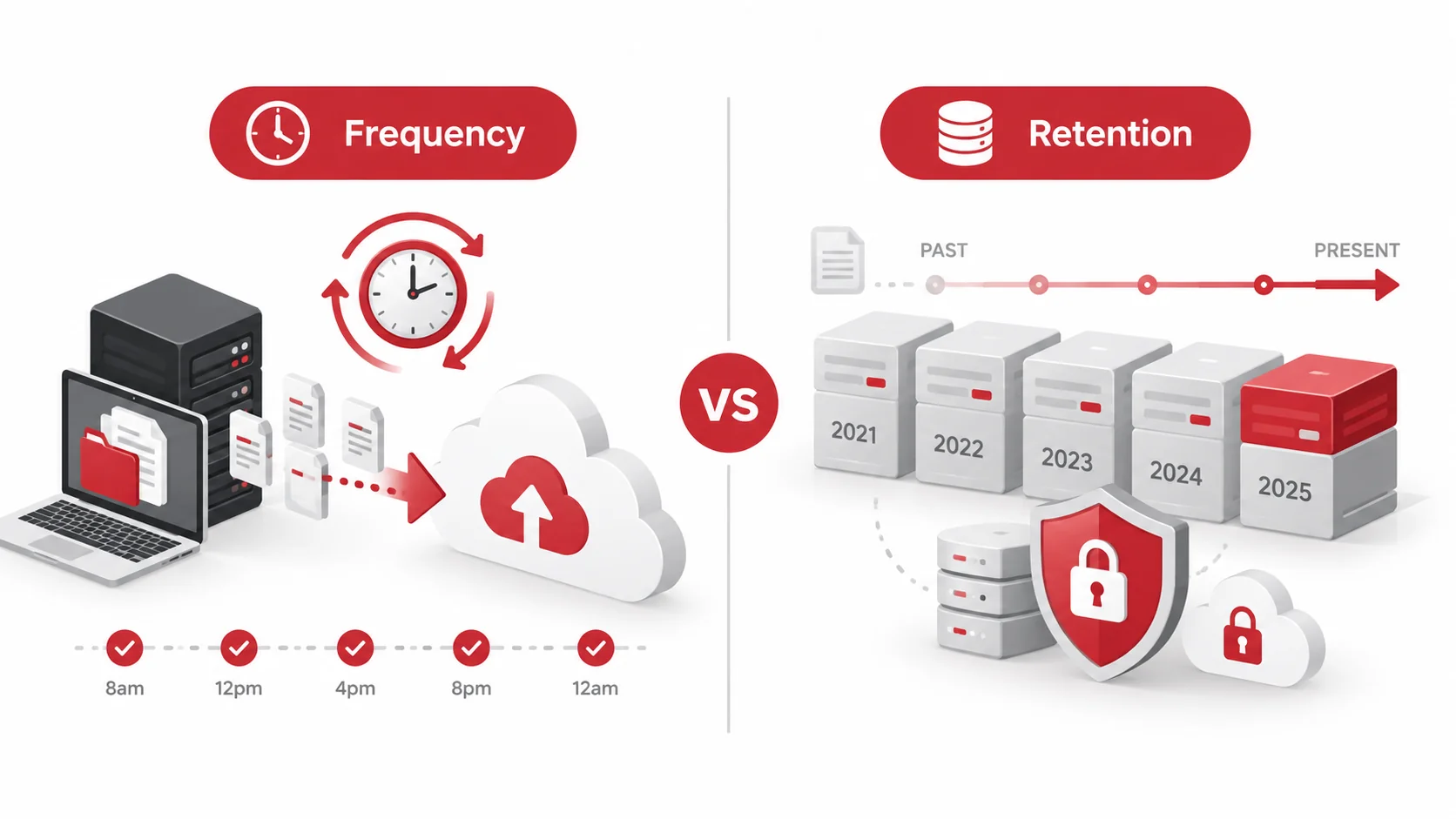
Backup frequency determines how often new backups are created, while backup retention determines how long those backups are kept. Understanding the difference helps businesses build an effective backup strategy that protects data and supports recovery when needed.
Key Takeaways
- Backup frequency determines how often copies of data are created.
- Backup retention determines how long backup copies remain available.
- Frequent backups help reduce the amount of recent data that could be lost.
- Longer retention allows businesses to recover older versions of files and systems.
- A reliable backup strategy requires balancing both frequency and retention.
Backup Retention vs Backup Frequency: The Quick Difference
Although backup retention and backup frequency work together, they answer two different questions:
- Backup frequency: “How often should we create backups?”
- Backup retention: “How long should we keep those backups?”
| Backup Frequency | Backup Retention | |
| Definition | How often backups are created | How long backups are stored |
| Main purpose | Reduce potential data loss | Maintain access to historical recovery points |
| Example | Creating backups every hour | Keeping backups for 90 days |
| Helps with | Recovering recent changes | Restoring older versions of files or systems |
For example, a company may create backups every day and keep those backups for 90 days. The frequency determines how many recovery points are created, while retention determines how far back the company can recover.
What Is Backup Frequency?
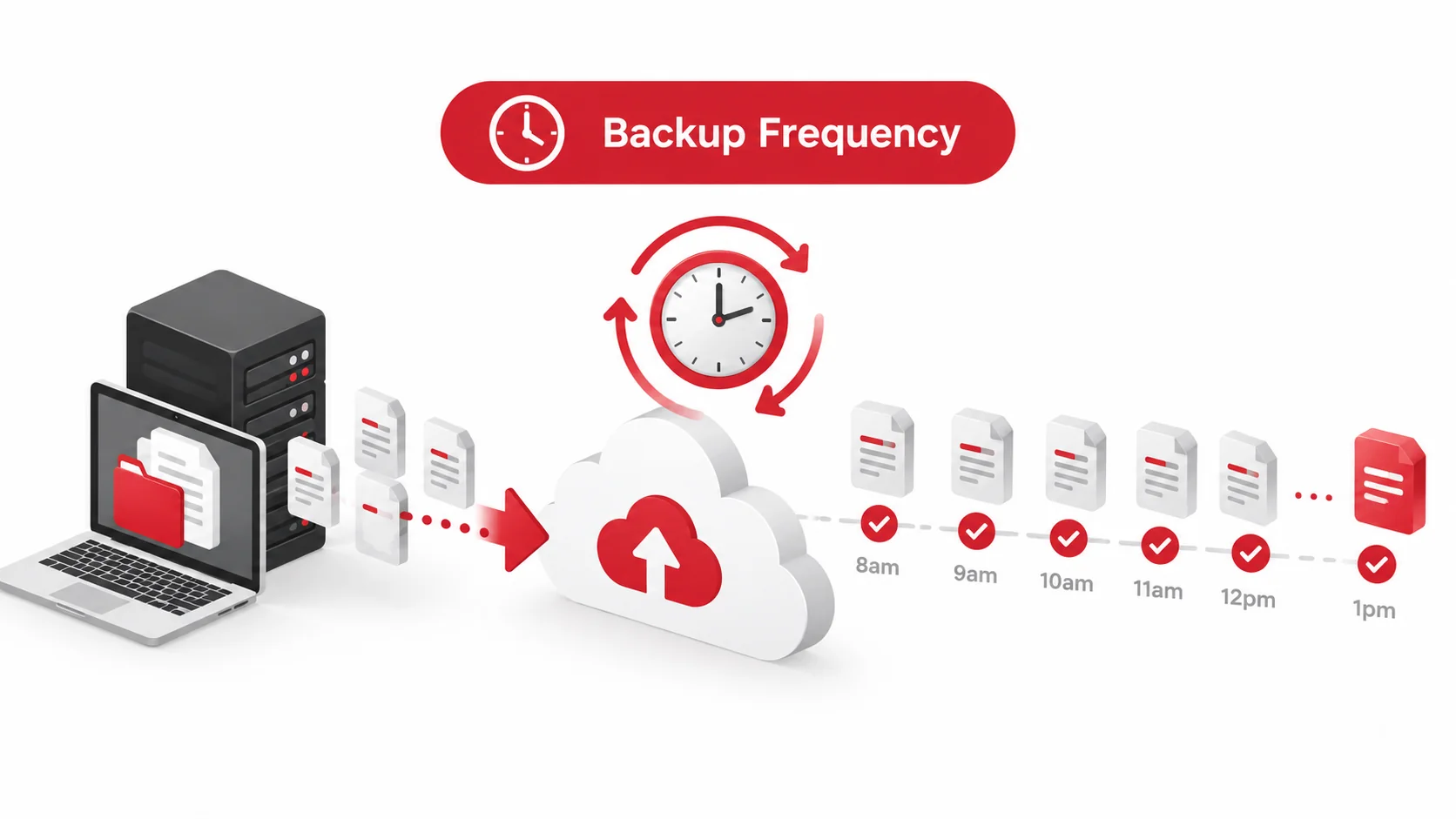
Backup frequency refers to how often a system creates a new copy of business data.
The right backup frequency depends on how often data changes and how much information a business can afford to lose after an incident.
For example:
- A business that updates important files throughout the day may need hourly backups.
- A business with fewer daily changes may only require daily backups.
Why Backup Frequency Matters
A higher backup frequency creates more recent recovery points, which can reduce potential data loss.
For example, if a company only creates backups once a week and experiences a system failure, it may lose several days of important updates.
More frequent backups can help businesses:
- Recover recent changes more effectively.
- Reduce downtime after data loss.
- Maintain better protection for frequently updated information.
However, increasing backup frequency also requires more storage and management resources, which is why businesses need to find the right balance.
What Is Backup Retention?
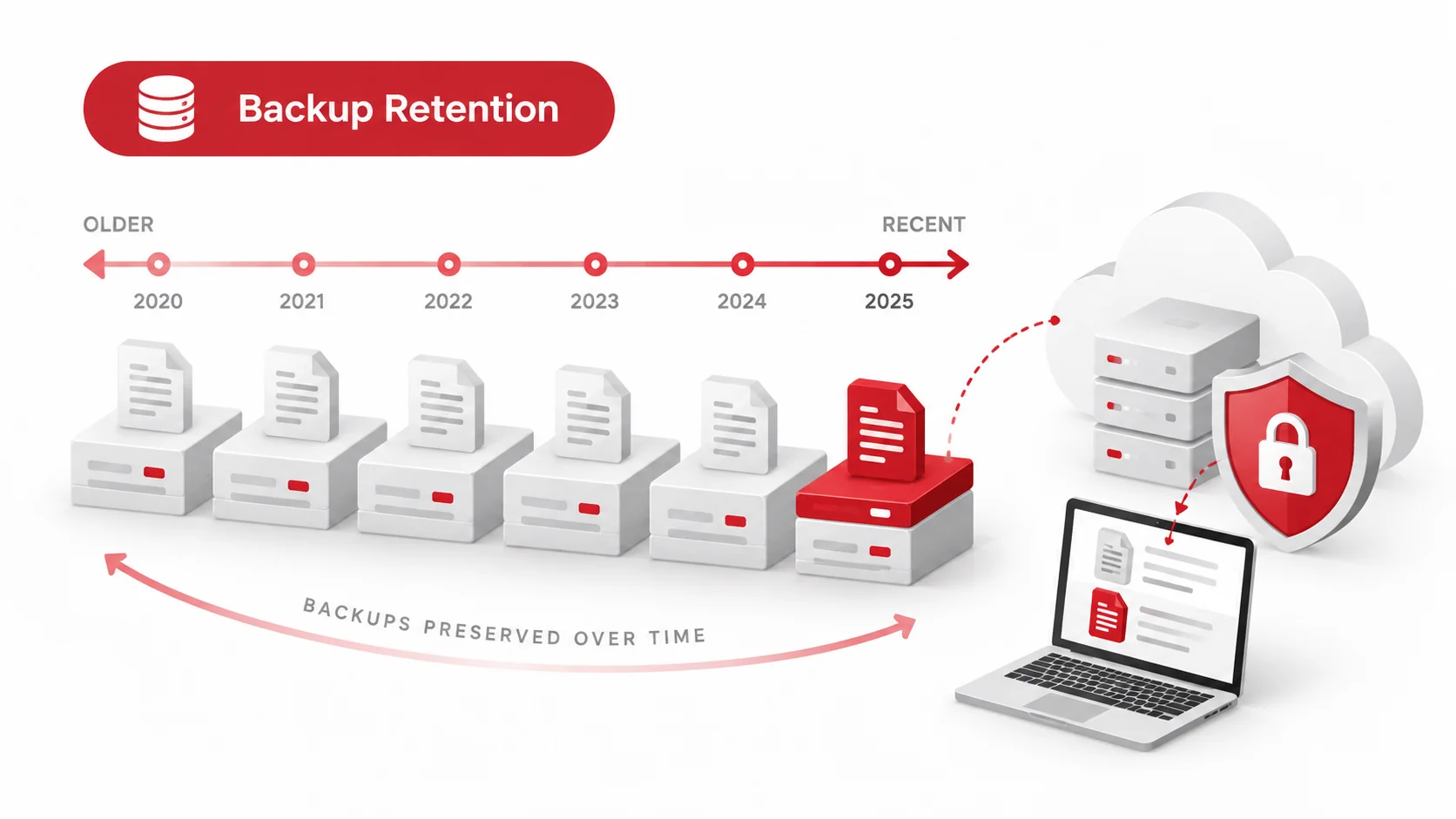
Backup retention refers to how long backup copies are stored before they are deleted, replaced, or moved to long-term storage.
Retention determines how far back a business can go when recovering lost or damaged data.
For example:
- Keeping daily backups for 30 days allows recovery from any backup created within that period.
- Keeping monthly backups for one year provides access to older recovery points.
Why Backup Retention Matters
Longer retention periods give businesses more options when recovering from incidents.
This is especially useful when problems are discovered after some time has passed.
For example, if ransomware affects a system but is only discovered several weeks later, recent backups may already contain compromised files. Older retained backups may provide a cleaner recovery option.
Backup retention helps businesses:
- Restore previous versions of files.
- Recover from delayed data issues.
- Maintain access to important historical information.
Backup Frequency vs Backup Retention: Which Matters More?
Neither backup frequency nor backup retention is more important than the other. A strong backup strategy requires both.
A business with frequent backups but short retention may have many recent recovery points but limited access to older versions.
For example:
Backup schedule:
- Backups created every hour.
- Backups kept for seven days.
This provides strong short-term protection but limits recovery options beyond one week.
On the other hand:
Backup schedule:
- Backups created weekly.
- Backups kept for one year.
This provides long-term storage but may result in larger amounts of lost data between recovery points.
The right approach depends on the business’s data needs, operational requirements, and risk level.
How Small Businesses Should Balance Backup Frequency and Retention
Small businesses should consider several factors when deciding how often to create backups and how long to keep them.
How Often Business Data Changes
Businesses that frequently update important information may require more frequent backups.
Examples include:
- Financial records.
- Customer information.
- Project files.
- Operational databases.
The more often data changes, the more valuable recent recovery points become.
Recovery Requirements
Businesses should consider how quickly they need to restore systems and how much data loss is acceptable.
A company that relies heavily on digital systems may require stronger backup protection compared to a business with less critical data.
Storage Costs
More frequent backups and longer retention periods require additional storage.
Businesses should balance their recovery needs with available resources to create a practical backup approach.
Business Risk
Critical systems and sensitive information may require more frequent backups and longer retention periods to minimise potential disruption.
Common Backup Mistakes to Avoid
Even businesses with backup systems can face problems if backups are not managed properly.
Common mistakes include:
- Creating backups too infrequently.
- Keeping backups for an insufficient amount of time.
- Assuming backups automatically guarantee recovery.
- Failing to test whether backups can be restored.
- Storing backups in the same location as original data.
A backup strategy should not only create copies of data but also ensure those copies can be accessed when they are needed.
How Backup and Disaster Recovery Services Help
Managing backup frequency and retention settings can become challenging as businesses grow and rely on more systems.
A managed IT provider can help businesses create a backup strategy that matches their operational needs by:
- Recommending appropriate backup schedules.
- Configuring retention settings.
- Monitoring backup performance.
- Identifying failed backups.
- Testing recovery processes.
- Supporting faster data restoration after incidents.
Professional backup management helps businesses maintain reliable protection without having to manage complex backup systems internally.
Conclusion
Backup frequency and backup retention are two essential parts of a reliable backup strategy, but they serve different purposes.
Backup frequency determines how often new copies of data are created, while backup retention determines how long those copies remain available. Businesses need both to ensure they can recover from recent data loss while maintaining access to older recovery points.
By choosing the right balance between frequency and retention, small businesses can improve data protection, reduce downtime, and be better prepared for unexpected disruptions.
FAQs
What is the difference between backup retention and backup frequency?
Backup frequency refers to how often backups are created, while backup retention refers to how long those backups are stored. Frequency focuses on creating recovery points, while retention determines how far back businesses can restore data.
How often should a business back up its data?
The ideal backup frequency depends on how often data changes and how much data loss a business can tolerate. Some businesses may require hourly backups, while others may only need daily backups.
How long should backups be kept?
Backup retention depends on business requirements, recovery needs, storage availability, and the type of data being protected. Many businesses keep backups for several weeks or months.
Can you have frequent backups with short retention?
Yes. A business can create backups frequently but only keep them for a short period. This provides many recent recovery points but limits access to older versions of data.
Why are both backup frequency and retention important?
Backup frequency helps minimise recent data loss, while retention ensures businesses can recover older versions of files or systems. Both are needed for a complete backup strategy.