Cloud computing allows businesses to access technology resources such as storage, software, servers, and applications through the internet instead of relying only on local hardware.
Rather than purchasing and maintaining all IT infrastructure internally, businesses can use cloud solutions that provide flexible access to computing resources when needed.
For small and medium-sized businesses, cloud computing can improve scalability, support remote work, simplify IT management, and strengthen data protection. However, successful cloud adoption requires careful planning around security, costs, existing systems, and business goals.
Key Takeaways
- Cloud computing allows businesses to access software, storage, servers, and other IT resources through the internet instead of managing all infrastructure themselves.
- Businesses use cloud solutions to improve scalability, support remote work, simplify IT management, and strengthen data protection.
- Cloud services can help reduce hardware costs, but businesses should monitor usage and plan their cloud strategy carefully.
- Companies should consider security, compatibility, costs, and ongoing support before moving their systems to the cloud.
What Is Cloud Computing?
Cloud computing provides access to technology services through the internet. These services are hosted and managed by cloud providers, allowing businesses to use computing resources without managing all physical infrastructure themselves.
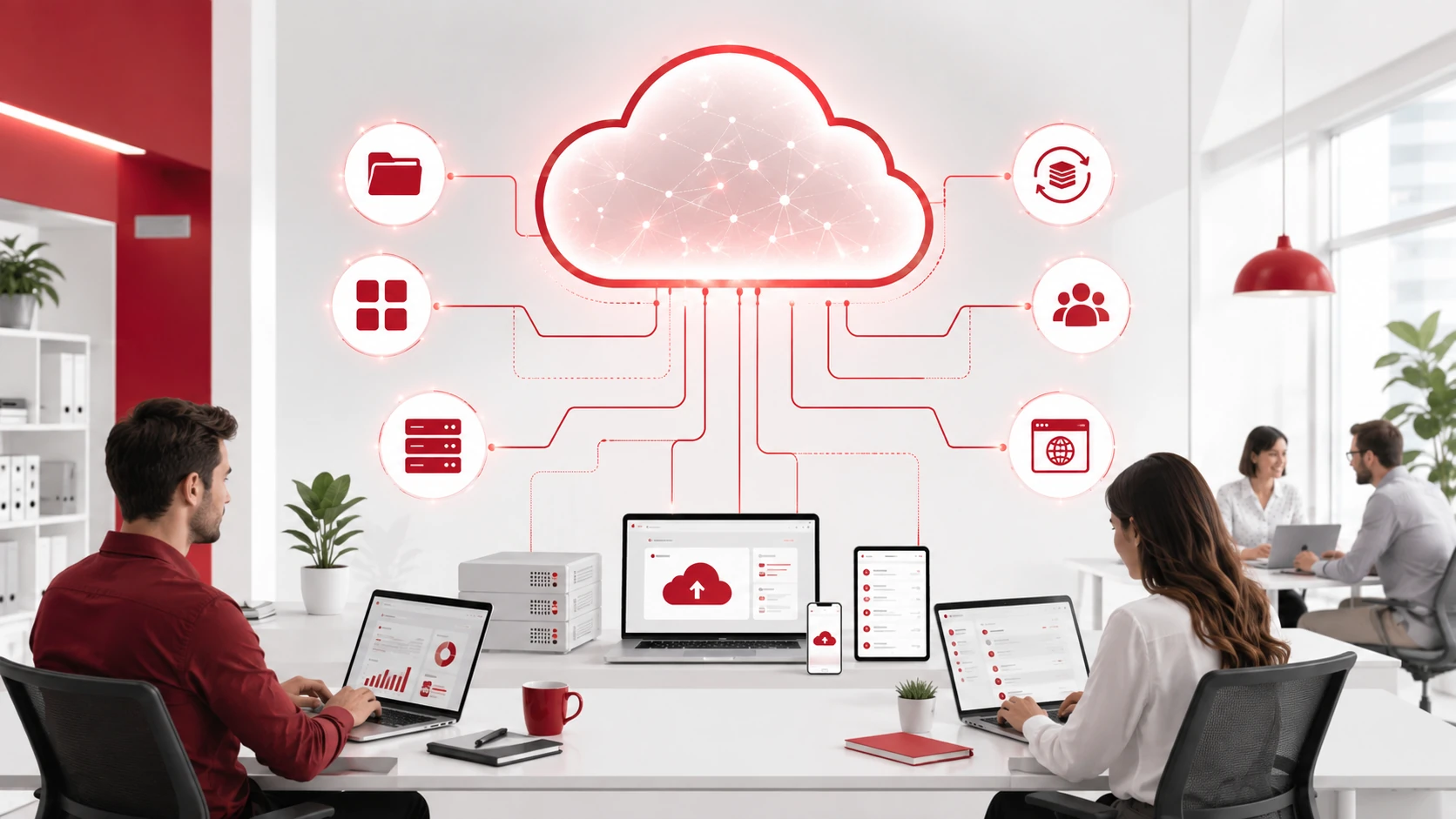
Common cloud services include:
- Cloud storage
- Business applications
- Virtual servers
- Data backup
- Collaboration tools
- Website and application hosting
- Security solutions
Cloud environments are commonly divided into three main types:
- Public cloud: Services provided by third-party cloud providers and shared among multiple customers.
- Private cloud: A dedicated cloud environment designed for one organization.
- Hybrid cloud: A combination of public and private cloud environments.
The right cloud approach depends on a business’s security requirements, workload, budget, and operational needs.
Cloud Computing at a Glance
| Area | Traditional IT | Cloud Computing |
| Infrastructure | Businesses purchase and manage physical hardware | Cloud providers manage infrastructure |
| Costs | Higher upfront investment for equipment | Subscription or usage-based pricing |
| Scalability | Requires hardware upgrades as needs grow | Resources can be adjusted more easily |
| Accessibility | Often limited to local systems | Accessible from approved devices and locations |
| Maintenance | Internal teams manage updates and repairs | Providers manage many infrastructure tasks |
Benefits of Cloud Computing for Businesses
Reduce Infrastructure Costs
Cloud computing reduces the need for businesses to purchase and maintain large amounts of physical hardware.
Instead of investing heavily in servers, storage equipment, and infrastructure upgrades, businesses can use cloud resources based on their current requirements.
However, cloud spending still requires management. Monitoring usage and reviewing services regularly can help prevent unnecessary costs.
Improve Scalability
One of the biggest advantages of cloud computing is the ability to adjust resources as business needs change.
For example, a growing business may increase cloud resources when hiring new employees, launching a new application, or experiencing seasonal demand.
This flexibility allows businesses to support growth without constantly purchasing additional hardware.
Support Remote Work and Collaboration

Cloud applications allow employees to securely access files, systems, and business tools from different locations.
This helps remote and hybrid teams collaborate more effectively by making it easier to share documents, communicate, and access important resources.
Strengthen Data Protection and Recovery
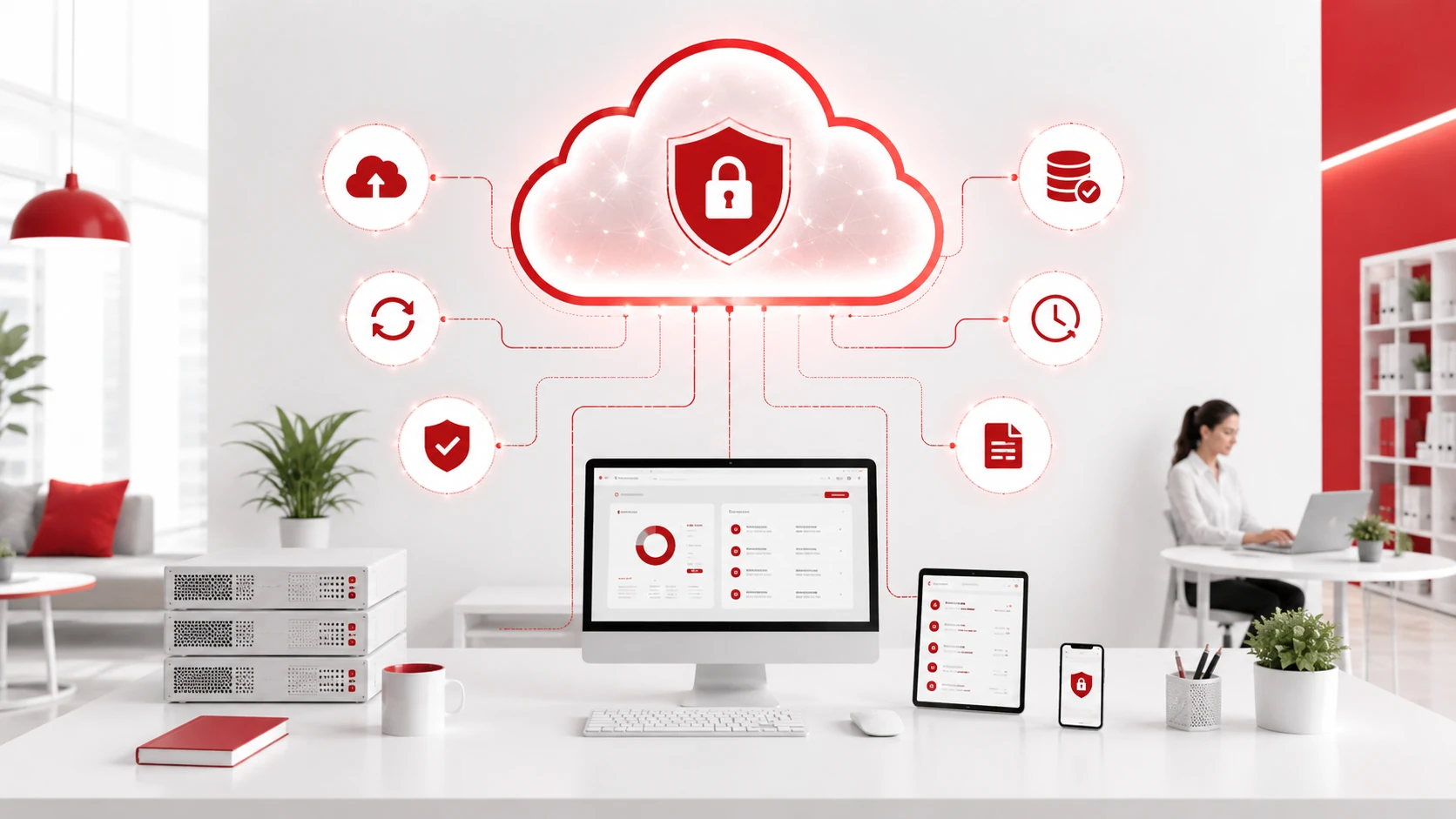
Cloud solutions can support business continuity by providing options for data storage, backup, and recovery.
However, storing data in the cloud does not automatically create a complete backup strategy. Businesses should understand how information is protected, restored, and accessed during incidents.
A reliable data backup and disaster recovery service can help businesses recover from data loss, hardware failures, ransomware attacks, and other disruptions.
Simplify IT Management
Cloud providers handle many infrastructure responsibilities, including hardware maintenance, platform updates, and resource management.
This allows internal teams to spend less time maintaining physical systems and more time focusing on business priorities.
Businesses without dedicated IT resources can use managed IT services to support cloud environments, monitor systems, and manage ongoing technology needs.
How Businesses Use Cloud Computing
Cloud computing supports many areas of daily business operations.
File Storage and Sharing
Cloud storage allows employees to save, access, and share documents from approved devices and locations.
It helps teams collaborate more efficiently while reducing dependence on local storage systems.
Business Applications
Many businesses use cloud-based software for:
- Customer relationship management
- Accounting
- Communication
- Project management
- Human resources
- Business operations
Cloud applications provide access to important tools without requiring businesses to install and maintain software on every device.
Data Backup
Cloud backup solutions help businesses maintain copies of important files and systems.
Regular backups support recovery after accidental deletion, hardware failure, ransomware attacks, or other unexpected disruptions.
Website and Application Hosting
Businesses use cloud infrastructure to host websites, online stores, internal platforms, and customer-facing applications.
Cloud hosting allows organizations to increase resources when traffic grows and maintain reliable performance.
What Businesses Should Consider Before Moving to the Cloud
Cloud computing can provide significant benefits, but businesses should evaluate their needs before selecting a solution.
Important factors to consider include:
Security Requirements
Businesses should review how data is protected, who can access information, and what security controls are available.
Cloud adoption should be supported by appropriate cybersecurity services that help protect accounts, devices, applications, and business data.
Existing Applications
Some applications may require specific configurations or migration planning before moving to the cloud.
Businesses should review software compatibility, data migration requirements, and potential downtime before making changes.
Costs and Resources
Cloud pricing can vary depending on storage, users, computing resources, and additional services.
Businesses should understand ongoing costs and regularly review usage to ensure resources match their requirements.
Backup and Recovery Planning
Cloud services should form part of a wider data protection strategy.
Businesses should confirm how backups are managed, how quickly data can be restored, and what recovery options are available during disruptions.
Employee Training
Employees should understand how to use cloud tools securely, including password management, file-sharing permissions, and security best practices.
Proper training helps reduce the risk of accidental data exposure and security issues.
Choose the Right Cloud Solution for Your Business
Cloud computing can help businesses improve efficiency, support remote work, and scale their technology as they grow.
However, successful cloud adoption requires more than choosing a provider. Businesses need to consider security, migration planning, ongoing management, and data protection.
Adivi helps businesses evaluate cloud options, migrate systems, manage cloud environments, and support ongoing IT operations through professional cloud computing services.
Contact Adivi to discuss your cloud computing requirements.
Frequently Asked Questions
What Is Cloud Computing in Business?
Cloud computing in business refers to using internet-based technology services such as storage, software, servers, and applications instead of managing all infrastructure locally.
What Are the Benefits of Cloud Computing for Businesses?
Cloud computing can help businesses reduce infrastructure costs, improve scalability, support remote work, strengthen data protection, and simplify IT management.
Is Cloud Computing Secure for Businesses?
Cloud computing can be secure when businesses use proper access controls, monitoring, backups, and cybersecurity practices. Security depends on both the cloud provider’s protections and the business’s own policies.
Should Every Business Move to the Cloud?
Not every business requires the same cloud strategy. The right approach depends on applications, security requirements, budget, compliance needs, and long-term business goals.