Cloud platforms help businesses store data, manage applications, and support everyday operations. However, as more employees access cloud systems, controlling who can view, edit, or manage business resources becomes increasingly important.
Cloud access management helps businesses control user access by assigning the right permissions to the right people. It ensures employees can access the tools they need while reducing the risk of unauthorised access, data exposure, and security issues.
By implementing proper user roles, least privilege access, and regular permission reviews, small businesses can create a more secure and manageable cloud environment.
Key Takeaways
- Cloud access management controls who can access cloud systems, applications, and data.
- User roles and permissions help businesses manage access based on job responsibilities.
- Least privilege access reduces security risks by limiting unnecessary permissions.
- Regular access reviews help remove outdated or excessive permissions.
- Strong onboarding and offboarding processes prevent unauthorised access.
What Is Cloud Access Management?
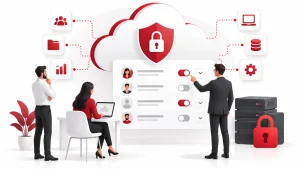
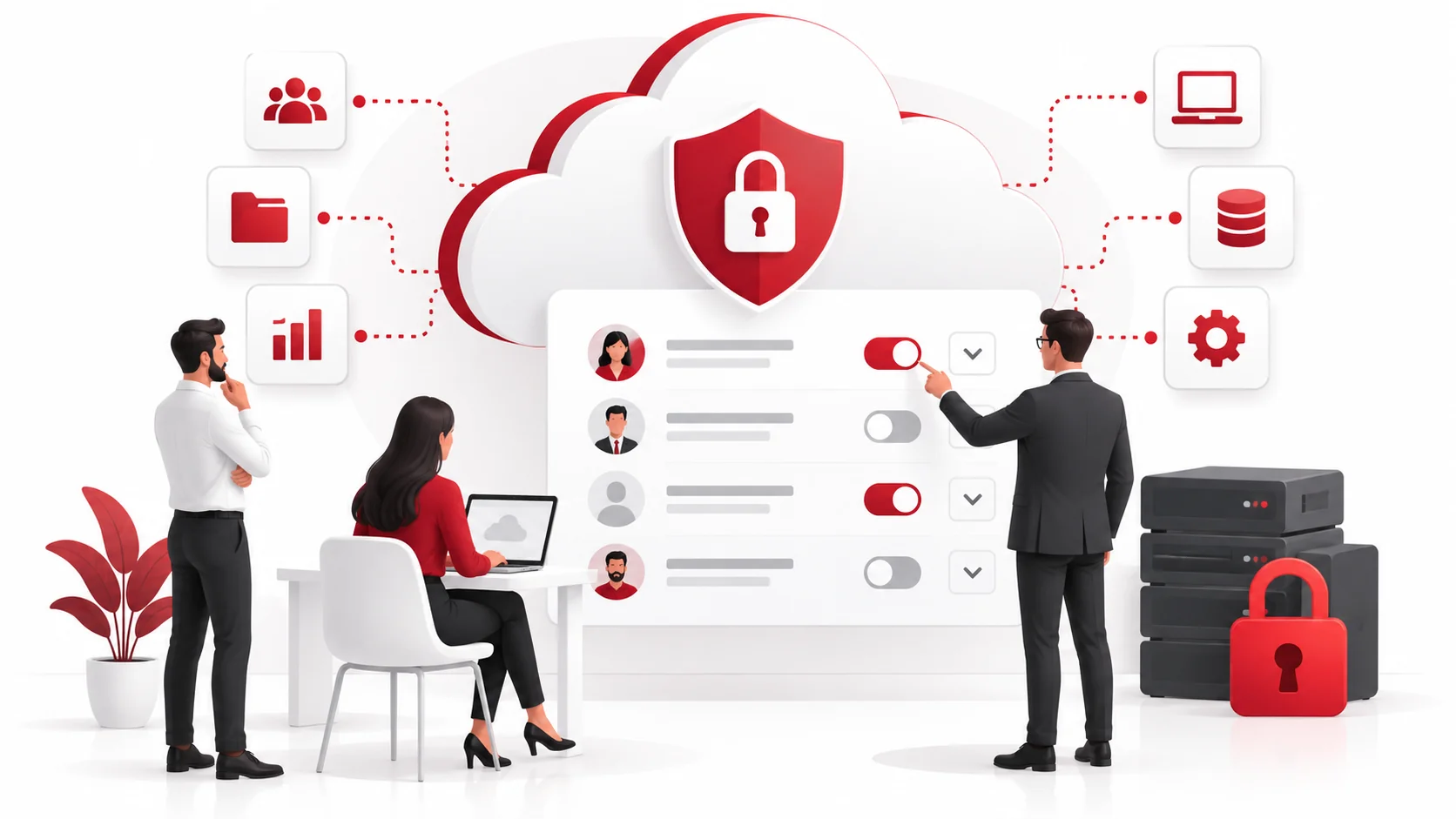
Cloud access management is the process of managing and controlling user access to cloud-based systems, applications, and data. It determines who can access specific resources and what actions they are allowed to perform.
A cloud access management system typically involves three key components:
Users
Users are the individuals who need access to cloud resources, such as employees, contractors, or external partners.
For example, a finance employee may need access to accounting software, while a marketing employee may only need access to customer analytics tools.
Roles
Roles group users based on their responsibilities and determine what level of access they receive.
Common examples include:
- Administrator: Full control over systems and settings.
- Manager: Access to manage specific tools or teams.
- Standard user: Access limited to daily tasks.
Permissions
Permissions define what users can do within a system, such as viewing files, editing information, creating accounts, or changing settings.
By managing permissions carefully, businesses can prevent users from accessing information or features they do not need.
Why Does Cloud Access Management Matter for Small Businesses?
Many small businesses rely on multiple cloud platforms for communication, file storage, customer management, and daily operations. Without proper access controls, employees may receive more permissions than necessary, creating unnecessary security risks. Following cloud security best practices can help reduce these threats.
Poor access management can lead to:
Unnecessary Data Exposure
When users have access to information they do not need, sensitive business data may be viewed, changed, or shared accidentally.
Increased Security Risks
If an account with excessive permissions is compromised, attackers may gain access to more systems and information than they should.
Former Employees Retaining Access
Without a proper offboarding process, former employees may continue accessing company systems after leaving the business.
Difficulty Tracking User Activity
Shared accounts and unclear permissions make it harder to identify who accessed or changed important information.
Best Practices for Managing Cloud User Access
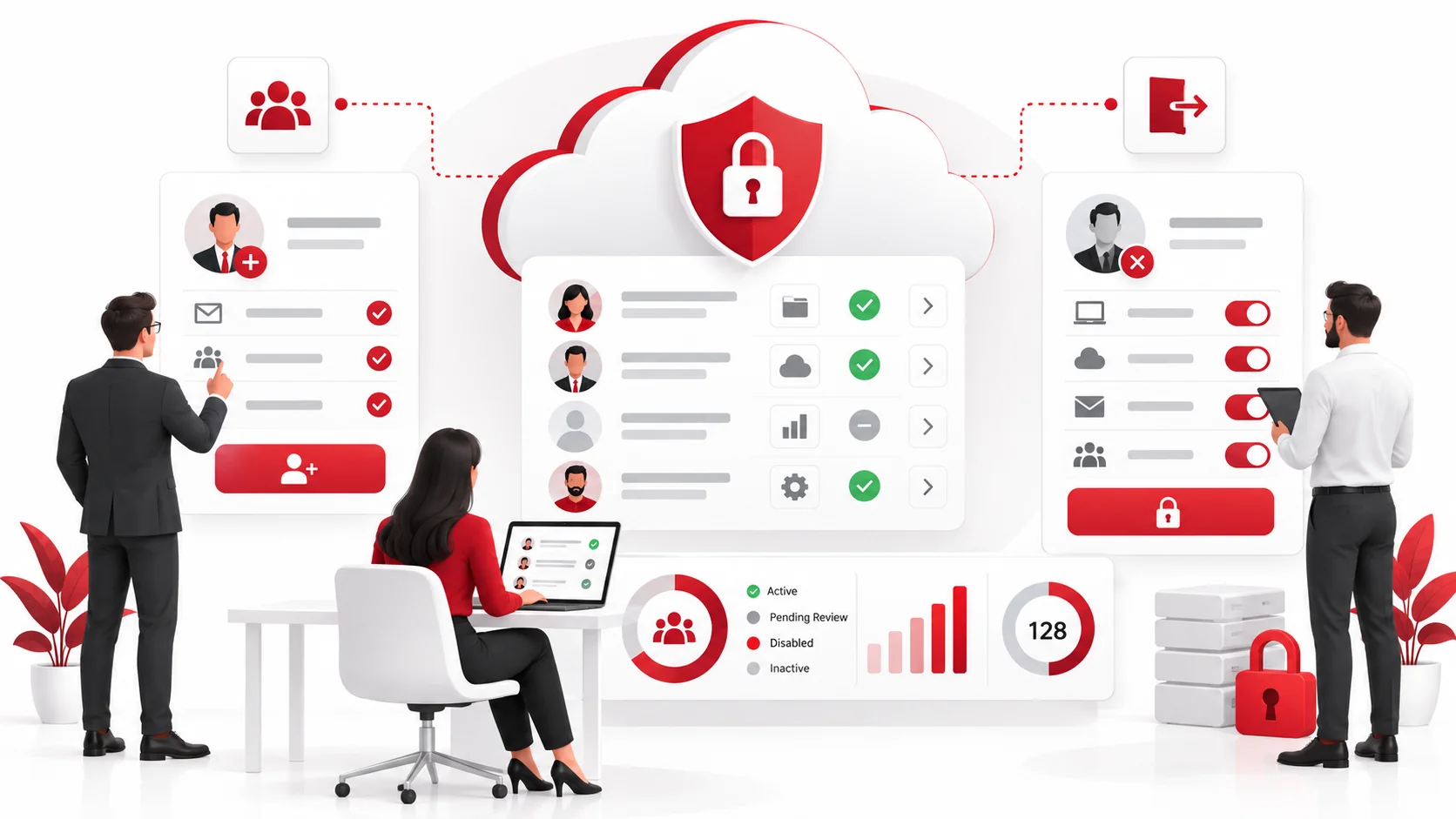
1. Assign User Roles and Permissions Based on Responsibilities
One of the most effective ways to manage cloud access is by assigning permissions based on each employee’s role.
Instead of giving every employee broad access, businesses should determine what tools and information each person needs to complete their work.
For example:
- A sales employee may need access to a customer relationship management (CRM) platform.
- An HR employee may need access to employee records.
- An IT administrator may require higher-level system permissions.
This approach is known as role-based access control (RBAC). RBAC simplifies access management by allowing businesses to assign permissions to roles rather than managing every user individually.
2. Apply the Principle of Least Privilege
The principle of least privilege means users should only receive the minimum access required to perform their job.
For example, an employee who only needs to view reports should not receive permission to modify system settings.
Using least privilege access helps businesses:
- Reduce the risk of accidental changes.
- Limit the impact of compromised accounts.
- Protect sensitive business information.
- Maintain better control over cloud environments.
Although granting broad access may seem convenient, excessive permissions can create unnecessary security vulnerabilities.
3. Remove Unnecessary Access Regularly
Employee responsibilities often change over time. Someone who needed access to a specific system months ago may no longer require it today.
Businesses should regularly review user permissions and remove access that is no longer needed.
This includes:
- Deleting inactive user accounts.
- Removing outdated permissions.
- Reviewing administrator accounts.
- Updating access when employees change roles.
Regular permission reviews help prevent permission creep, where users gradually accumulate unnecessary access over time.
4. Manage Employee Onboarding and Offboarding Properly
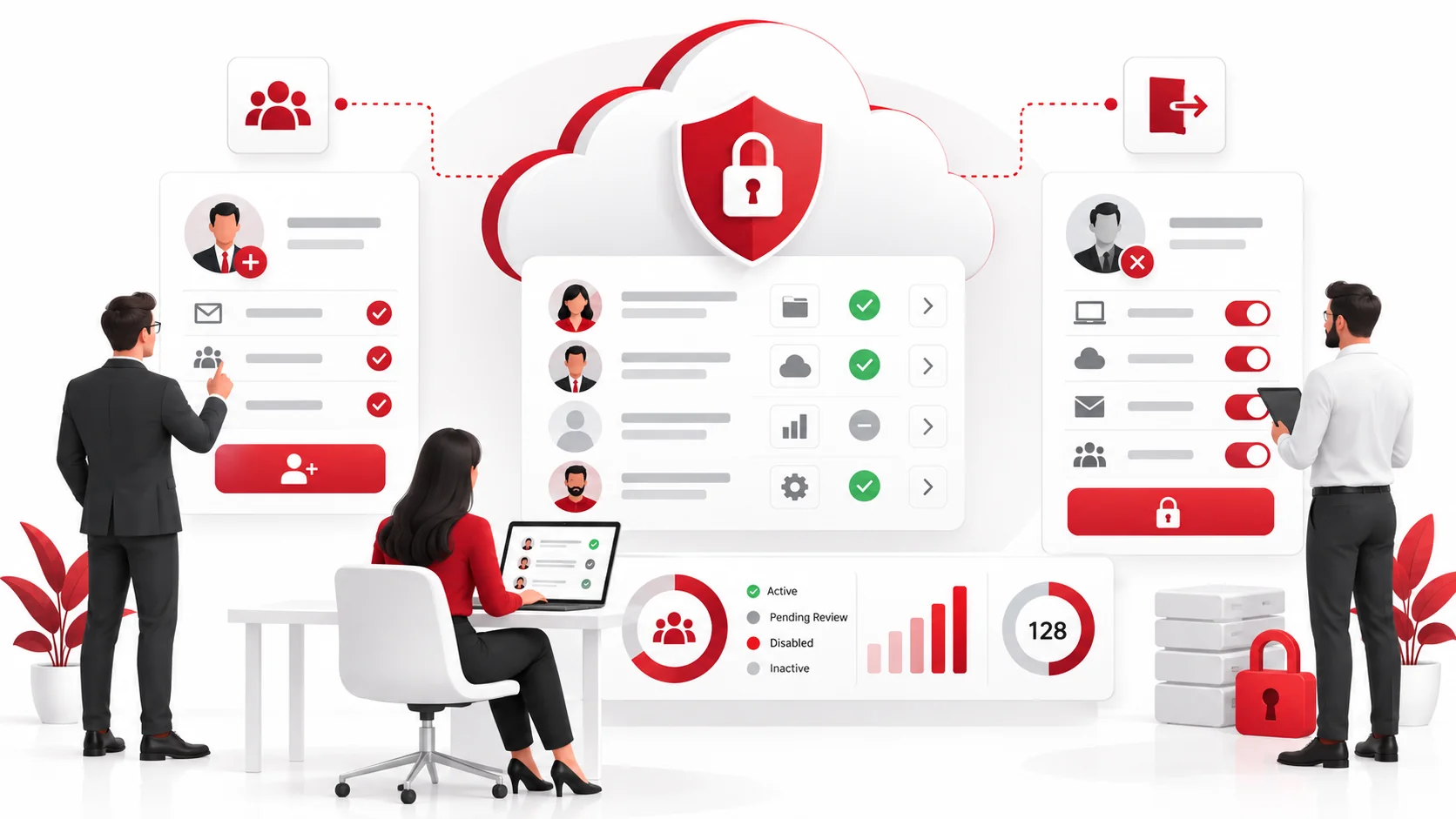
User access should be managed throughout the entire employee lifecycle.
During Employee Onboarding
Businesses should:
- Create accounts based on the employee’s role.
- Provide access only to required systems.
- Assign appropriate permissions from the beginning.
During Employee Offboarding
When an employee leaves, businesses should:
- Disable accounts immediately.
- Remove access to cloud applications.
- Transfer ownership of important files and accounts.
- Review connected devices and services.
A structured onboarding and offboarding process reduces the chance of unauthorised access.
5. Review Cloud Permissions Regularly
Access management is not a one-time setup. Businesses should regularly review who has access to cloud systems and whether those permissions are still appropriate.
A simple access review process includes:
- Listing active users and accounts.
- Checking assigned roles and permissions.
- Identifying unnecessary access.
- Removing outdated permissions.
- Updating access based on current responsibilities.
Regular reviews help businesses maintain better visibility and control over their cloud environment.
Common Cloud Access Management Mistakes to Avoid
Small businesses should avoid these common access management mistakes:
- Giving employees administrator access by default.
- Allowing shared accounts between multiple users.
- Failing to remove access after employees leave.
- Keeping unused accounts active.
- Providing access without reviewing business needs.
- Ignoring permission changes after employees switch roles.
Even simple improvements to access management can strengthen cloud security and support broader cybersecurity best practices.
How Managed IT Services Can Help With Cloud Access Management
Managing cloud permissions can become challenging as businesses add more employees, applications, and systems.
A managed IT provider can help businesses:
- Set up secure user roles and permissions.
- Review and adjust cloud access settings.
- Support employee onboarding and offboarding.
- Monitor access changes.
- Improve overall cloud security practices.
With professional guidance, businesses can maintain better control over their cloud environment while reducing the risks associated with excessive or outdated permissions.
Conclusion
Cloud access management helps businesses control who can access their systems, applications, and data. By assigning appropriate roles, applying least privilege access, and regularly reviewing permissions, small businesses can reduce security risks and improve their cloud security.
As cloud environments continue to grow, having a clear approach to user access becomes essential. The right access controls help employees work efficiently while keeping important business information protected.
FAQs
What is cloud access management?
Cloud access management is the process of controlling who can access cloud systems, applications, and data, as well as what actions they are allowed to perform.
Why is least privilege access important?
Least privilege access reduces security risks by ensuring users only have the permissions required for their specific responsibilities.
What is role-based access control (RBAC)?
Role-based access control (RBAC) assigns permissions based on a user’s job role rather than managing access individually for every employee.
How often should businesses review user permissions?
Businesses should review user permissions regularly, especially after employee role changes, new system implementations, or employee departures.
What happens if employees keep unnecessary cloud access?
Excessive access increases the risk of accidental data exposure, unauthorised changes, and security incidents if an account is compromised.