You open your inbox and spot a message that looks familiar. Maybe it’s your bank. Perhaps a store you use often. It looks real, so you click. Then, you enter a few details. Just like that, your information is gone.
That’s phishing. It’s one of the easiest ways attackers get personal or financial data. And it works because it looks safe.
This guide teaches you how phishing works, how to recognize the signs, and how to protect yourself. You’ll see examples, learn clear steps to stay secure, and learn what to do if you get tricked.
If you want better protection online, start knowing what to watch out for.
Key Takeaways
- Phishing is a scam that tricks you into giving away personal data
- It often appears through emails, texts, or social media messages
- Look for urgent tone, spelling errors, and strange links
- Never click on suspicious links or open unknown attachments
- Use strong passwords and enable two-factor authentication
- Report phishing to your provider or cyber authority if it happens
- Consider expert-led training to protect your organisation
Phishing means tricking you into giving away information
Alright, let’s break down what phishing actually means. Essentially, it’s when someone tries to deceive you into giving up your personal or financial info. They do it very clever: they pretend to be a legitimate entity you already trust – maybe your bank, your email provider, or that online store you frequently use.
You’ll typically encounter these scams via email, text message, or even through social media posts and DMs. The common thread? They almost always bait you with a link or a file that, if you interact with it, is designed to scoop up your data without you even realizing what’s happening.
You may not spot phishing right away
Let’s be honest: spotting a phishing attempt isn’t always easy. These aren’t always glaringly obvious scams with bad spelling. The tricky part is that they’re often designed to look incredibly real. We’re talking official-looking logos, language that sounds just like your bank or a company you trust, and sometimes even a sender name that genuinely looks familiar.
This clever disguise is precisely why we’re all so susceptible. It makes it super easy to let your guard down for just a second. At that moment, you might click a link or share sensitive info without even realizing the huge risk you’re taking. It’s a subtle game of trust, and they’re playing it well.
These are common signs of a phishing attempt
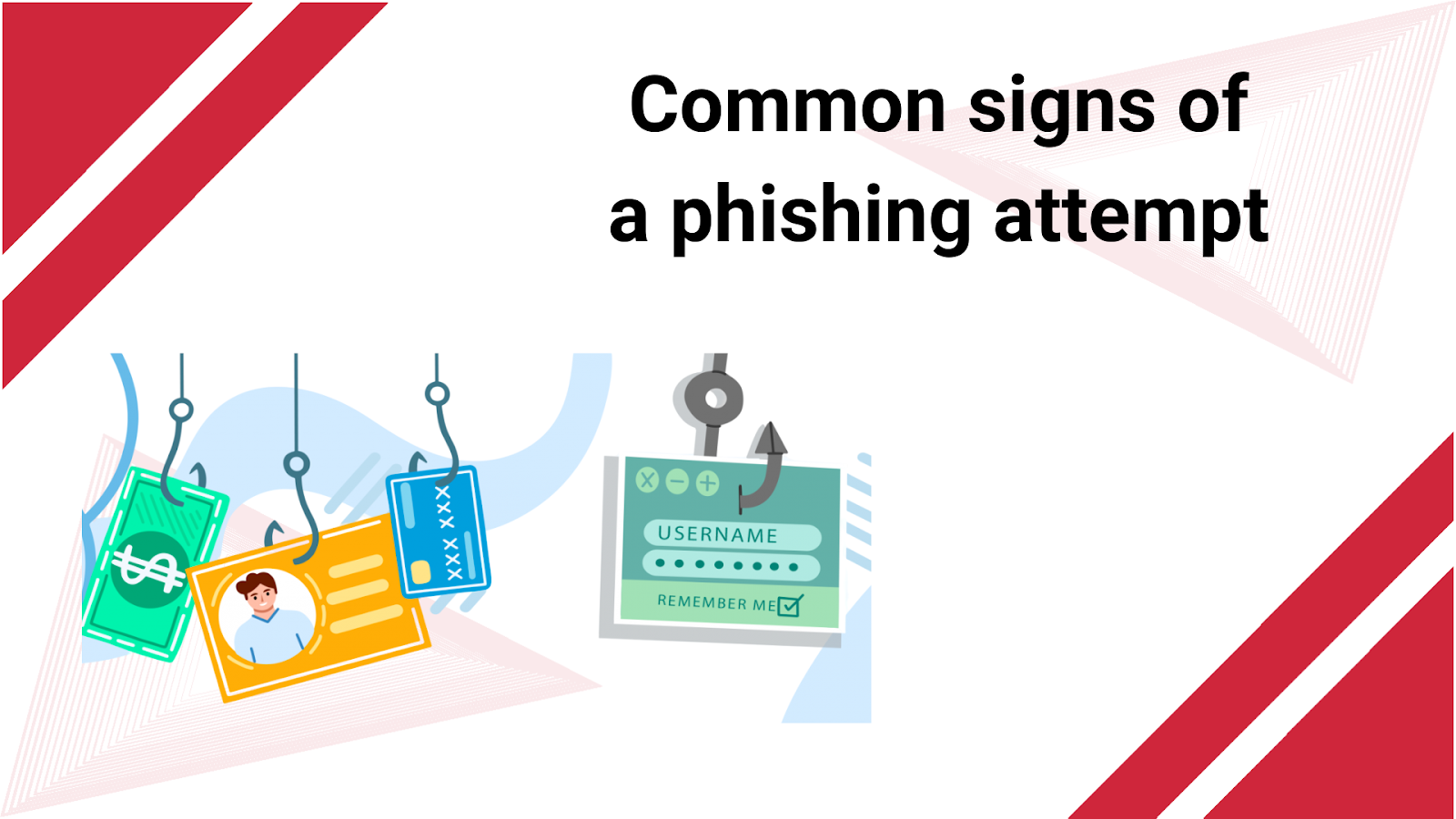
Most phishing messages try to panic you, claiming your account is at risk or demanding you verify details right now. Always watch out for generic “hello”s, glaring typos, or any link that looks just a little bit off – those are massive red flags that something’s not right.
Clicking the wrong link can have serious consequences
Clicking a bad phishing link can instantly download nasty malware or take you to a fake website designed to steal your logins. This single mistake can quickly spiral, giving attackers access to your emails, work files, and even your bank account.
You can protect yourself by being cautious
Protecting yourself means being smart: never click on links or download attachments from senders you don’t recognize. Instead, always go directly to the official website yourself to verify any urgent messages, and beef up your security with strong, unique passwords and two-factor authentication.
Stay alert when using email and social media
Phishing isn’t just hiding in your email anymore; these sneaky scams now pop up on social media and messaging apps, too. So, be super careful with messages from strangers, and even if it’s from a friend, always confirm with them directly before clicking a strange link.
Take action quickly if you fall for phishing
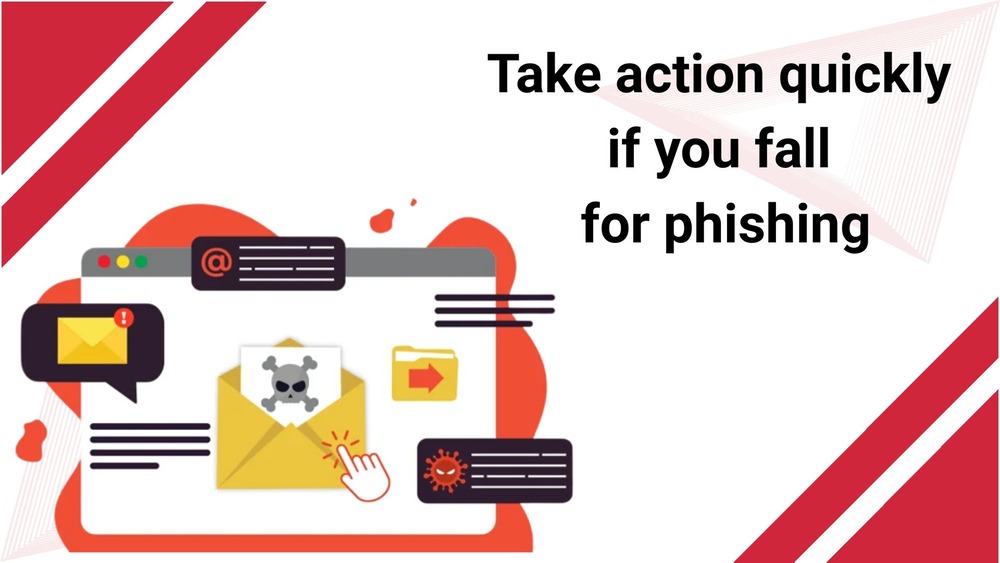
If you suspect you’ve clicked a suspicious link, immediately disconnect from the internet and run a full scan for malware on your device. Then, change all your important passwords immediately and report the attack to your bank or email provider to protect yourself and warn others.
Conclusion
Phishing isn’t going anywhere fast; it remains a huge threat in our online world. But here’s the good news: you can absolutely protect yourself by building smart habits and staying aware. Just remember to be cautious with every email, link, and download that comes your way. Taking a moment to double-check a message before you click or reply can make all the difference.
For organizations, boosting your team’s defenses is crucial. Bringing in a cybersecurity speaker can make a massive impact, offering practical training on spotting scams and staying digitally safe. Platforms like Adivi are fantastic resources for connecting with professionals who specialize in online security and phishing awareness. Because in the end, staying informed is truly one of the most powerful defenses we have against these evolving threats.
FAQ’s
So, how can I tell if an email is actually a phishing scam?
Keep an eye out for tell-tale signs like awkward spelling, messages that try to rush you into action, or any links that look a bit strange. When in doubt, don’t click anything in the email; instead, go directly to the company’s official website and login there to verify.
Can my phone fall victim to phishing too?
Absolutely! Phishing isn’t just for computers. You can receive sneaky phishing links via text messages (SMS) or even through messaging apps, and clicking them can install malware on your phone or steal your login details just as easily.
Is having antivirus software enough to protect me from phishing?
Antivirus is a great layer of defense, but it’s not a magic bullet. Your personal awareness is truly your best protection. You still need to be super careful about which links you click and what personal information you share online.
What’s the first thing I should do if I accidentally click a phishing link?
Don’t panic, but act fast! Immediately run a thorough antivirus scan on your device, change all your passwords (especially for critical accounts), and report the incident to your bank or email provider right away.