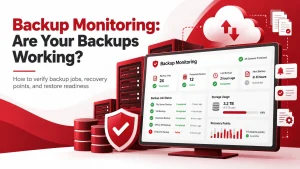
You go to retrieve a file. Maybe it’s a client project or family photos. And it’s gone. The backup failed, or worse, wasn’t there to begin with. It happens more than you might expect. And when it does, the damage goes beyond lost data. You risk downtime, missed deadlines, and broken trust.
This guide explains why backups fail and offers tips on how to prevent them. You’ll learn what to look for, how to spot weak links, and how to set up a backup plan that actually works when you need it.
Start building a system that won’t let you down when it matters most.
Key Takeaways
- Human errors and technical failures are common causes of backup issues.
- Regular testing and monitoring ensure backup reliability.
- Adequate storage and updated systems prevent capacity-related failures.
- Protect backups from cybersecurity threats through isolation and security measures.
- A comprehensive backup strategy is essential for data integrity.
Human Error Is a Leading Cause of Backup Failure
Sometimes, our slip-ups are the biggest problem; mistakes like misconfigurations or forgetting to check a backup can lead to a useless safety net. Even minor oversights can result in massive data loss precisely when you desperately need to get your files back.
Better training and clear steps can dramatically reduce these errors. Plus, letting automated backup systems handle the heavy lifting can almost eliminate the chance of human mistakes.
Hardware and Software Issues Can Disrupt Backups
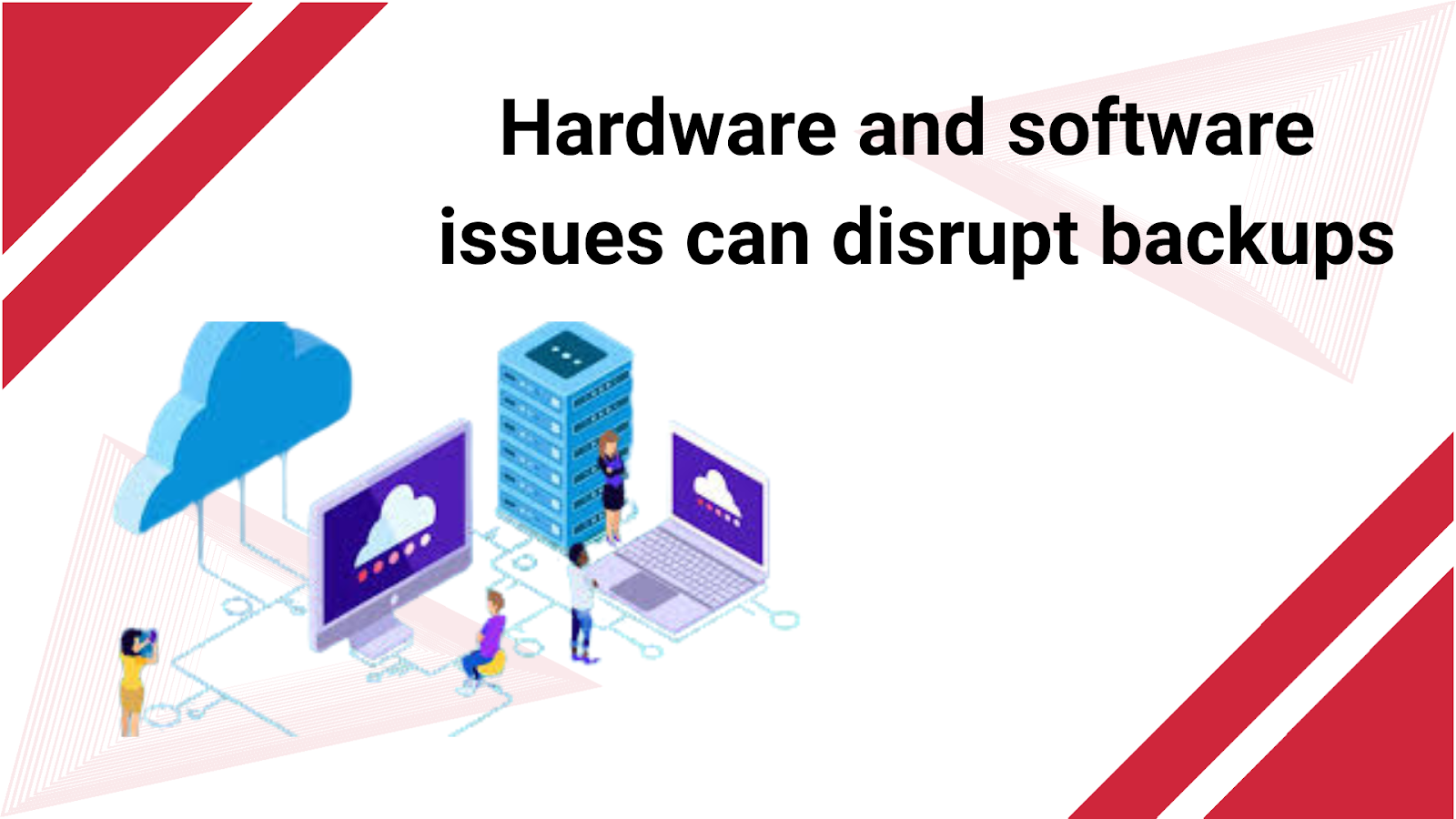
It’s not always human error; failing hard drives, corrupted storage, or outdated software can silently ruin your backups. These technical glitches often go entirely unnoticed until the day you try to recover your data and realize it’s gone.
To prevent this, routine maintenance and keeping all your hardware and software up-to-date are essential. Good monitoring tools can also flag potential issues early, stopping them from compromising your precious backups.
Untested Backups Are Unreliable
Just assuming your backups are working without checking them is a huge gamble. Without regular testing, you might only discover your backups are incomplete or corrupted when you desperately need them.
To avoid this, schedule periodic restoration tests; this simple practice confirms that your backup data is intact and ready when needed.
Running Out of Space Harms Backups

Discovering you’ve run out of storage mid-backup can cause the process to fail or skip crucial files. As your data grows, you must constantly reassess your storage needs to handle the increasing volume.
Implementing scalable storage solutions and regularly monitoring usage can prevent these capacity headaches. Cloud-based storage is often a great, flexible option that expands as needed.
Cybersecurity Threats Target Backups Too
Nasty malware and ransomware attacks can easily encrypt or delete your backup files, making them useless. Backups directly connected to infected systems are particularly vulnerable to these digital attacks.
Keep your backup systems isolated from your primary network and use strong security measures, such as updated antivirus software and regular security audits.
No Plan Means High Risk
Critical data can be overlooked or stored improperly without a clear, well-defined backup strategy. Relying on a casual, ad hoc approach almost always leads to inconsistent and unreliable backups.
Develop a structured backup policy that spells out procedures, responsibilities, and schedules, then ensure everyone on your team understands and follows this strategy.
Conclusion
Data backup failures are a seriously tough pill to swallow, but here’s the good news: knowing why they happen means you’re already halfway to preventing them. By tackling those pesky human errors, sorting out any technical hiccups, and fending off cyber threats, you can truly supercharge the reliability of your backups.
If you’re feeling overwhelmed or just want to ensure your digital safety net is foolproof, don’t hesitate to call in the pros. Companies like Adivi specialize in this stuff, and their expertise in data management can be a game-changer, helping you design and maintain a backup system that keeps your critical information safe and sound.
FAQ’s
What’s usually the biggest reason why data backups fail?
Honestly, it often comes down to us! Human error, such as setting something up wrong or forgetting to check if a backup finished, is a common culprit behind failed backups.
How often should I test my backups?
Think of it like a fire drill for your data: it’s an excellent idea to test your backups regularly, maybe once a month or at least every three months, to ensure you can get your data back if needed.
Can using cloud storage prevent my backups from failing?
Cloud storage can be a fantastic, flexible way to back up your data, but it’s not a magic shield; you still need to ensure you have good security and monitoring practices in place.
What can I do to protect my backups from those nasty cyber threats?
To keep your backups safe from online thieves, isolate them from your central systems, use strong encryption, and constantly update your security software and protocols.
Why is having a solid backup strategy such a big deal?
A clear, well thought out backup strategy is crucial because it ensures your data is consistently protected, dramatically lowering the risk of losing important information when unexpected things happen.