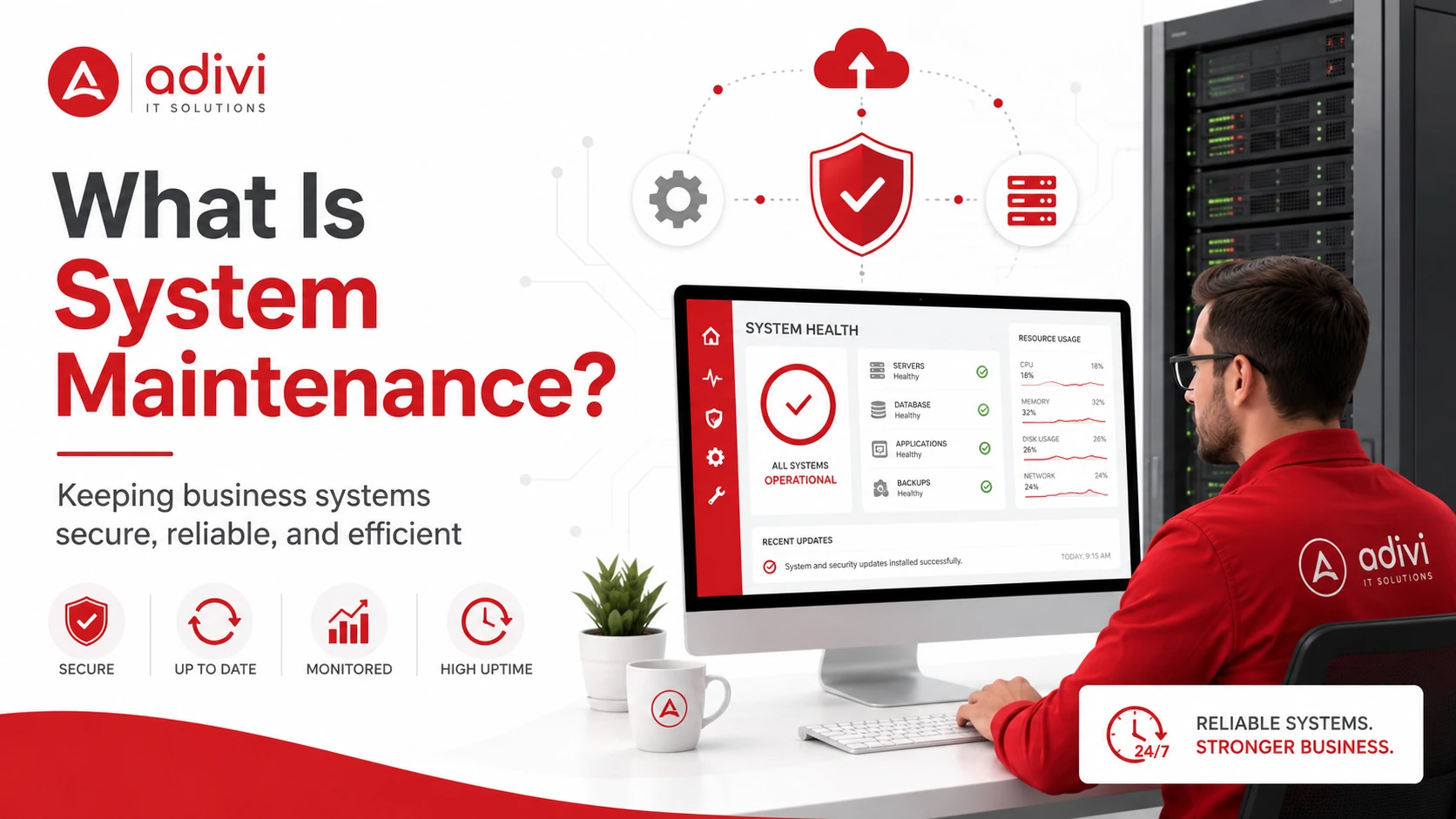
System maintenance is the process of inspecting, updating, monitoring, and repairing computer systems to keep them secure, reliable, and efficient.
It covers the computers, servers, software, networks, and other technology a business relies on each day. Regular maintenance helps reduce downtime, address security risks, and prevent minor technical issues from becoming larger problems.
Key Takeaways
- System maintenance keeps business technology operating properly.
- Four common types of system maintenance are preventive, corrective, adaptive, and perfective maintenance.
- Common tasks include updates, monitoring, backup checks, and technical repairs.
- Maintenance can improve reliability, security, and system performance.
- Some tasks run continuously, while others follow a regular schedule.
Types of System Maintenance
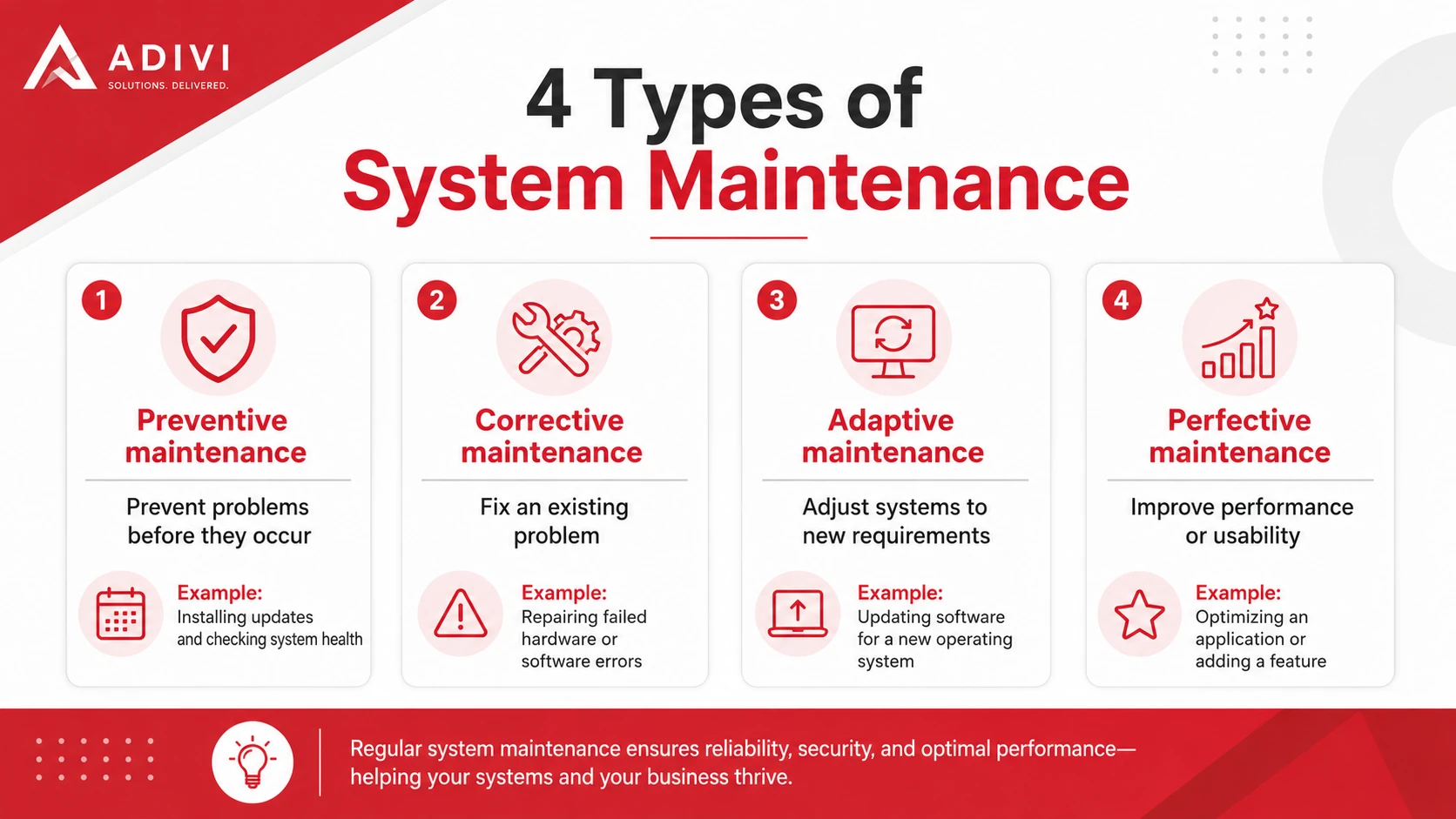
| Type | Purpose | Example |
| Preventive maintenance | Prevent problems before they occur | Installing updates and checking system health |
| Corrective maintenance | Fix an existing problem | Repairing failed hardware or software errors |
| Adaptive maintenance | Adjust systems to new requirements | Updating software for a new operating system |
| Perfective maintenance | Improve performance or usability | Optimizing an application or adding a feature |
Common System Maintenance Tasks
System maintenance usually includes:
- Installing software and security updates
- Monitoring system performance
- Checking hardware and storage capacity
- Scanning for security threats
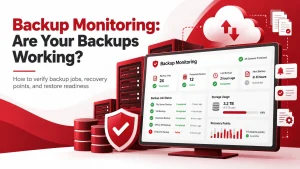
- Verifying backups
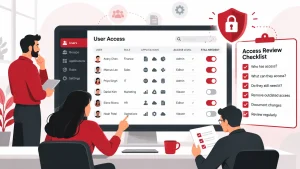
- Reviewing user access
- Fixing technical issues
Businesses without an internal IT team may use managed IT services to handle these tasks consistently.
Why Is System Maintenance Important?
Improves Performance and Reliability
Routine maintenance helps identify slow applications, storage shortages, software errors, and equipment problems. Addressing these issues early can keep systems operating more consistently.
Strengthens Security
Installing patches and removing unsupported software can reduce exposure to known vulnerabilities. Regular access reviews and security checks also help protect business systems and data.
Organizations requiring broader protection may benefit from professional cybersecurity services.
Reduces Unexpected Downtime
Monitoring can reveal warning signs before a system fails completely. This allows repairs or updates to be scheduled at a less disruptive time.
Extends Equipment Life
Hardware inspections and timely repairs may extend the useful life of computers, servers, and network equipment. They can also reduce the need for emergency replacements.
How Often Should System Maintenance Be Performed?
The right schedule depends on the system, the task, and the level of risk.
Some activities may happen automatically every day, including:
- System monitoring
- Antivirus updates
- Data backups
- Security alerts
Other tasks may be completed monthly, quarterly, or annually, such as hardware inspections, access reviews, recovery testing, and capacity planning.
Urgent security updates should be reviewed promptly. Larger updates should be scheduled during a planned maintenance window whenever possible to minimize disruption.
Simple System Maintenance Checklist
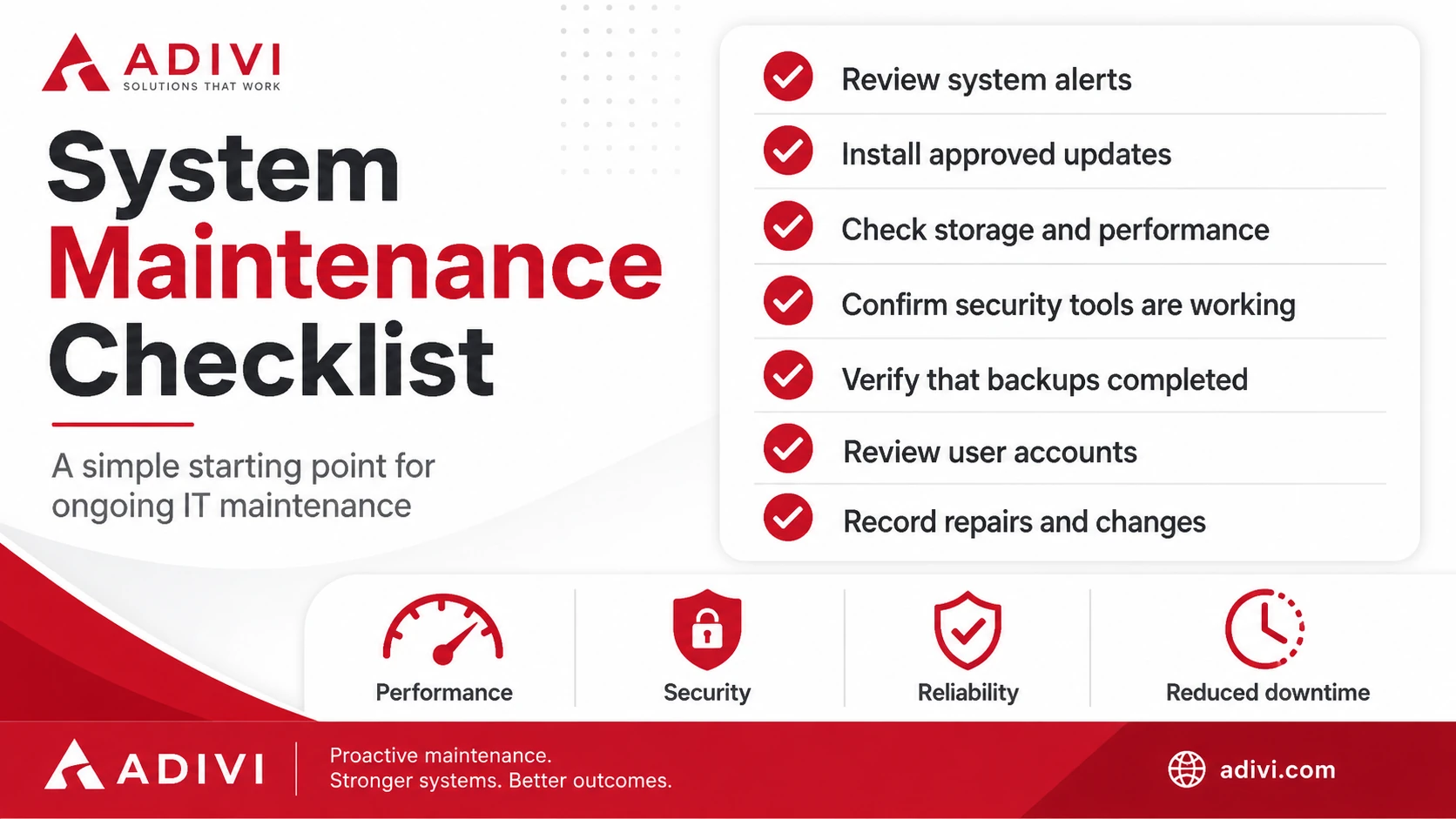
Use this checklist as a starting point:
- Review system alerts
- Install approved updates
- Check storage and performance
- Confirm security tools are working
- Verify that backups completed
- Review user accounts
- Record repairs and changes
The checklist should be adjusted according to the systems your business uses and the importance of each service.
System Maintenance Best Practices
Follow a Schedule
Create a clear maintenance calendar for updates, backup checks, hardware inspections, and access reviews.
Prioritize Critical Systems
Business-critical systems and urgent security issues should receive attention before low-risk devices or minor performance concerns.
Test Important Changes
Test major updates and configuration changes before applying them across the organization whenever possible.
Verify Backups
Do not assume that a completed backup can be restored successfully. Test selected files and systems regularly.
A reliable data backup and disaster recovery solution can help protect essential information and support recovery after data loss or system failure.
Document Completed Work
Record what was changed, when the work was completed, and whether additional action is required. Clear records make future troubleshooting easier.
Keep Your Business Systems Reliable
System maintenance involves more than fixing equipment after it fails. Businesses need regular monitoring, planned updates, security checks, reliable backups, and timely technical support.
Adivi can help monitor and maintain your computers, servers, networks, software, and security tools through ongoing managed IT support.
Contact Adivi to discuss your system maintenance requirements.
Frequently Asked Questions
What Is System Maintenance?
System maintenance is the routine process of inspecting, updating, monitoring, and repairing computers, software, servers, networks, and related technology.
What Are the Four Types of System Maintenance?
The four types are preventive, corrective, adaptive, and perfective maintenance. They focus on preventing problems, fixing faults, adapting to new requirements, and improving existing systems.
How Often Should System Maintenance Be Performed?
Some tasks, such as monitoring and backups, may run daily. Other activities, including hardware inspections and access reviews, may be completed monthly, quarterly, or annually.
Can System Maintenance Prevent Cyberattacks?
System maintenance can reduce cybersecurity risk by applying updates, removing unsupported software, checking security tools, and reviewing access permissions. It should still be part of a broader cybersecurity strategy.