Reliable technology supports nearly every part of a modern business. Employees depend on computers, networks, cloud applications, email, file storage, and communication systems to complete their daily work.
When these systems are not properly maintained, businesses may experience slow performance, recurring technical problems, security risks, and unexpected downtime.
Professional IT services help companies manage technology more effectively. Support may include system monitoring, technical assistance, cybersecurity, cloud management, data backup, and long-term technology planning.
The main benefits of IT services include fewer disruptions, faster support, stronger security, more predictable costs, and technology that can adapt as the business grows.
What Are IT Services?
IT services are professional services that help a business plan, manage, maintain, secure, and support its technology.
These services may cover:
- Computers and mobile devices
- Servers and business networks
- Cloud platforms
- Business applications
- Communication systems
- Cybersecurity tools
- Data backups
- Technical support
IT services can be provided by an internal IT department, an external provider, or a combination of both.
Some businesses use an IT provider for individual projects, such as a network upgrade or cloud migration. Others use ongoing managed IT services for continuous monitoring, maintenance, security, support, and technology planning.
Common Types of Business IT Services
The services a company needs will depend on its size, industry, technology environment, and security requirements.
IT Help Desk Support
An IT help desk gives employees a central place to report technical problems and request assistance.
Support teams may help with password issues, software errors, printer problems, email access, slow computers, application questions, and network connectivity.
Proactive Monitoring and Maintenance
Monitoring tools help identify system problems before they cause a larger disruption.
Proactive maintenance may include software updates, patch management, storage monitoring, system health checks, and device maintenance.
Cybersecurity Services
Cybersecurity services help protect business systems, networks, accounts, and data from unauthorised access and cyber threats.
Support may include endpoint protection, email security, firewalls, multifactor authentication, vulnerability management, security monitoring, and employee training.
Cloud Computing Services
Cloud services allow businesses to access applications, files, computing resources, and collaboration tools through the internet.
An IT provider can help select, configure, secure, and manage cloud platforms based on the company’s operational needs.
Data Backup and Disaster Recovery
Backup services create protected copies of important business information.
Disaster recovery services help restore files, applications, and systems following hardware failure, accidental deletion, cyberattacks, or other disruptions.
Network Management
Network management covers the systems that connect computers, servers, printers, wireless devices, and internet services.
It may include router and firewall management, Wi-Fi configuration, network monitoring, and troubleshooting.
IT Consulting and Planning
IT consulting helps businesses make informed technology decisions.
This may include budgeting, infrastructure planning, software selection, security assessments, hardware replacement schedules, and long-term technology roadmaps.
Benefits of IT Services
| Benefit | Potential business impact |
| Reduced downtime | Fewer interruptions and more reliable systems |
| Faster technical support | Employees can return to work sooner |
| Stronger cybersecurity | Reduced exposure to common cyber threats |
| Better backup and recovery | Faster restoration after data loss |
| Predictable IT costs | Easier budgeting and fewer surprise expenses |
| Specialised expertise | Access to a broader range of technical skills |
| Greater scalability | Technology can adapt as the business changes |
| Improved productivity | Fewer technical barriers and more efficient workflows |
| Secure remote work | Safer access to files and applications |
| Compliance support | Better documentation and security controls |
| Strategic planning | Technology decisions can support business goals |
| Greater business focus | Internal teams spend less time managing IT problems |
1. Reduced Downtime
Downtime can prevent employees from accessing files, applications, email, phones, or other systems required for daily operations.
Professional IT services can reduce downtime through ongoing monitoring, regular maintenance, software updates, and early problem detection.
Instead of waiting for a computer, server, or network to fail, an IT provider can identify warning signs and address smaller issues before they become serious disruptions.
Proactive support may include monitoring device health, managing software patches, reviewing storage capacity, checking backup status, and identifying ageing hardware.
Not every technical failure can be prevented. However, proactive IT support can help prevent downtime and improve recovery when an interruption occurs.
2. Faster Technical Support
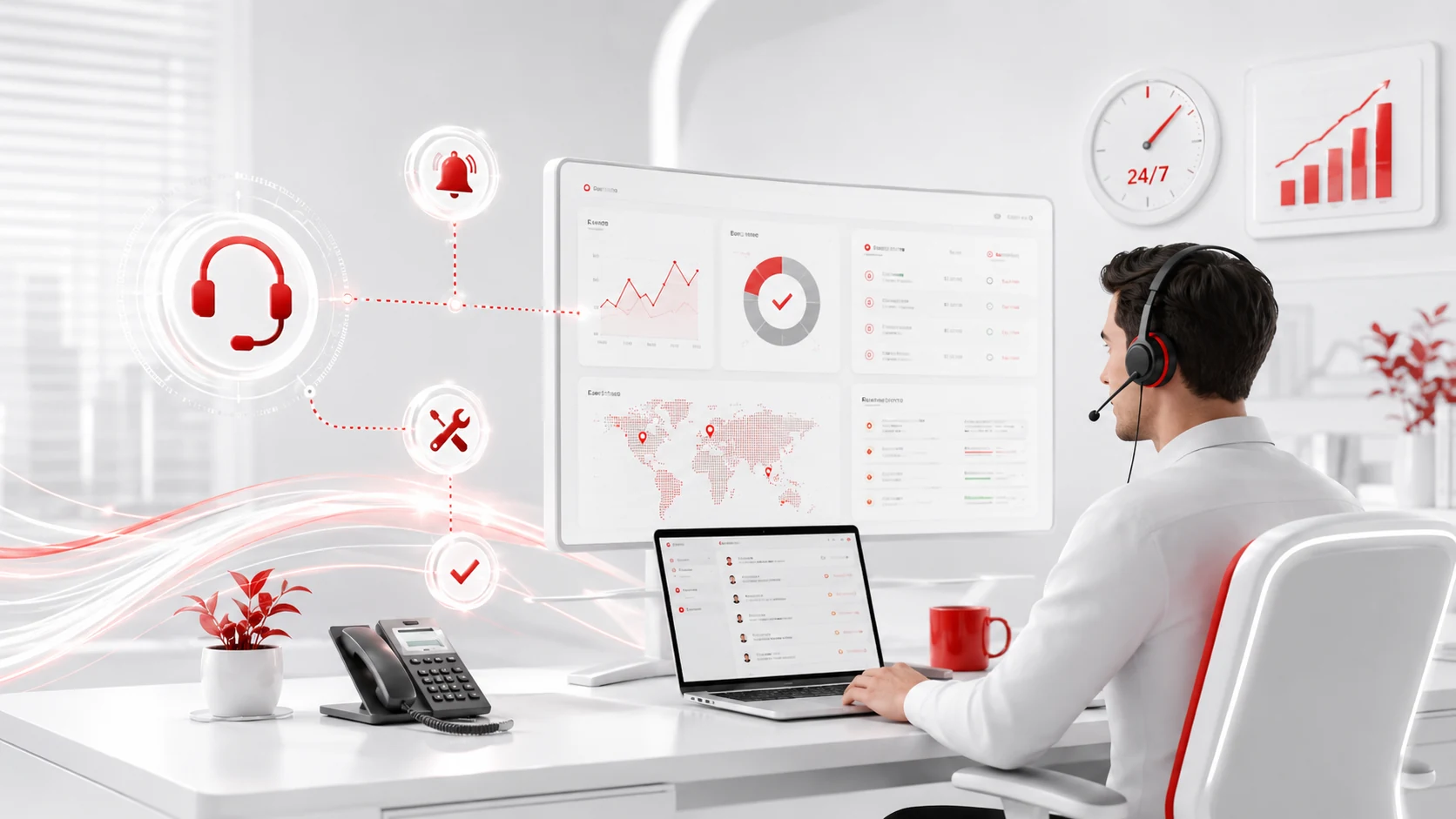
Technical problems can quickly affect productivity when employees do not know where to get help.
An IT help desk provides a defined process for reporting, prioritising, tracking, and resolving technical issues.
Employees may receive support with:
- Forgotten passwords
- Email access
- Software errors
- Network connectivity
- Printer problems
- Slow computers
- File permissions
- Device setup
A structured ticketing process also helps prevent requests from being missed. It creates a record of recurring issues and allows the IT team to identify problems that may require a long-term solution.
Faster support does more than resolve the immediate issue. It can reduce frustration and help employees return to productive work sooner.
3. Stronger Cybersecurity
Businesses of every size face risks from phishing, stolen passwords, malware, ransomware, unpatched software, and unauthorised account access.
IT services can help businesses establish several layers of security instead of relying on one product.
These safeguards may include endpoint protection, email filtering, firewall management, multifactor authentication, access controls, security updates, data encryption, and employee awareness training.
The NIST Cybersecurity Framework 2.0 helps organisations understand, assess, and manage cybersecurity risk. Its small-business guidance treats cybersecurity as an ongoing business responsibility rather than a one-time technical project.
Professional cybersecurity services can help a business identify weaknesses, prioritise safeguards, and respond more effectively when suspicious activity occurs.
No cybersecurity provider can eliminate every threat. However, suitable controls can reduce exposure and help the business detect, contain, and recover from incidents more effectively.
4. Better Data Backup and Recovery
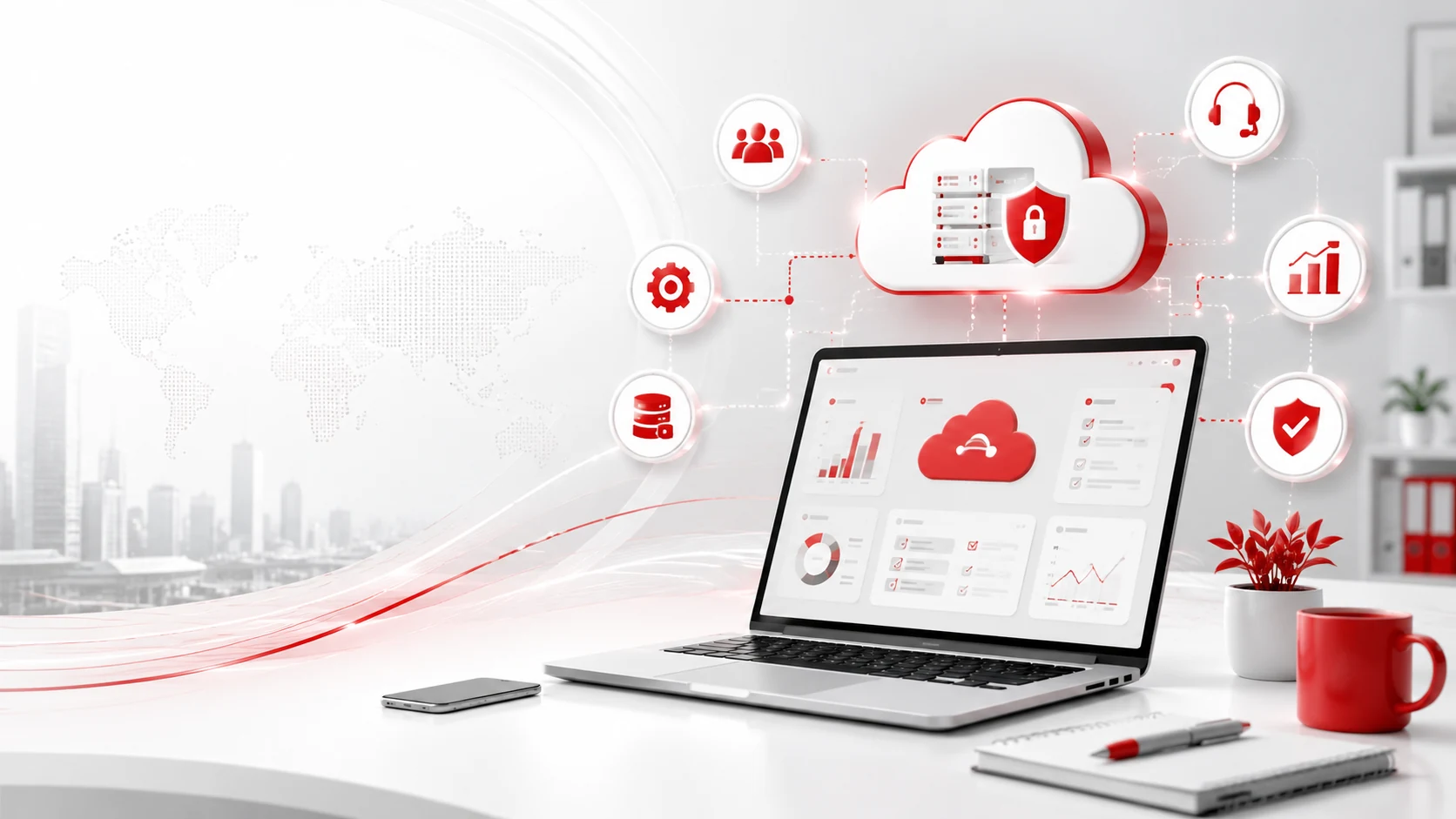
Business data can be lost through accidental deletion, hardware failure, software problems, cyberattacks, theft, or physical damage.
IT services can help establish a backup strategy that protects important information and makes it recoverable, while professional data recovery in Naperville can help businesses retrieve critical data when backups are unavailable or insufficient.
A reliable backup process should identify:
- Which information must be protected
- How frequently backups should run
- Where copies will be stored
- Who can access them
- How long data should be retained
- How quickly systems must be restored
- How recovery procedures will be tested
The Cybersecurity and Infrastructure Security Agency recommends following the 3-2-1 backup rule. Keep three copies of important data on two different types of storage, with one copy stored off-site.
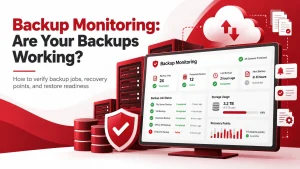
A professional backup and disaster recovery service can also monitor whether backups complete successfully. This matters because a backup provides little protection if the information cannot be restored.
5. More Predictable IT Costs
Reactive IT support often creates unpredictable expenses. A business may face emergency repair costs, urgent hardware replacement, recovery work, or unexpected consultant fees after a problem occurs.
Managed IT services usually provide an agreed service scope under a recurring pricing structure. This can make routine IT spending easier to forecast.
Depending on the agreement, the monthly service may include help desk support, system monitoring, maintenance, patch management, security tools, backup monitoring, vendor coordination, and technology planning.
A managed service plan does not mean every technology expense is included. Hardware purchases, software licences, major projects, and out-of-scope work may still involve separate costs.
Businesses should review the service agreement carefully to understand what is included, what is excluded, and how additional work is priced.
6. Access to Specialised Expertise
Small and midsize businesses may not need or have the resources to maintain a large internal IT department.
However, their technology environment may still require knowledge of networking, cybersecurity, cloud computing, Microsoft 365, data backup, servers, hardware, and business applications.
An external IT provider gives the business access to a broader team of technical professionals.
This can be useful when a problem requires specialised knowledge. Instead of depending on one employee to understand every system, the business can draw on the skills of several professionals.
An IT provider may also coordinate with software companies, internet providers, telecommunications vendors, and other technology partners when a problem involves more than one system.
7. Greater Scalability
Technology needs change as a business grows.
A company may add employees, open another location, introduce new applications, increase storage requirements, or allow more people to work remotely.
IT services can help prepare systems for these changes.
Support may include adding users and devices, expanding cloud storage, improving wireless coverage, adjusting software licences, increasing backup capacity, strengthening access controls, and connecting multiple offices.
Without planning, rapid growth can lead to inconsistent systems, unnecessary costs, and security gaps.
An IT provider can help the business choose technology that supports current needs while leaving room for future expansion.
8. Improved Employee Productivity
Employees lose productive time when they repeatedly encounter slow systems, unreliable networks, software errors, and unresolved support requests.
IT services can improve productivity by reducing these technical obstacles.
This may involve maintaining devices, improving network performance, standardising software, automating repetitive processes, simplifying user access, and integrating business applications.
Technology should support employees rather than make their work more difficult.
An IT provider can review recurring complaints and support tickets to identify underlying issues. Fixing the cause of a repeated problem is usually more valuable than continuing to address the same symptom.
9. More Secure Remote Work
Remote and hybrid employees need secure access to company applications, files, communication platforms, and other resources.
IT services can help businesses support remote work without giving employees unnecessary access or weakening security.
Remote-work support may include managed laptops, multifactor authentication, device encryption, endpoint protection, access permissions, secure cloud applications, and remote technical support.
Cloud platforms can also help employees work on current versions of documents and collaborate without sending multiple copies through email.
Adivi’s managed IT services can help businesses configure remote access, manage user permissions, and protect company information across locations and devices.
10. Support for Compliance and Risk Management
Businesses in regulated industries may need to follow requirements related to privacy, financial information, health information, record retention, or cybersecurity.
IT services can help establish and document technical controls that support these requirements.
Examples include:
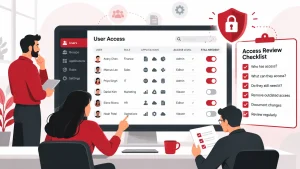
- Access controls
- Multifactor authentication
- Encryption
- Security logging
- Data-retention policies
- Backup procedures
- Patch management
- Device inventories
- Incident-response plans
Using an IT provider does not automatically make a business compliant.
Legal and regulatory compliance may involve technology, policies, contracts, documentation, employee procedures, and legal guidance. The company remains responsible for understanding the requirements that apply to its operations.
An IT provider should work with company leadership, legal counsel, compliance professionals, and other advisers when necessary.
11. Better Technology Planning
Technology decisions can affect costs, productivity, security, and long-term growth.
Without a clear plan, businesses may purchase systems that do not work together, keep outdated equipment for too long, or invest in tools they do not fully use.
Strategic IT planning connects technology decisions with business objectives.
An IT plan may address current system weaknesses, security priorities, hardware replacement, software licensing, cloud adoption, technology budgets, business growth, and vendor contracts.
An IT provider can also help evaluate whether a new product solves a genuine business problem.
The goal is not to adopt every new technology. It is to select tools that are secure, manageable, and suitable for the company.
12. More Time to Focus on the Business
Business owners and employees should not have to spend large portions of their day troubleshooting technology.
When IT responsibilities are unclear, staff members may be pulled away from their primary roles to reset accounts, repair devices, communicate with vendors, or investigate network problems.
Professional IT services give the business a defined team for managing these responsibilities.
This allows internal staff to focus on serving customers, managing employees, improving operations, generating revenue, and planning business growth.
Technology problems will still occur. The advantage is that the business has a clear support process and a qualified team ready to respond.
IT Services vs. Managed IT Services
IT services is a broad term covering professional technology support, consulting, projects, and management.
Managed IT services are a specific type of ongoing IT service.
| Traditional IT services | Managed IT services |
| May be used for individual projects | Provides ongoing support and management |
| Often responds after a problem occurs | Includes proactive monitoring and maintenance |
| Costs may vary by project or incident | Usually follows a recurring pricing model |
| May cover one technology area | Can cover several parts of the IT environment |
| May include limited ongoing planning | Often includes long-term technology guidance |
A business may use both models.
For example, it may hire an IT company for a one-time cloud migration and then use managed IT services to support the new environment.
Businesses comparing these options can also review the differences between IT consulting and managed services.
When Should a Business Consider IT Services?
Your business may benefit from professional IT services when:
- Employees experience recurring technical problems
- IT issues regularly interrupt work
- Software and security updates are delayed
- No one checks whether backups are working
- Employees use personal accounts for company files
- Security responsibilities are unclear
- The company is adding staff or locations
- Remote employees have access problems
- Technology costs are difficult to predict
- One employee is responsible for every IT system
- The existing IT team needs additional support
- The business lacks a documented technology plan
A company does not need to wait for a major outage or cyber incident before seeking support.
Reviewing the IT environment early can help identify risks and priorities before they become more expensive problems.
How to Choose an IT Service Provider
The right provider should understand both technology and the operational needs of your business.
Review the Service Scope
Ask which systems, users, locations, and services are included.
The agreement should clearly explain what the provider will manage and what remains the company’s responsibility.
Understand the Support Process
Review how employees request help, how issues are prioritised, and when support is available.
Ask whether the provider offers remote support, onsite assistance, emergency support, or a combination of these options.
Examine Its Cybersecurity Practices
An IT provider may have significant access to your systems and information.
Ask how it protects administrative accounts, manages employee access, secures remote tools, monitors threats, and responds to security incidents.
The Cybersecurity and Infrastructure Security Agency provides guidance to help small and midsize businesses assess technology vendors and managed service providers.
Confirm Backup and Recovery Responsibilities
Determine whether the provider manages backups, monitors failed jobs, tests recovery procedures, and documents restoration responsibilities.
Do not assume backup and disaster recovery are included unless they appear clearly in the service agreement.
Ask About Reporting and Documentation
A reliable provider should maintain useful documentation about your systems, devices, software, vendors, configurations, and recovery information.
Regular reporting can also help the business understand support trends, security concerns, and upcoming technology needs.
Review Pricing and Contract Terms
Review the pricing model, agreement length, cancellation terms, additional charges, and services excluded from the monthly fee.
The lowest price may not provide the level of coverage, security, or response the business requires.
Frequently Asked Questions
What Are the Main Benefits of IT Services?
The main benefits include reduced downtime, faster technical support, stronger cybersecurity, reliable backups, more predictable costs, and access to specialised expertise.
IT services can also improve productivity, remote work, risk management, and long-term technology planning.
How Can IT Services Improve Productivity?
IT services can improve productivity by maintaining reliable systems, resolving technical issues quickly, and reducing recurring problems.
They can also improve access to applications, automate routine processes, and help employees use suitable technology.
Can IT Services Reduce Business Costs?
IT services can make technology spending more predictable and may reduce costs associated with downtime, emergency repairs, inefficient systems, and maintaining a large internal IT department.
Actual savings will depend on the company’s needs, service agreement, and existing technology environment.
How Do IT Services Improve Cybersecurity?
IT services can implement and manage safeguards such as multifactor authentication, endpoint security, firewalls, software updates, access controls, email protection, monitoring, and employee training.
No provider can eliminate every cybersecurity risk. However, these controls can reduce exposure and improve incident response.
What Is the Difference Between IT Support and Managed IT Services?
IT support often focuses on resolving individual technical problems.
Managed IT services usually provide ongoing monitoring, maintenance, security, support, documentation, and technology planning under a recurring agreement.
Are Managed IT Services Worth the Cost?
Managed IT services may be worthwhile when a business relies heavily on technology, experiences recurring support issues, lacks internal expertise, or needs more consistent security and maintenance.
The value depends on the provider’s service scope, response quality, pricing, and alignment with the company’s needs.